Your champion loved the demo. The rest of the buying committee never saw it. That is not a qualification problem. It is a product-access problem.
According to TrustRadius (2024), 71% of B2B buyers who used demos said those demos were the most influential resource they consulted during evaluation. Yet most sales teams still rely on a single live call to deliver that proof, then hope the champion can re-explain the product to six colleagues who were not in the room.
The best B2B demo software changes that equation. It lets buyers experience the product between meetings, helps reps personalize follow-up at scale, gives SEs a way to support technical validation without running the same demo every week, and feeds engagement data back to RevOps so the team knows who is actually interested. This guide covers what that software category includes, how the tools compare, and which ones fit different demo motions in 2026.
What's inside
This guide compares 9 B2B demo software tools for 2026. It is written for sales organizations spanning SDRs, AEs, SEs, enablement managers, and RevOps leaders. Tools were selected and evaluated on four criteria:
- Demo format fit: Does the tool cover the formats the team actually needs (interactive, sandbox, live, on-demand, agentic)?
- Personalization and buyer autonomy: Can buyers explore at their own pace, and can reps tailor the experience per account?
- Analytics and lead qualification: Does the tool surface who engaged, what they viewed, and where they dropped?
- CRM and GTM workflow fit: Does the tool connect to existing sales infrastructure or create another isolated tab?
Pricing and G2 ratings were verified at drafting time against each vendor's live pages.
TL;DR
- Best overall: Guideflow for B2B sales teams that need interactive demos, sandboxes, demo centers, live demos, and mobile demos in one demo automation platform
- Best for automated webinar-style demos: eWebinar, for teams turning repeat presentations into on-demand sessions with live chat
- Best for live demo data control: Saleo (now part of Consensus), for teams that need polished, account-specific data inside live product demos
- Best for agentic demos: Karumi Agentic Demos, for teams testing AI-led product conversations that answer buyer questions directly
- Best CRM-native demo funnel: Salesforce and HubSpot, for teams managing demo requests, routing, and follow-up inside their existing CRM
- Best enterprise marketing automation: Marketo, for scoring and nurturing demo intent at scale
What is B2B demo software?
B2B demo software helps sales and go-to-market teams create, personalize, deliver, and measure product demonstrations for business buyers across the sales cycle.
The category covers several distinct formats, and the right tool depends on which format fits your team's motion:
- Interactive demos: Guided, clickable product experiences buyers follow at their own pace, without a rep on the call
- Sandboxes: Open, explorable product replicas where buyers navigate freely and validate specific workflows on their own terms
- Demo centers: Branded hubs that organize multiple demos by persona, use case, product line, or buying stage so multi-stakeholder committees each find what they need
- Live demos: Presenter-led product walkthroughs with structured storytelling, real-time personalization, and engagement tracking
- Mobile demos: Interactive product experiences optimized for mobile devices and app-first products
- On-demand demos: Pre-recorded or automated video and webinar-style demos for repeatable education at scale
- Agentic demos: AI-led product explanations that respond to buyer questions, qualify leads, and route next steps autonomously
- CRM and marketing automation support: Tools that capture demo requests, score engagement, and trigger follow-up workflows
Key capabilities to evaluate across any of these formats:
- Capture and editing tools for building demo assets without engineering
- Personalization by account, persona, or use case
- Share links, website embeds, and gated access options
- In-demo lead forms and qualification
- Buyer engagement analytics covering impressions, completion rate, leads collected, and conversion
- CRM and marketing automation integrations
- Security controls, access management, and version control
When to use B2B demo software
Let buyers evaluate between calls
B2B buying committees rarely attend the same live meeting. When a champion shares a deck with a technical evaluator or finance lead who was not on the call, the product story often gets lost. Demo software gives champions a shareable product experience, an interactive demo or a sandbox, that the full committee can explore independently. This reduces the number of re-run calls the AE and SE have to schedule, while keeping the product story intact.
Qualify intent before assigning sales resources
Demo engagement data tells you more about buyer interest than a completed form ever will. Tools that track impressions, completion rate, leads collected, and step-level drop-off help SDR managers and RevOps prioritize follow-up based on who actually explored the product, not just who registered. Use this data to decide which accounts warrant SE time and which need more nurture first.
Standardize the product story across the team
Growing sales orgs struggle with messaging drift. A new AE demos a feature the product no longer supports. An SE shows the wrong workflow for the account's industry. Demo software with a shared library, version control, and clear ownership gives the whole team, from new hires to field engineers, the same current product story to work from. This matters especially at product launch and during rapid headcount growth.
B2B demo software comparison
The tools below solve different problems within the demo motion. Some create interactive product experiences. Others automate on-demand presentations, support live demo data control, or handle demo request routing and nurture through CRM and marketing automation workflows. Choose based on where your demo process breaks down today, not on which platform has the longest feature list.
Pricing and G2 ratings were verified against each vendor's live pricing page and G2 listing at drafting time (November 2026).
| # | Product | Best for | Key differentiator | Pricing | G2 rating |
|---|---|---|---|---|---|
| 1 | Guideflow | Full-funnel B2B demo automation | Interactive demos, sandboxes, demo centers, live demos, and mobile demos in one platform | Free; paid from $40/mo | 5.0/5 |
| 2 | Olto | AI-assisted personalized demos | AI demo agents running 24/7 buyer-led product demos | Custom pricing | 4.9/5 |
| 3 | eWebinar | On-demand video demos | Automated webinar-style demos with 25+ interactive elements and live chat | From $99/mo | Not verified |
| 4 | Saleo | Live demo data editing | Real-time data injection into native SaaS products | Custom pricing | Not verified |
| 5 | Demolytics | Demo engagement analytics | Buyer-group analysis and stakeholder discovery within Consensus | Custom pricing | 4.7/5 |
| 6 | Karumi Agentic Demos | Conversational AI demos | AI agent that runs live product demos with voice, chat, and CRM sync | Custom pricing | 4.9/5 |
| 7 | Salesforce | CRM-managed demo workflows | Demo request capture, routing, reporting, and sales automation | Free; paid from $25/user/mo | 4.4/5 |
| 8 | HubSpot | CRM and marketing demo funnels | Forms, scheduling, CRM, email automation, and lead scoring in one GTM platform | Free; paid from $7/seat/mo | 4.4/5 |
| 9 | Marketo | Enterprise demo nurture and scoring | Omnichannel campaign execution with lead scoring and CRM sync | Custom pricing | 4.1/5 |
Best 9 B2B demo software tools for 2026
Each tool below solves a different stage of the demo problem. Pick based on where deals stall today: Pre-call interest, live presentation, technical validation, follow-up, or nurture.
1. Guideflow
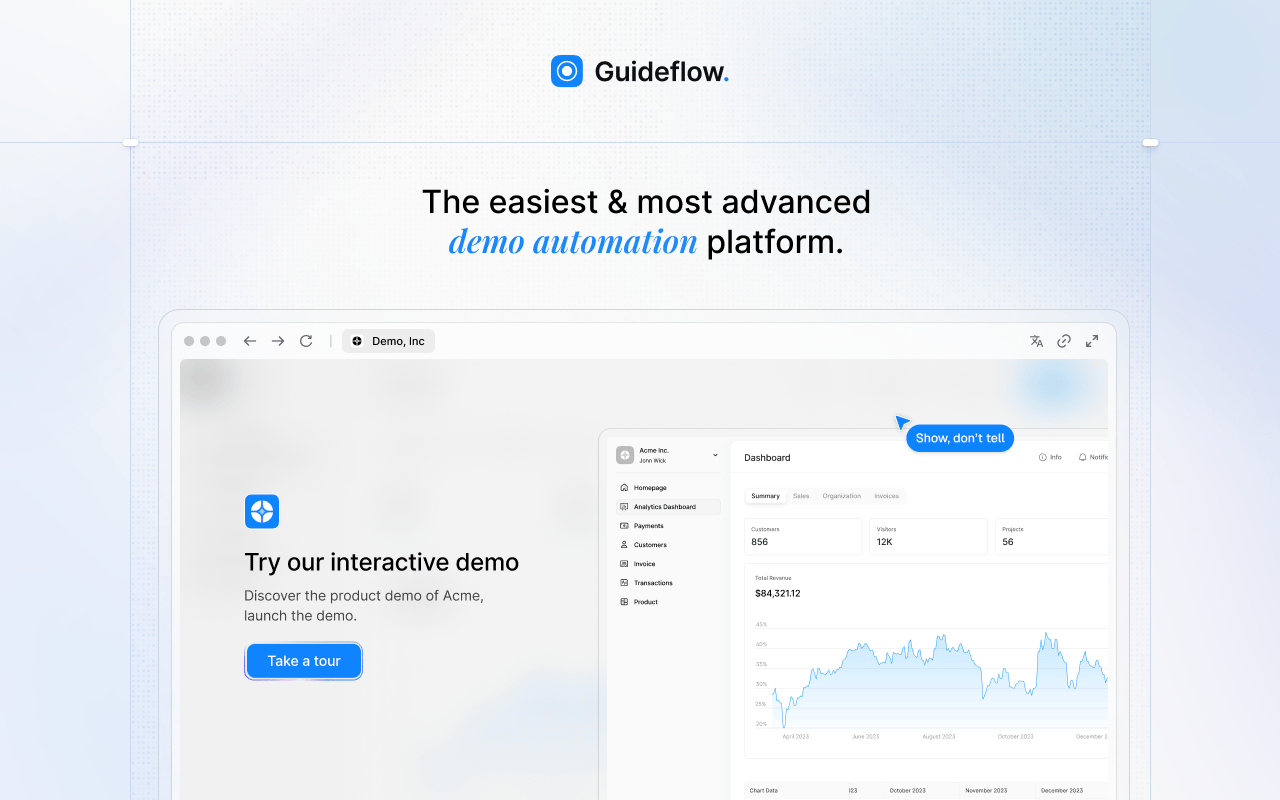
Guideflow is a demo automation platform that lets B2B sales teams create, personalize, share, and measure interactive product experiences across the full buyer journey. Its suite covers five formats: Interactive Demo, Sandbox, Demo Center, Live Demo, and Mobile Demo. SDRs embed demos in outreach to generate qualified interest before the first call. AEs send personalized follow-ups after discovery. SEs use sandboxes to support technical validation without spinning up a live environment. Enablement teams organize demo assets in a Demo Center, and RevOps connects engagement data to CRM scoring and follow-up workflows through Guideflow's integrations.
Best for: Sales teams that need one demo automation platform covering buyer-led exploration, live sales motion, and post-call follow-up with measurable engagement at every stage.
Key features
- Interactive demos: Guided, clickable product experiences at the buyer's own pace
- Sandbox: Open product replica for free exploration and technical validation
- Demo Center: Branded hub organizing demos by persona or use case
- AI features: Auto-generated steps, voiceovers, translations, and content variants
- Analytics: Impressions, completion rate, leads collected, and conversion in real time
Why choose Guideflow: It performs best when the sales team needs the product to keep selling between calls. The personalize capabilities let reps tailor text, images, and data per account, and the analyze layer surfaces which demos drive pipeline so RevOps can act on real buyer intent signals.
Guideflow pricing: Free plan available. Paid plans start at $40/month (Solo), with Startup at $599/month, Advanced at $1,799/month, and Enterprise at custom pricing. All figures from Guideflow's pricing page (November 2026).
G2 rating: 5.0/5
Start your journey with Guideflow today!
2. Olto
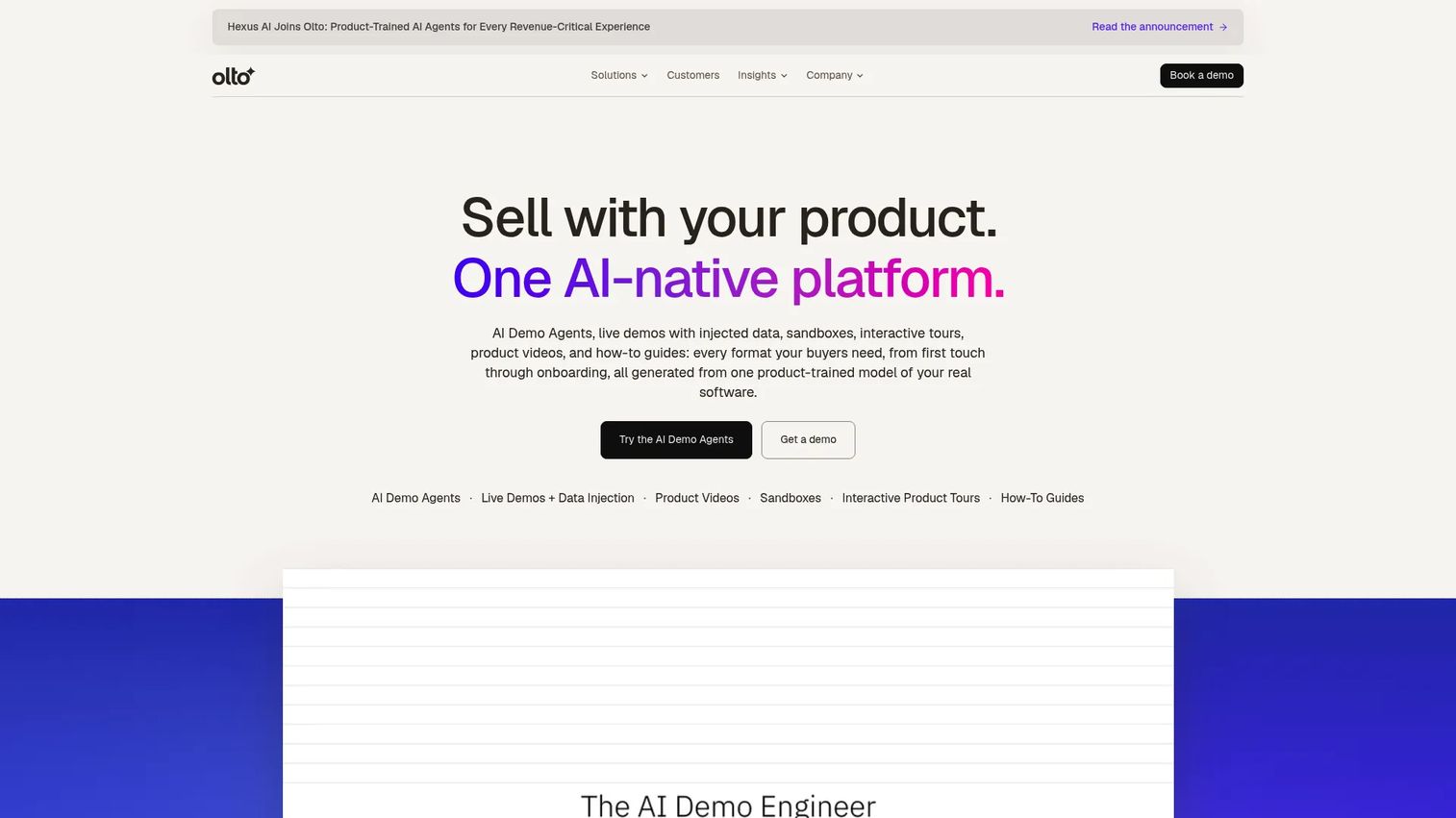
Olto is an AI-native demo platform built for revenue teams that need personalized product demonstrations at scale. Its AI Demo Agents run buyer-led product experiences around the clock, injecting prospect-specific data live during demos and routing qualified buyers to the right next step. The platform also covers product videos, sandboxes, interactive product tours, and how-to guides.
Best for: SaaS revenue teams that want AI to drive buyer-led demo flows and reduce the rep time spent on repetitive early-stage demonstrations.
Key features
- AI Demo Agents: Run personalized demos autonomously, 24/7
- Live data injection: Prospect-specific data loaded into demo environments in real time
- Sandbox and interactive product tours for self-guided exploration
- Product videos and how-to guides for async education
- Demo analytics covering buyer engagement and qualification signals
Why choose Olto: Choose Olto when the team wants AI to play a central role in how buyers navigate product information and ask qualification questions. It fits teams with high demo volume and limited SE capacity, where automation can handle early-stage exploration before reps engage.
Olto pricing: Olto prices by custom quote based on requirements, usage, and customization needs. Contact Olto directly for a tailored proposal.
G2 rating: 4.9/5
3. eWebinar
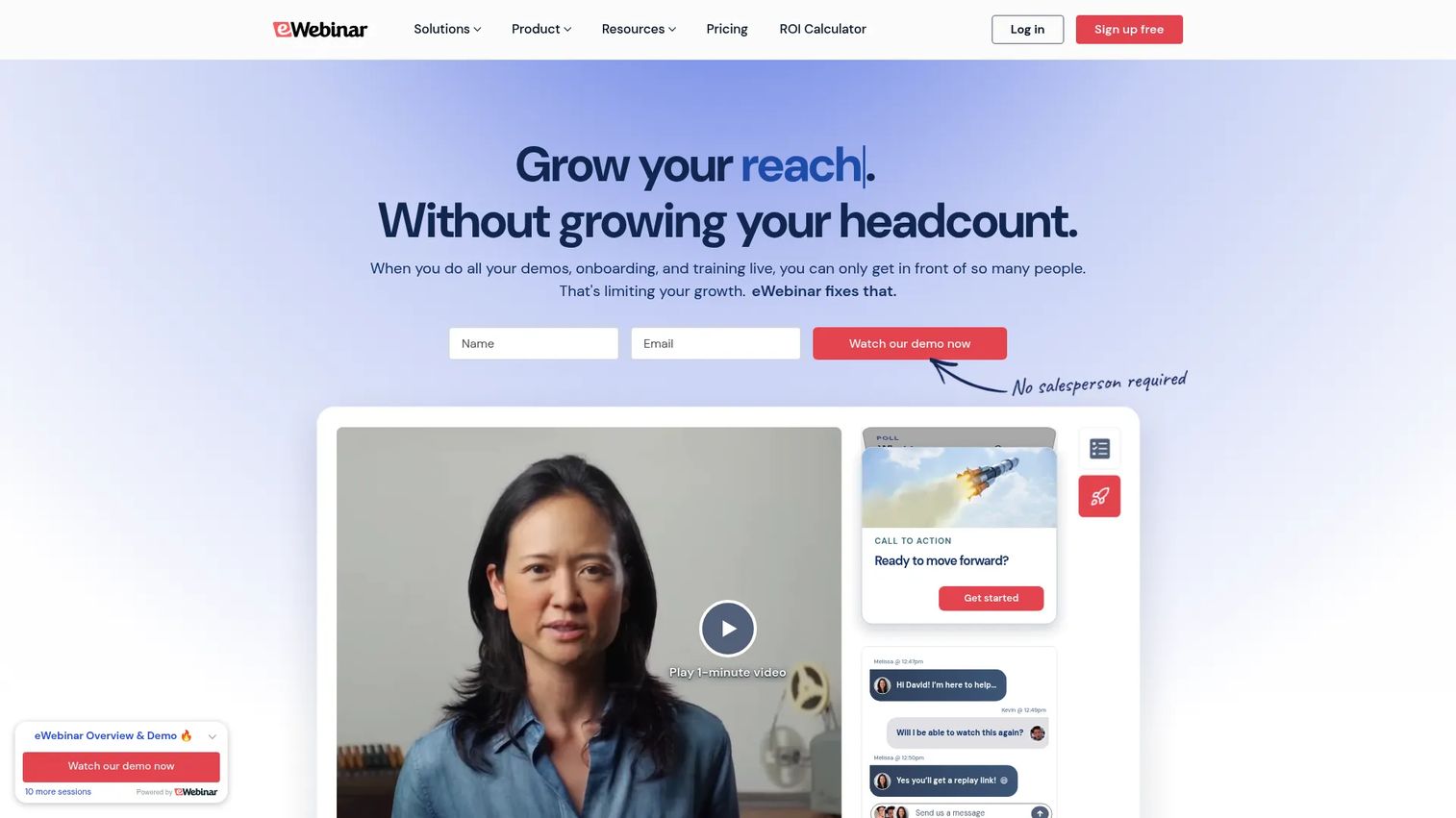
eWebinar is an on-demand video platform that turns recorded presentations into automated webinars with real-time and asynchronous chat, interactive elements, and CRM follow-up. Sales and marketing teams use it to run repeatable demo sessions without scheduling a live presenter each time. Registrants pick a session time that works for them, receive automated reminders, and interact with polls, quizzes, and qualifying questions during the session.
Best for: Sales and marketing teams that run the same educational demo many times and want to scale it without adding presenter hours.
Key features
- On-demand, recurring, and instant-replay scheduling options
- 25+ interactive elements: Polls, quizzes, CTAs, hotspots, and qualifying questions
- Real-time and asynchronous chat with moderator notifications
- Per-attendee analytics covering views, clicks, questions, and responses
- CRM integrations and automated follow-up sequences
Why choose eWebinar: Choose eWebinar when the demo format is closer to a presentation than an explorable product experience. It excels at scaling one-to-many education, particularly for product overviews, feature walkthroughs, or customer onboarding sessions that repeat on a weekly or monthly cadence.
eWebinar pricing: Plans start at $99/month (Level 1, up to 1 active eWebinar and 1,000 registrants/month). Level 2 is $199/month (up to 5 active eWebinars, 3,000 registrants). Level 3 is $299/month (up to 15, 5,000 registrants). Enterprise pricing requires contacting sales. A 14-day free trial is available across all paid tiers.
4. Saleo
Saleo is a live demo platform that injects prospect-specific data directly into a company's native SaaS product without touching production environments. Sales reps show polished, account-relevant data inside the actual product UI, rather than a sandboxed replica or a scripted tour. Saleo has been integrated into Consensus, and its live demo technology now operates as part of the Consensus platform.
Best for: Sales teams that run live product demos and need the data shown to feel specific to each prospect's industry, company size, or use case.
Key features
- Real-time data injection into native SaaS product UIs
- No-code demo personalization for account-specific views
- Interactive product tours alongside live demo support
- AI Demo Agent for autonomous demo delivery
- Demo analytics and engagement tracking
Why choose Saleo: Choose Saleo when the team's main demo challenge is data quality during live calls, specifically showing numbers, workflows, and records that make sense for the prospect's context. It reduces the prep time reps spend cleaning up demo environments before each call.
Saleo pricing: Saleo operates under Consensus following its acquisition, and pricing is quote-based. Contact Consensus directly for current plan details.
5. Demolytics
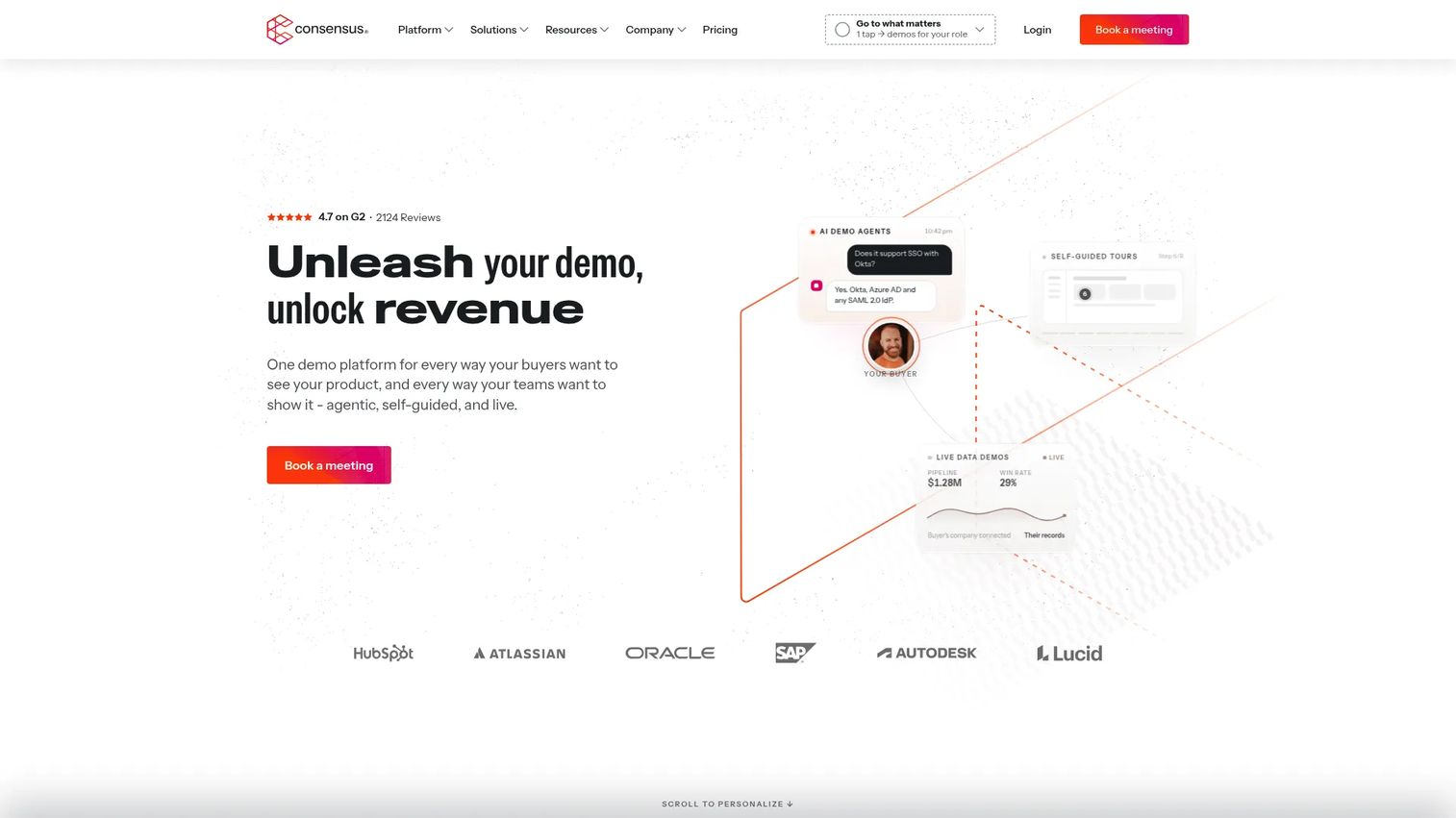
Demolytics is the demo intelligence capability within the Consensus platform, built to analyze buyer engagement and identify the stakeholders involved in an evaluation. Rather than tracking individual viewer sessions in isolation, Demolytics maps engagement across the full buying group so revenue teams can see who is involved and what each person cared about.
Best for: Revenue teams that already use Consensus-based demo formats and want deeper visibility into buyer group behavior and stakeholder discovery.
Key features
- Buyer group analysis across multi-stakeholder accounts
- Stakeholder discovery from demo engagement signals
- Demo performance dashboards and engagement heatmaps
- Integration with Consensus platform demos and video
Why choose Demolytics: Choose Demolytics when the measurement gap is not about creating demos but about understanding who is engaging with them. It performs best in complex B2B deals where the buying committee is large and identifying each stakeholder's level of interest matters for follow-up prioritization.
Demolytics pricing: Demolytics is a Consensus platform capability. Contact Consensus for current plan details.
G2 rating: 4.7/5
6. Karumi Agentic Demos
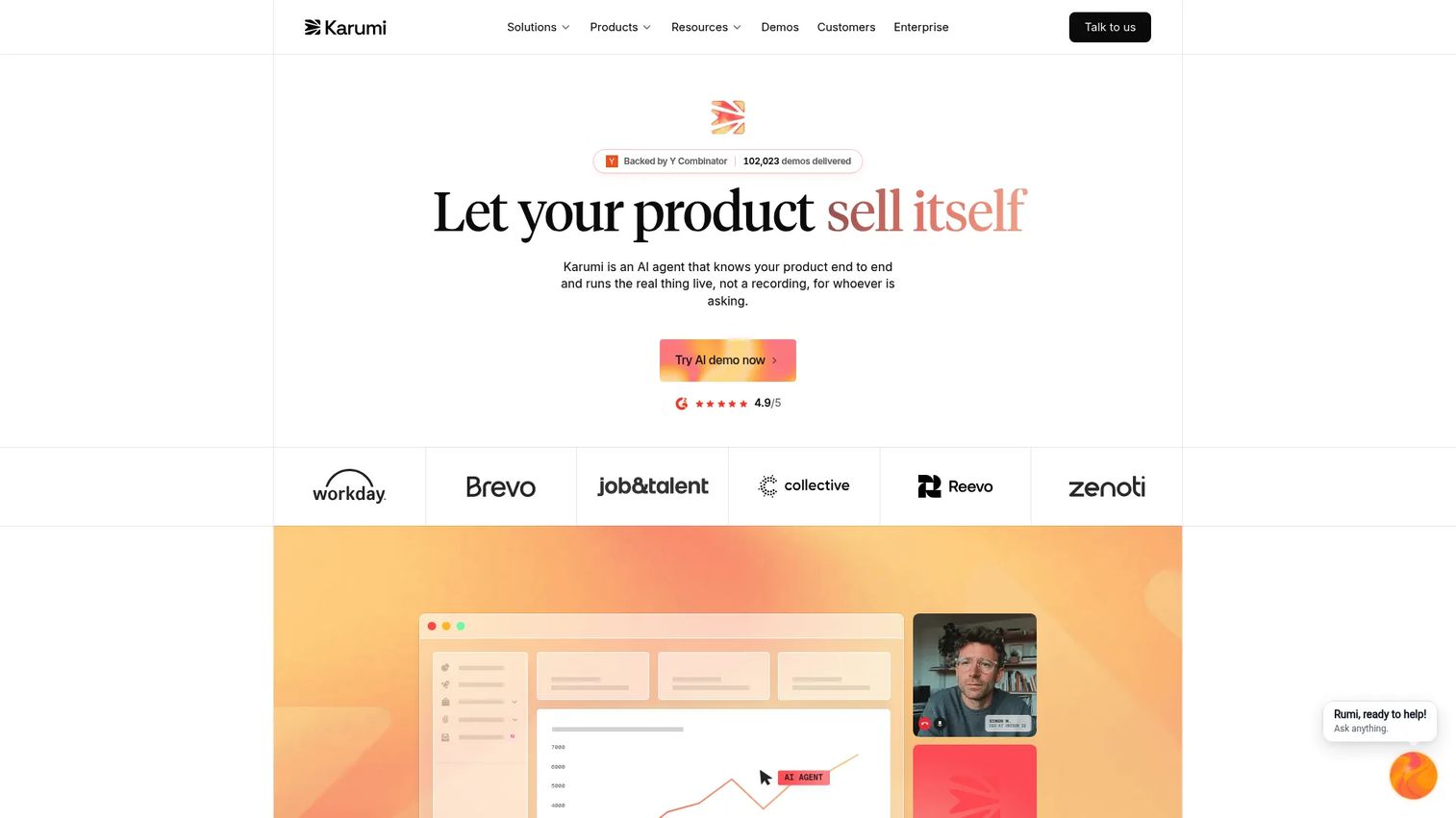
Karumi is an AI agent platform that runs live, interactive product demonstrations through voice, chat, and screen interaction. Its agents scan the product continuously so they stay current as the product changes, then deliver personalized demo conversations to buyers via website embeds, video calls, chat widgets, or messaging platforms. The platform handles CRM synchronization automatically, capturing transcripts, qualification data, and next steps from every conversation.
Best for: Teams testing conversational demos where buyers ask product-specific questions and expect immediate, personalized answers without waiting for a rep.
Key features
- AI agents running live product demos via voice and chat
- Continuous product scanning to keep agents current as the product evolves
- CRM sync for transcripts, qualification data, and conversation summaries
- Multilingual agent support for global buyer audiences
- Enterprise security: SOC 2 Type II, ISO 27001, GDPR, and RBAC
Why choose Karumi Agentic Demos: Choose Karumi when the team wants buyers to get product answers on demand, particularly in discovery-heavy environments where prospects ask many context-specific questions before agreeing to a rep-led call. It fits teams whose prospects self-educate before engaging sales.
Karumi Agentic Demos pricing: Karumi prices through custom quotes on two tiers, Growth and Enterprise, with the cost depending on number of agents, expected demo volume, languages, and integrations. Contact Karumi for a proposal.
G2 rating: 4.9/5
7. Salesforce
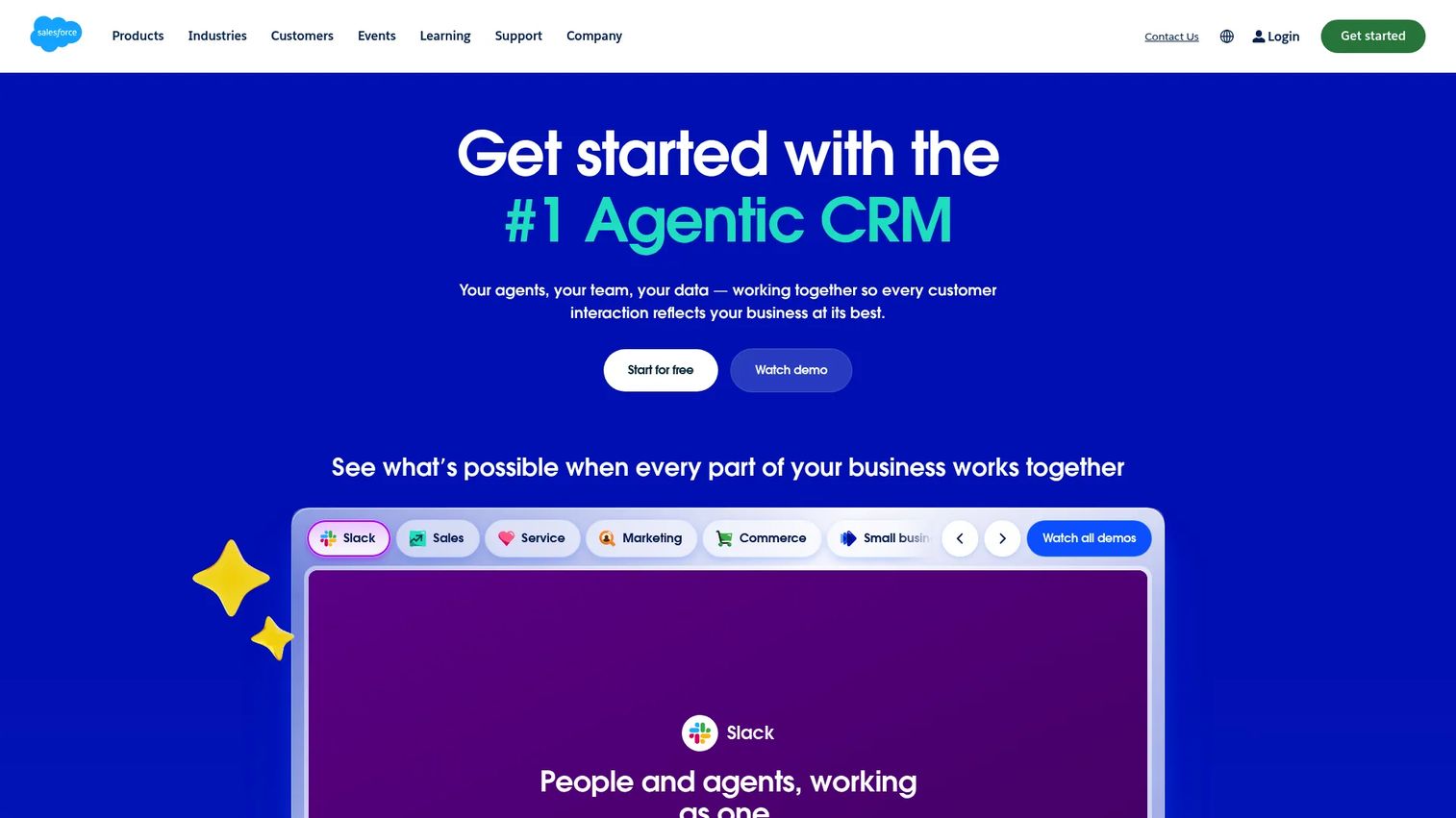
Salesforce is a CRM platform that supports demo workflows through lead and opportunity management, routing rules, activity tracking, automation, forecasting, and a large app marketplace. It is not a demo creation tool, but it is where most enterprise sales teams manage what happens before and after a demo: Who requested it, who owns the follow-up, what was discussed, and whether the deal progressed.
Best for: Enterprise sales teams that need demo requests, pipeline activity, and rep follow-up governed inside a single CRM with governance controls and reporting.
Key features
- CRM for accounts, contacts, leads, and opportunity management
- Workflow and process automation for routing and follow-up
- Forecasting, reporting, and pipeline dashboards
- App marketplace for integrating demo creation tools
- Sales, service, and marketing tools across one platform
Why choose Salesforce: Choose Salesforce when the demo problem is operational rather than creative. It helps teams manage who owns a demo request, tracks what happened after the call, and surfaces pipeline trends for sales leadership. Pair it with a dedicated demo creation tool for the actual product experience.
Salesforce pricing: Free Suite available at $0/user/month. Starter Suite starts at $25/user/month. Pro Suite is $100/user/month (billed annually). Core, Advanced, and Max tiers reach $195, $395, and $550/user/month respectively (all billed annually).
G2 rating: 4.4/5
8. HubSpot
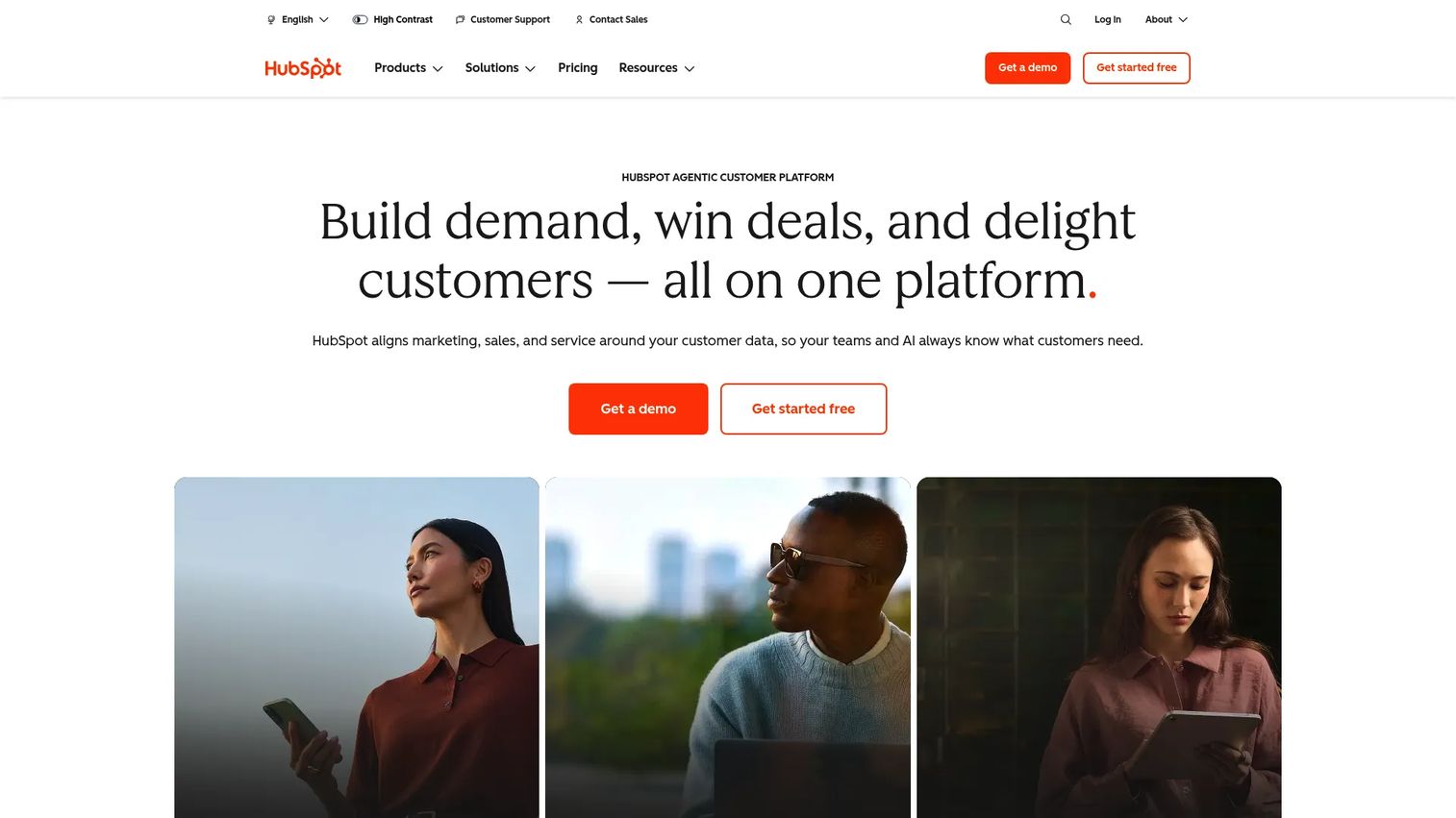
HubSpot is a customer platform that combines CRM, marketing automation, meeting scheduling, email, and lead scoring in one GTM system. For demo-focused teams, it handles the before and after: Capturing demo requests through forms, routing leads, scheduling meetings, running email nurture, and reporting pipeline progress, all without switching between tools.
Best for: Small to mid-market sales and marketing teams that want demo request capture, CRM, nurture, and follow-up reporting in one connected platform.
Key features
- Free CRM with contact and deal management
- Meeting scheduling with calendar sync and routing
- Email automation and lead nurture workflows
- Lead scoring based on engagement behavior
- Marketing reporting and pipeline attribution
Why choose HubSpot: Choose HubSpot when the demo challenge starts upstream, before the demo itself. It helps teams capture demand, route qualified buyers, schedule calls without manual back-and-forth, and keep sales follow-up visible across the whole team. It does not create interactive product experiences, so pair it with a dedicated demo tool for the actual product story.
HubSpot pricing: Free tools available. Starter plans start at $7/seat/month. Professional plans start at $1,300/month. Enterprise plans start at $4,700/month. All figures from HubSpot's pricing page (November 2026).
G2 rating: 4.4/5
9. Marketo
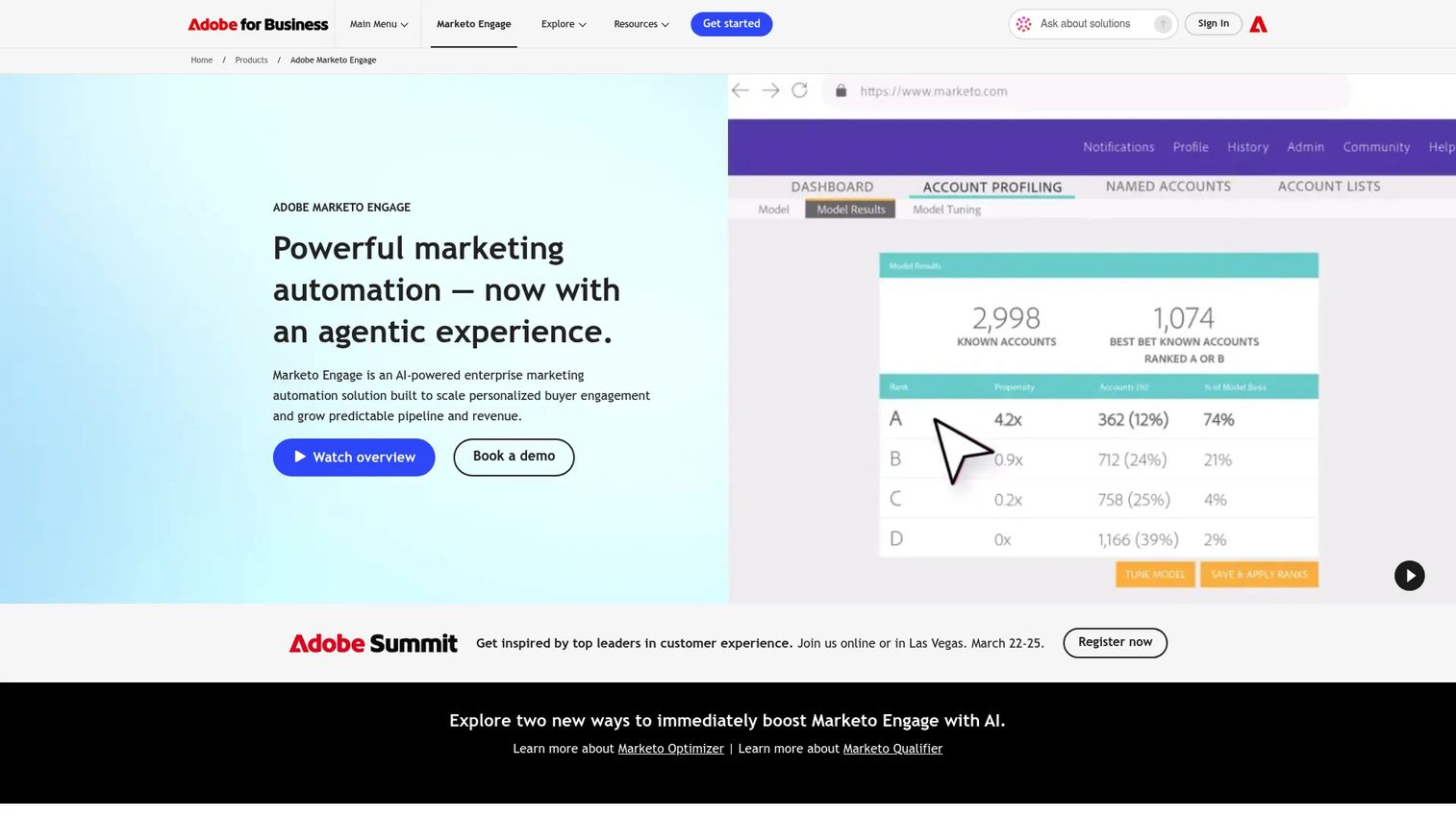
Marketo Engage is Adobe's enterprise marketing automation platform for multi-channel campaign execution, lead and account management, and revenue measurement. For demo-focused teams, it handles scoring demo intent, segmenting audiences by behavior and firmographics, running email and event campaigns, and routing high-intent accounts to sales.
Best for: Enterprise marketing teams managing complex demo request nurture programs with multi-channel campaigns, account-based scoring, and tight CRM alignment.
Key features
- AI-powered campaign creation and agentic marketing workflows
- Omnichannel execution across email, web, mobile, events, and advertising
- Lead and account segmentation, scoring, routing, and alerts
- CRM sync for passing qualified buyers to sales with full engagement context
- Campaign attribution and revenue measurement reporting
Why choose Marketo: Choose Marketo when the demo motion is tied to enterprise demand generation and the team needs to score demo intent, nurture unqualified accounts over long cycles, and move buyers from initial interest to a sales-ready conversation. It supports demo demand generation rather than demo creation.
Marketo pricing: Marketo prices on four packages, Growth, Select, Prime, and Ultimate, with cost based on database size. Contact Adobe for a quote.
G2 rating: 4.1/5
Considerations when choosing B2B demo software
Match the tool to the demo format
Interactive demos excel when the team wants to guide a buyer through a specific product story at their own pace. Sandboxes perform best when buyers want to explore freely and validate specific workflows on their own terms. Demo centers are strongest when multiple stakeholders need different demos from a single branded destination. Live demos bring the human conversation layer when objection handling and real-time personalization matter most. Mobile demos let users experience a mobile product exactly as it feels on their device. Start by identifying which moment in the buying process breaks down most often, then choose accordingly.
Check how the tool supports handoffs
The SDR to AE handoff, the AE to SE handoff, and the sales to CS handoff are where deal momentum dies when context is lost. The best demo tools preserve engagement context across those transitions: Which steps a buyer viewed, which assets they shared internally, where they dropped off. A demo platform that pushes engagement data into your CRM makes every handoff cleaner without requiring manual updates.
Prioritize analytics that change follow-up
Engagement metrics only matter if they tell reps what to do next. Look for tools that surface who viewed the demo, which account they belong to, what percentage of steps they completed, and which demos collected leads or converted. The difference between a view and a completed demo is a signal worth acting on. RevOps teams should check whether engagement data flows automatically to the CRM or requires manual export.
Evaluate maintenance and ownership
Demo assets go stale quickly. Products change, messaging shifts, and old screens in circulation create credibility problems during evaluations. Sales teams need a clear owner per demo, an easy editing workflow, version control, and a way to push updates without rebuilding from scratch. Prioritize tools where a single edit propagates across all distribution points.
Map pricing to adoption
Per-seat pricing scales aggressively when the full sales org adopts the tool, covering SDRs, AEs, SEs, marketers, and enablement managers. Before committing, check editor seat limits, viewer restrictions, demo or asset caps per plan, analytics tier requirements, and what CRM integration access costs. A tool that is affordable at five seats can become a budget problem at fifty.
Conclusion
The B2B buying process rarely gives one person the authority to decide. Buying committees now average more than six stakeholders, and most of them will never attend a live demo call. The tools in this list help sales teams close that gap by giving buyers a product experience they can explore on their own and by giving reps the data to know when it is worth following up.
For full-funnel demo automation covering every stage of the sales cycle, Guideflow is the strongest overall fit. Teams running repeatable presentation-style demos should evaluate eWebinar. For live demo data control, Saleo (now Consensus) fits teams where data credibility during calls is the primary challenge. Karumi Agentic Demos suits teams ready to test AI-led product conversations at the top of the funnel. Demolytics adds buying-group intelligence for teams already in the Consensus ecosystem. For demo funnel operations rather than demo creation, Salesforce and HubSpot remain the dominant options by segment, with Marketo serving enterprise demand generation programs.
Pick the tool that solves the stage where your demos stall today. The product experience between calls is where deals move forward or go quiet.
Start your journey with Guideflow today!
FAQs about B2B demo software
B2B demo software helps sales and go-to-market teams create, personalize, deliver, and measure product demonstrations for business buyers. The category includes interactive demos, sandboxes, demo centers, live demo support tools, on-demand video platforms, agentic demos, and CRM or marketing automation tools that support the demo request and follow-up workflow.
The best choice depends on the demo motion. For teams that need a full demo automation platform covering interactive demos, sandboxes, demo centers, live demos, and mobile demos, Guideflow is the strongest overall fit. For teams focused only on on-demand presentation delivery, eWebinar is worth evaluating. For teams whose main challenge is live demo data quality, Saleo (now part of Consensus) addresses that specific problem.
Demo automation software creates interactive, self-serve product experiences that buyers can explore at their own pace, with engagement analytics tied to individual accounts. Webinar software automates scheduled or on-demand presentations for registered audiences, tracking attendance and replay views. The two formats serve different jobs: Demo automation excels at buyer-led product evaluation, while webinar software excels at repeatable educational delivery to large audiences.
Interactive demos perform best when buyers need to explore the product before or after a meeting, when champions need something shareable for the buying committee, or when SDRs want to generate qualified interest before the first call. Live demos perform best when real-time conversation, objection handling, and personalized discovery are essential. According to TrustRadius (2024), 54% of technology buyers used at least one product demo during evaluation, so the two formats often work together across the same deal cycle.
The most actionable metrics are impressions, completion rate, leads collected, conversion, account-level engagement, step-level drop-off, and repeat visits. Track completion rate to identify which demos hold attention. Use step-level drop-off to find where buyers lose interest. Account-level engagement and repeat visits help RevOps prioritize follow-up for high-intent accounts.
Yes. Demo engagement reveals buyer intent before a meeting ever happens. Forms inside interactive demos collect contact information from interested viewers. Completion data shows who explored the full product story versus who dropped off early. Repeat visits from the same account signal active evaluation. These signals help SDRs prioritize outreach and help AEs decide which accounts warrant SE time.
A single demo shows one product story to one audience. A demo center organizes multiple demos in a branded hub, grouped by persona, use case, product line, or buying stage, so different stakeholders on a buying committee can each navigate to what is relevant for them. Demo centers are most valuable in multi-stakeholder deals where one demo link cannot serve every evaluator.
Enterprise teams should evaluate security controls (SOC 2, GDPR, SSO, RBAC), CRM integration depth, analytics that surface account-level intent rather than just individual sessions, governance and version control for demo assets, and how the tool supports buying committees across long sales cycles. Per-seat pricing models should be stress-tested against full org adoption, not just the initial team size, since the cost difference between five seats and fifty can be significant.