Audio decisions look cheap at the start of a project. Then QA begins, and every footstep, UI cue, and adaptive music transition becomes a release risk. The wrong audio engine shows up late in a sprint as a performance regression, a platform compatibility failure, or a content pipeline bottleneck that routes every mix change through engineering.
The global game audio production market was valued at $740 million in 2025 and is projected to reach $1.204 billion by 2034, according to Grand Research Store (2026). That growth reflects how central audio has become to product quality, immersion, and retention, not just polish. For product managers, the choice of audio engine is a system-level decision that touches release cadence, engineering cost, QA load, and long-term maintainability.
This guide cuts through the category confusion between game audio middleware, lightweight APIs, spatial audio tools, and built-in engine audio. The goal: Give you a shortlist you can actually use.
What's inside
This guide compares 14 audio engine software options for 2026, selected across full middleware platforms, lightweight APIs, procedural and adaptive audio tools, spatial audio tools, and built-in engine audio systems. It is built for game audio leads, technical product managers, audio programmers, and product teams evaluating complex interactive audio.
Tools were chosen based on:
- Engine fit and core use case: Does the tool solve the actual audio problem at hand?
- Platform support and integration depth: Which game engines, devices, and platforms does it support?
- Authoring workflow and team adoption: Can audio designers iterate without engineering tickets?
- Pricing visibility and review signals: Is pricing verifiable, and what do users say at scale?
TL;DR
- Best overall for large game teams: Wwise, for mature authoring and runtime middleware with deep Unity and Unreal integration
- Best for flexible game audio workflows: FMOD, with designer-friendly event-based authoring and strong adaptive audio
- Best lightweight open audio API: OpenAL, free and cross-platform for teams doing custom engine work
- Best for smaller teams and prototypes: SoLoud, a free embeddable C++ audio engine with minimal overhead
- Best for adaptive music: Reactional Music, with note-by-note real-time music generation and a free starting tier
- Best if you are already building in Unity: Unity's native audio system, before adding middleware complexity
What is audio engine software?
Audio engine software is the system that plays, mixes, processes, spatializes, and controls sound inside an interactive product, game, simulation, or media application.
An audio engine sits between your audio assets and the runtime experience. It handles what plays, when it plays, how it blends, and where in 3D space it appears. Some tools are full middleware platforms with visual authoring environments. Others are low-level APIs that give engineering teams direct control. Built-in game engine audio systems live in the middle.
A key distinction: Audio engine software is not the same as audio editing software or music streaming tools.
| Category | Primary job | Example buyer question |
|---|---|---|
| Audio engine software | Run sound inside an interactive product | Can we trigger, mix, and spatialize audio at runtime? |
| Audio editing software | Create and edit audio files | Can we clean, master, or cut this clip? |
| Music streaming software | Deliver finished music to listeners | Can users play music from a catalog? |
Strong audio engines typically support:
- Playback and mixing across multiple simultaneous voices
- Adaptive music and event-triggered audio
- Spatial audio positioning and 3D spatialization
- Effects, DSP, and signal processing
- Runtime parameter control tied to game state
- Unity, Unreal, or custom engine integration
- Profiling, performance monitoring, and debugging tools
- Platform compatibility across PC, console, mobile, web, VR, and AR
Teams choosing between middleware and a lightweight API are really choosing between how much authoring workflow they want to give audio designers versus how much control they want engineering to maintain.
When to use audio engine software
Build interactive game audio
Games require sound tied to player actions, physics, environments, and game state changes. A footstep on wood sounds different than on stone. A battle intensifies as player health drops. Getting that right without routing every change through an engineering ticket is what full middleware platforms like Wwise and FMOD exist to solve. Product managers should evaluate how fast audio designers can iterate and what the QA cost of audio changes looks like across releases.
Ship spatial and immersive sound
VR, AR, simulation, and location-aware applications depend on 3D audio positioning, head tracking, and perceptual accuracy. Device compatibility and latency are real risk factors here. A spatial audio tool that sounds great on headphones might introduce platform-specific latency or compatibility failures on a target device. Validate on real hardware early.
Manage adaptive music and dynamic playback
Music systems that respond to gameplay intensity, narrative state, or user behavior add measurable depth to the experience. They also add QA complexity. A music layer that shifts incorrectly under a specific game condition can ship as a bug. Tools like Reactional Music and FMOD's adaptive systems can reduce that risk by giving teams more runtime control. Tie your evaluation to specific gameplay moments, not demo scenarios.
Audio engine software comparison
The table below is a first-pass shortlist. It maps each tool to its strongest use case and noted pricing tier where verified against live sources. G2 ratings are listed where confirmed from live G2 listings. Some tools in this category have limited review coverage, so N/A appears where ratings could not be verified.
| # | Product | Best for | Key differentiator | Pricing | G2 rating |
|---|---|---|---|---|---|
| 1 | Wwise | Enterprise game audio | Mature authoring and runtime middleware | Contact vendor | 4.5/5 |
| 2 | FMOD | Flexible game audio workflows | Designer-friendly event-based audio | Free to $18,000/title | 4.1/5 |
| 3 | OpenAL | Lightweight 3D audio API | Open cross-platform positional audio | Free (open API) | 3.8/5 |
| 4 | SoLoud | Prototypes and indie projects | Simple embeddable C++ audio engine | Free (ZLib license) | 3.8/5 |
| 5 | Miles Sound System | Established game audio runtime | Long-running commercial game audio SDK | Contact vendor | 4.5/5 |
| 6 | SoundSeed | Procedural audio (verify status) | Model-based sound generation | Contact vendor | 5.0/5 |
| 7 | Reactional Music | Adaptive music systems | Note-by-note real-time music generation | Free / Studio (contact) | N/A |
| 8 | 3Dception | Binaural and spatial audio | Real-time 3D binaural perception engine | Contact vendor | 4.0/5 |
| 9 | AstoundSound | Spatial audio enhancement | 3D sound placement and surround processing | Contact vendor | 3.5/5 |
| 10 | iVoxx | Voice-focused audio (verify status) | Voice-oriented audio workflows | Contact vendor | 4.5/5 |
| 11 | KSYS Audio Platform | Frequency generation and control | Programmable signal and frequency management | Contact vendor | N/A |
| 12 | Virtual Cables | Audio routing between applications | Virtual audio cable routing for Windows | Contact vendor | N/A |
| 13 | Waverazor | Synthesizer-driven sound design | Wave-slicing oscillator synthesis | $95 one-time | N/A |
| 14 | Unity | Built-in game engine audio | Native audio inside Unity projects | Free / $210/mo per seat | 4.5/5 |
Best 14 audio engine software tools for 2026
1. Wwise
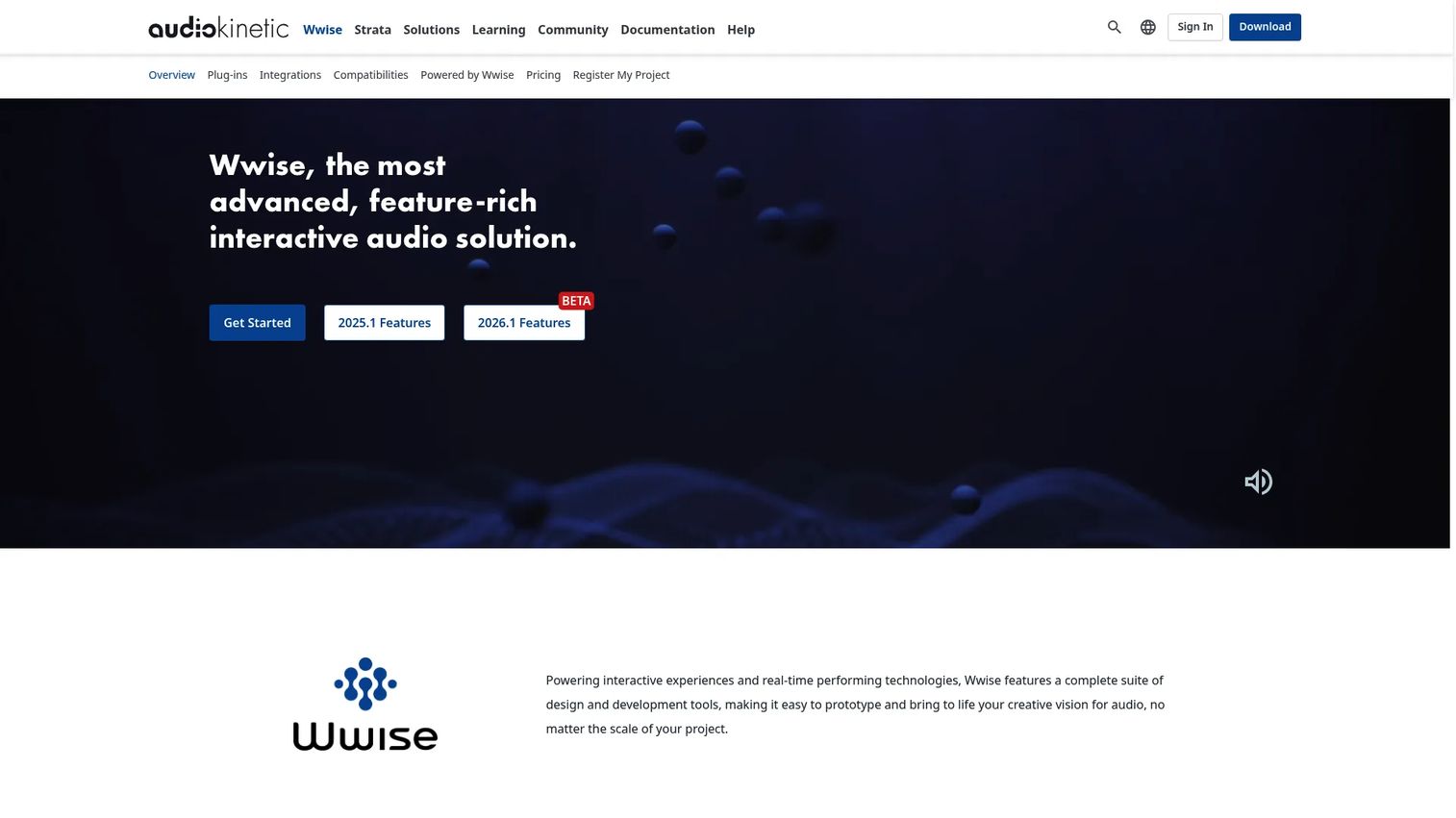
Wwise by Audiokinetic is game audio middleware built for teams with complex interactive audio pipelines. It provides a visual authoring environment where audio designers can build event-based sound hierarchies, dynamic music systems, and runtime mixing logic without writing code for each change. It integrates with Unity and Unreal and supports a wide range of platforms including PC, console, mobile, VR, and AR.
Best for: Enterprise game studios and teams with dedicated audio designers managing large, complex audio pipelines.
Key features
- Event-based audio authoring and sound hierarchy management
- Unity and Unreal Engine integration with a full plugin workflow
- Spatial audio tools including 3D positioning and room simulation
- Runtime parameter controls tied to game state and player actions
- Real-time performance profiling and audio debugging tools
Why choose Wwise: Wwise is worth the onboarding investment when your audio team needs to iterate without engineering support. The authoring depth is substantial, and teams should plan time for the initial setup and ramp before realizing the iteration speed benefit.
Wwise pricing: Wwise requires contacting the vendor for licensing details. Audiokinetic does offer an indie license tier, but specific commercial pricing and platform fees require a sales conversation. Ask about per-title terms, platform support costs, and any annual licensing structure.
G2 rating: 4.5/5
2. FMOD
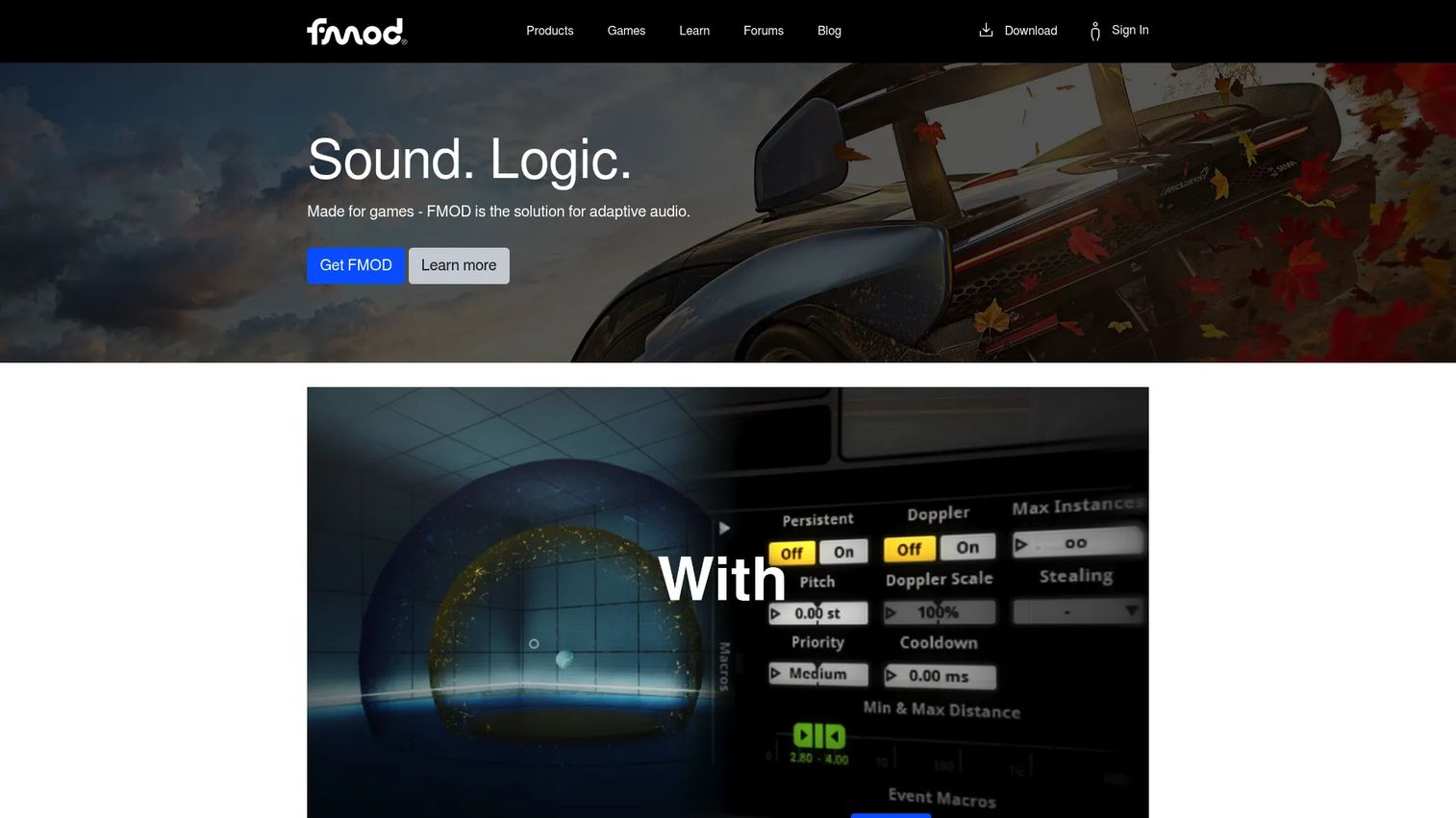
FMOD is cross-platform audio middleware built around event-based sound design. FMOD Studio gives audio designers a visual workspace for creating adaptive audio systems, mixer snapshots, and real-time parameter-driven behavior. Engineers integrate runtime behavior via C, C++, C#, and JavaScript APIs. Unity and Unreal plugins are maintained as official integrations.
Best for: Game development teams that want audio designers to own iteration without pushing every change through code.
Key features
- Event-based sound design with FMOD Studio authoring environment
- Adaptive music systems with layered and transition logic
- Unity and Unreal integration via official plugins
- Mixer snapshots, group routing, and real-time parameter control
- Live update profiling for real-time audio debugging during development
Why choose FMOD: FMOD's per-title licensing model makes the cost calculation straightforward at project start. Teams should evaluate platform targets and build pipeline fit early because the integration adds a dependency to your CI workflow.
FMOD pricing: FMOD is free for projects with a development budget under $600,000 and company revenue under $200,000 per year (Indie tier). The Basic tier is $6,000 per title for budgets between $600,000 and $1.8 million. The Premium tier runs $18,000 per title for budgets above $1.8 million. Non-game projects use custom pricing.
G2 rating: 4.1/5
3. OpenAL
OpenAL is a cross-platform 3D audio API designed for gaming and other applications requiring positional sound. It is lower-level than full middleware platforms, meaning engineering owns the implementation. OpenAL models audio through sources, listeners, and buffers, providing a vendor-neutral interface for 3D audio across multiple platforms.
Best for: Technical teams building custom engines or embedded projects where a lightweight audio API is preferable to a full visual authoring environment.
Key features
- Efficient 3D positional audio with source and listener modeling
- Cross-platform implementations across multiple operating systems
- Low-level playback control with buffer management
- Vendor-neutral open audio API
- Lightweight integration with minimal overhead
Why choose OpenAL: Choose OpenAL when your team has the engineering capacity to own the audio implementation and does not need a designer-facing authoring environment. The tradeoff is real: Lower platform overhead, but more internal implementation work for every audio feature.
OpenAL pricing: OpenAL is available as a free, open API. Teams should verify the specific implementation license for their target platform, as different implementations (including OpenAL Soft, the actively maintained fork) carry different terms.
G2 rating: 3.8/5
4. SoLoud

SoLoud is a free, portable C++ audio engine built for games, tools, demos, and prototypes. It embeds directly into a project without requiring a separate authoring application. SoLoud supports multiple simultaneous voices, various audio backends, 3D positional audio, speech synthesis, and real-time filters, all in a lightweight footprint.
Best for: Indie teams, solo developers, and small projects that need embedded audio without the overhead of enterprise middleware.
Key features
- Multiple simultaneous audio voices with adjustable volume, speed, and pan
- Multiple backend support (SDL, PortAudio, WASAPI, and others)
- 3D positional audio with distance attenuation
- Built-in speech and sound-effect synthesizers
- Real-time audio filters and mixing busses with gapless looping
Why choose SoLoud: SoLoud suits teams where audio complexity is bounded and code-level control is preferred. Larger audio teams with dedicated designers will likely outgrow it once they need visual authoring tools, but for prototypes and scoped projects, the free license and minimal setup cost are hard to argue against.
SoLoud pricing: Free for personal and commercial use under the ZLib/LibPNG license. No paid tiers exist.
G2 rating: 3.8/5
5. Miles Sound System
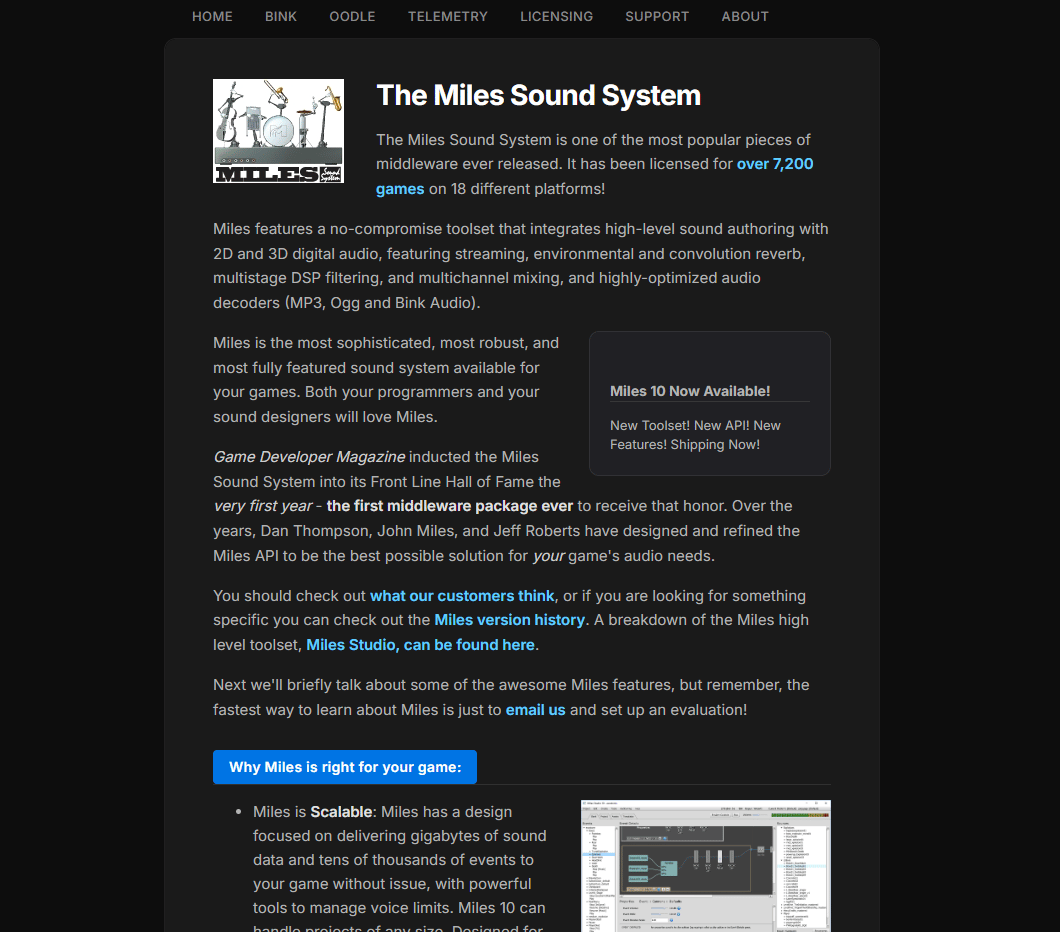
Miles Sound System from RAD Game Tools is a long-running commercial audio SDK for shipped games. It provides runtime audio playback, 2D and 3D digital audio, streaming, environmental reverb, multistage DSP filtering, multichannel mixing, and compressed audio handling. Teams integrate it at the SDK level, and it has a track record across PC and console shipping titles.
Best for: Professional game studios that need a proven commercial audio runtime for shipped, multi-platform games.
Key features
- 2D and 3D digital audio playback with cross-platform support
- Compressed audio handling with hardware-accelerated decoding support
- Environmental and convolution reverb
- Multistage DSP filtering and multichannel mixing
- SDK-level integration with established runtime stability
Why choose Miles Sound System: Miles suits teams that prioritize reliable runtime playback and platform coverage over a broad visual authoring suite. Teams should request the evaluation SDK directly from RAD Game Tools and verify current platform support, as legacy tools can change ownership or licensing terms over time.
Miles Sound System pricing: Reach out to their team directly for an evaluation SDK and licensing terms.
G2 rating: 4.5/5 (verified on G2 from 1 review).
6. SoundSeed
SoundSeed is listed as procedural audio technology focused on model-based sound generation rather than static sample playback. The concept behind procedural audio is that sounds are generated from physical models at runtime, reducing asset repetition, cutting file sizes, and enabling natural variation. However, the supplied domain redirected to a parked page during research. Product managers should verify current product status, ownership, and support availability before evaluating this tool.
Best for: Teams building procedural or generative sound systems where static sample repetition is a problem worth solving.
Key features
- Procedural sound generation from audio models
- Runtime variation without additional sample assets
- Reduced audio asset file size
- Interactive parameter control at runtime
- Game audio integration support
Why choose SoundSeed: Procedural audio makes sense when repeated samples are creating a noticeable flat quality in environments with high sound-event density. Validate whether the approach fits your creative direction before committing engineering time.
SoundSeed pricing: Contact the vendor to confirm current pricing and product availability.
G2 rating: 5.0/5
7. Reactional Music
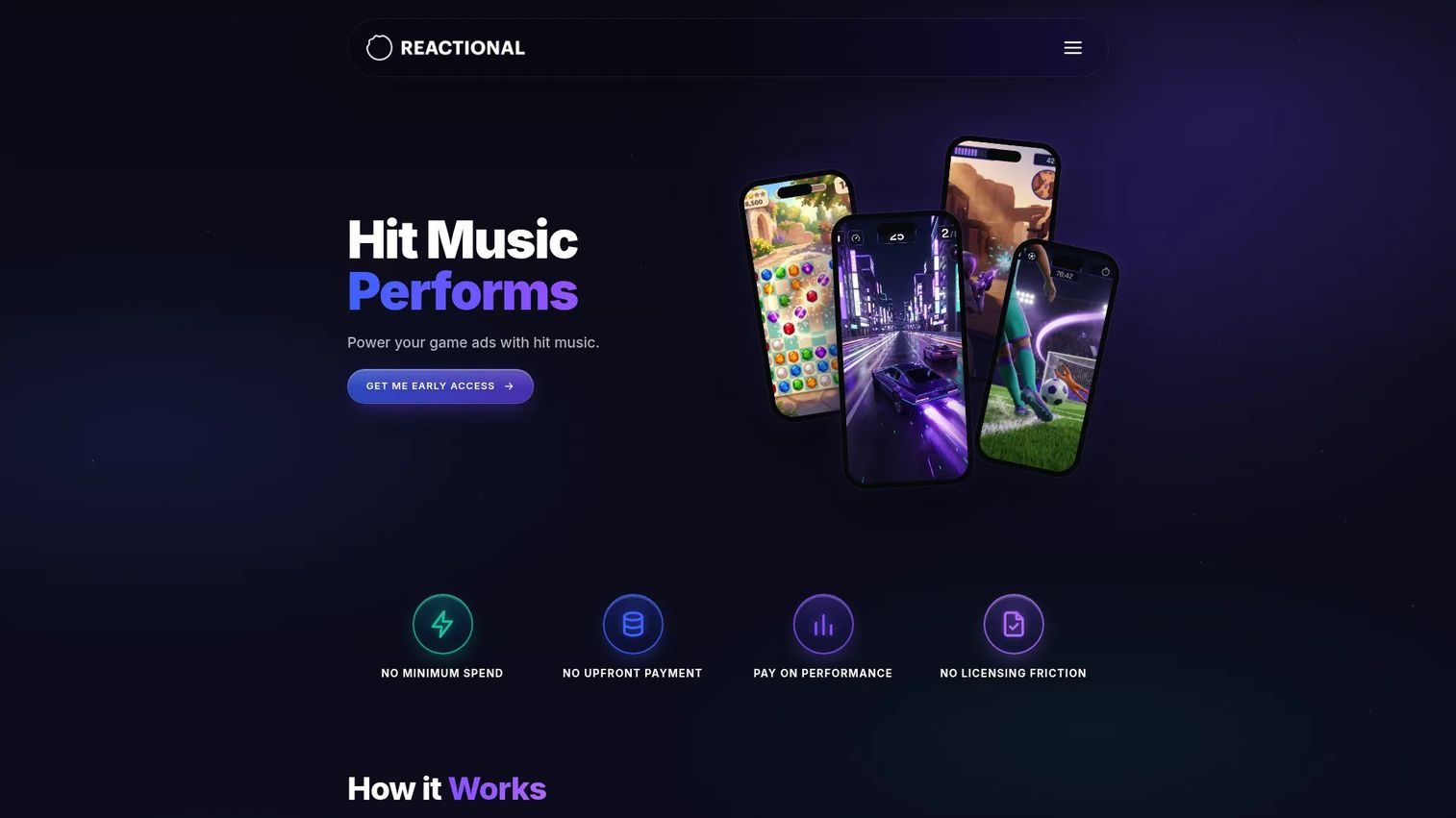
Reactional Music is an adaptive music and licensing platform for games and interactive media. It generates music note-by-note in real time, synchronized to gameplay events, and provides access to globally cleared commercial tracks. Unity and Unreal Engine integrations are available, and the platform includes Reactional Composer for building adaptive soundtracks without requiring music production expertise.
Best for: Game studios and interactive media developers who need music to respond to gameplay state, with cleared commercial licensing included.
Key features
- Note-by-note real-time music generation synchronized to game events
- Globally cleared commercial track library with interactive licensing
- Unity and Unreal Engine integration
- Reactional Composer for creating adaptive soundtracks
- Musical metadata including beat, tempo, harmony, and section analysis for gameplay callbacks
Why choose Reactional Music: This is the right fit when music needs to become part of the game mechanic rather than background content. The interactive themes starting at $75 per track, combined with Unity and Unreal integrations, makes the rights and technical side manageable. Product managers should evaluate the music catalog scope and commercial terms carefully for their specific genre and audience.
Reactional Music pricing: A Free plan is available at $0 and includes composer workflows and SDK access. The Studio tier adds global licensing, monetization, dedicated support, and curated music assistance at custom pricing (contact the vendor). Interactive themes start at $75 per track.
8. 3Dception
3Dception is a real-time 3D binaural audio and environmental modeling engine. It provides 3D sound positioning over headphones using psychoacoustic processing, environmental room modeling, and cross-platform support. The tool targets VR, AR, games, and other spatial-audio applications where perceived directionality and depth matter.
Best for: Development teams building immersive experiences where headphone-based spatial realism is a core product requirement.
Key features
- Real-time 3D spatial audio over headphones using binaural rendering
- Environmental and room acoustic modeling
- 3D sound positioning with distance and directionality
- Headphone spatialization and perceptual audio processing
- Cross-platform runtime support
Why choose 3Dception: Choose 3Dception when spatial realism over headphones is a differentiating feature, not a checkbox. Product managers should validate perceptual quality with real users on the actual target devices, since binaural rendering performance varies significantly across headphone types and listening environments.
3Dception pricing: Contact the vendor for current pricing and licensing terms.
G2 rating: 4.0/5 (verified on G2 from 2 reviews).
9. AstoundSound
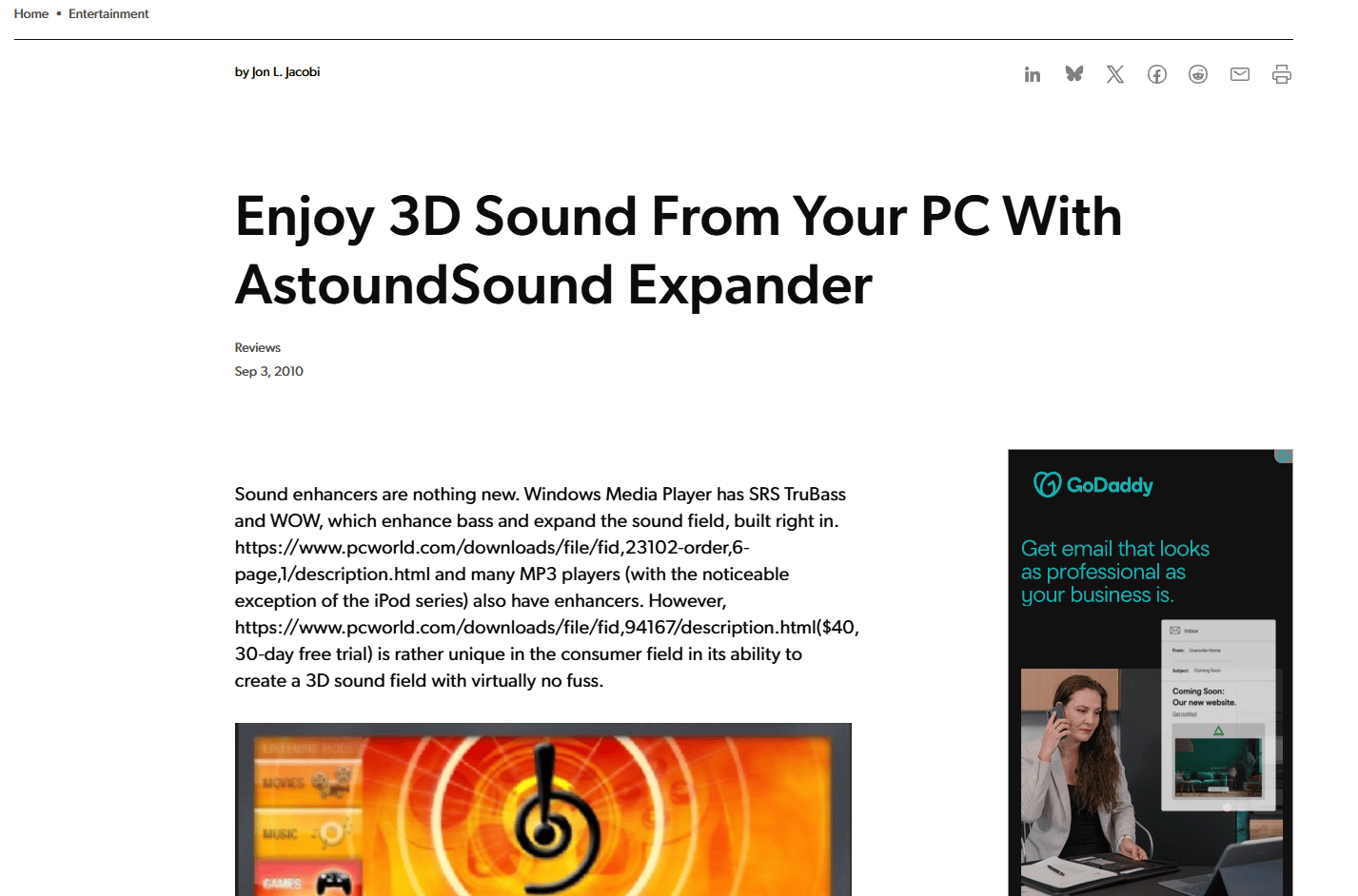
AstoundSound is 3D sound technology software designed to place and move audio within a spherical, three-dimensional listening environment. It offers spatial audio processing, surround sound, stereo expansion, and a plugin architecture. The tool is positioned for audio developers and game teams seeking enhanced spatial and immersive sound capabilities.
Best for: Teams evaluating spatial audio enhancement for media, games, or interactive experiences where perceived space and depth are primary concerns.
Key features
- 3D spatial sound processing and placement
- Surround sound support and stereo expansion
- Plugin architecture for integration into existing workflows
- Immersive audio enhancement for headphones and speaker systems
- Device-aware listening optimization
Why choose AstoundSound: Use AstoundSound when the experience depends on a convincing sense of three-dimensional space. Teams should avoid assuming full game middleware capabilities without confirming from the vendor, as the tool's primary strength is in spatial audio enhancement rather than broader event-based authoring.
AstoundSound pricing: The official homepage was unavailable during research. Contact the vendor directly to confirm current pricing and licensing.
G2 rating: 3.5/5 (verified on G2).
10. iVoxx

iVoxx is listed as a voice-focused audio software product. The supplied domain redirected to a GoDaddy parked-domain page during research, which means current product status, ownership, and feature set could not be verified from first-party sources. Product managers should treat this entry with caution and confirm whether the product is still actively supported and by whom before including it in any shortlist.
Best for: Teams requiring voice-oriented audio workflows, if current availability is confirmed.
Key features
- Voice audio workflows and playback management
- Audio configuration and runtime control
- Integration support for voice-driven interactions
Why choose iVoxx: Only proceed with evaluation after confirming the product is live, supported, and maintained by an identifiable vendor. G2 reports a 4.5/5 rating from one review, but that alone is insufficient to establish current product health.
iVoxx pricing: Contact the vendor directly.
G2 rating: 4.5/5
11. KSYS Audio Platform
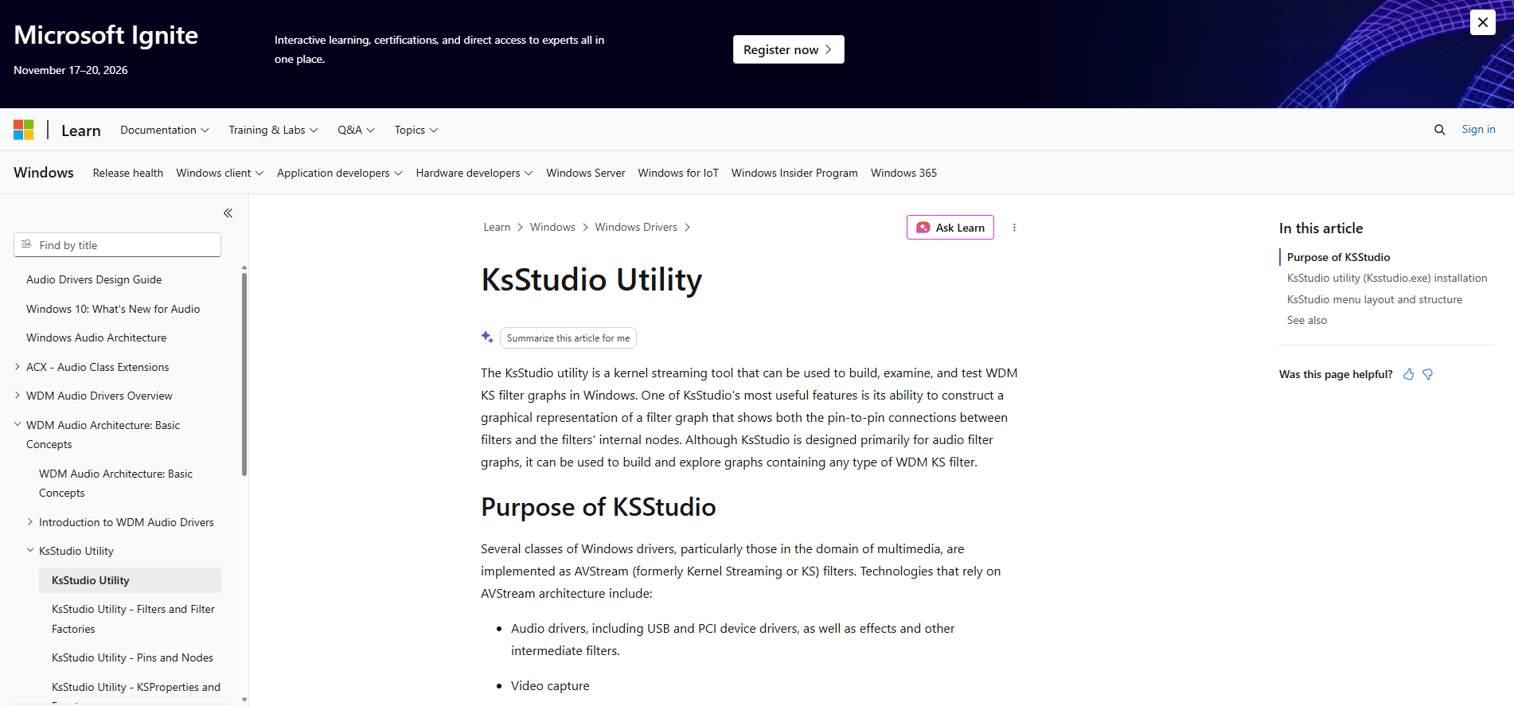
KSYS Audio Platform is a Windows-based platform for structured frequency generation, signal control, and program management. It supports frequency generation from 1 to 22,000 Hz across sine, square, triangle, and saw waveforms. Teams can create, edit, save, import, and export programmable frequency sequences with duration, looping, and directional sequencing.
Best for: Technical, research, educational, and wellness workflows requiring local frequency-program management and signal-based audio control.
Key features
- Frequency generation from 1 to 22,000 Hz across four waveform types
- Programmable frequency sequences with duration, looping, and direction control
- Create, edit, save, import, and export frequency programs
- Local settings and data management for signal-based workflows
- Windows-native platform
Why choose KSYS Audio Platform: KSYS is worth evaluating for specialized signal generation workflows rather than conventional game audio. Product managers in research, accessibility, or wellness application contexts may find the programmable frequency control useful. The official homepage was inaccessible during research, and G2 reports no completed reviews.
KSYS Audio Platform pricing: Contact the vendor for current pricing details.
12. Virtual Cables
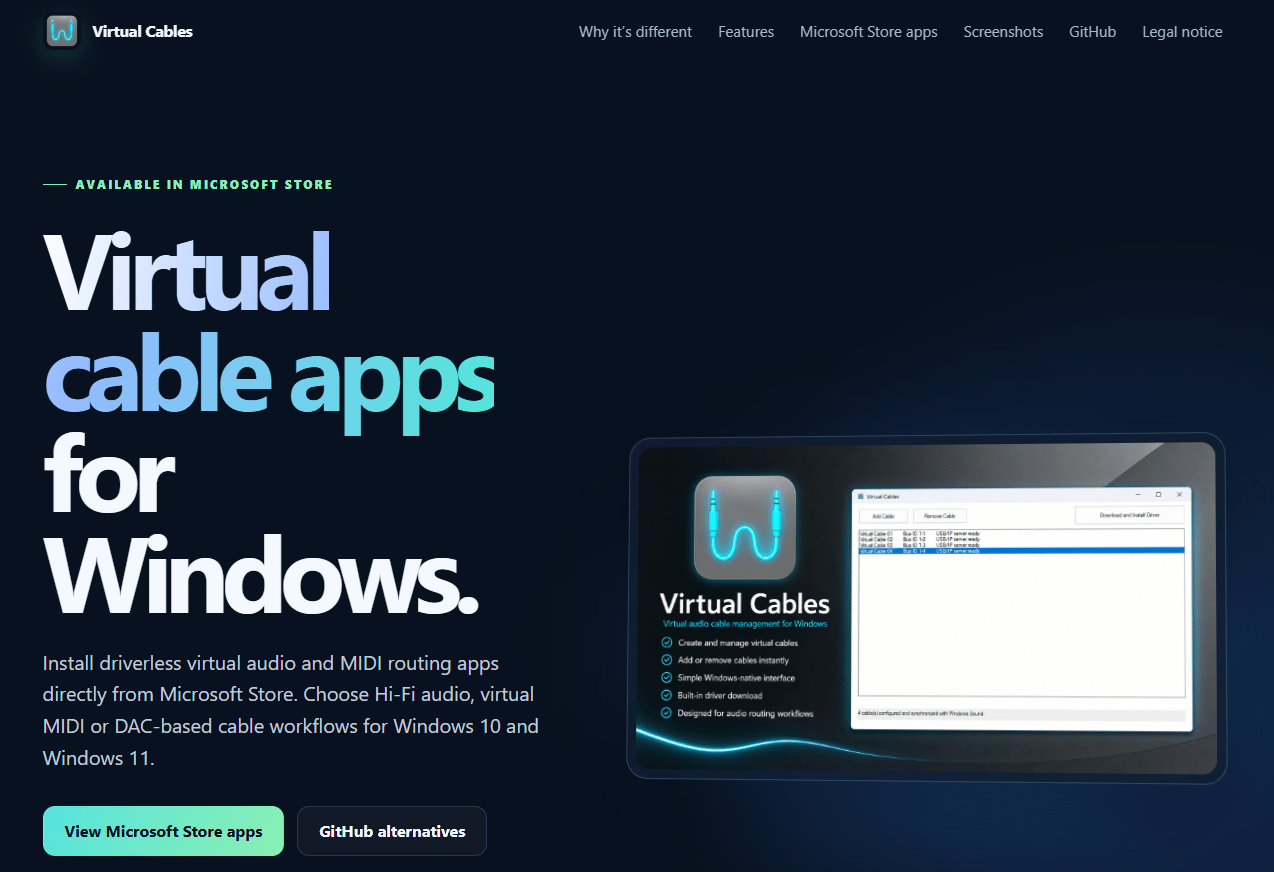
Virtual Cables (accessible at virtual-cables.de) is Windows software for routing audio and MIDI between applications through virtual cable connections. It creates up to 32 independent virtual audio cables, routes playback audio to matching recording endpoints, provides virtual MIDI cable routing, and supports Windows 10 and Windows 11 on x64 systems using USB Audio Class 1.0 standards.
Best for: Windows users who need software-based audio or MIDI routing between applications without physical hardware.
Key features
- Up to 32 independent virtual audio cable connections
- Routes playback audio to corresponding recording endpoints
- Virtual MIDI cable routing between applications
- USB Audio Class 1.0 standards-based driver
- Windows 10 and Windows 11 x64 support
Why choose Virtual Cables: Virtual Cables solves the problem of moving audio between applications, not authoring or playing adaptive sound. Product managers should not confuse audio routing tools with game audio middleware. Use this when the pipeline problem is signal routing between existing software tools, not runtime audio authoring.
Virtual Cables pricing: Contact the vendor.
13. Waverazor
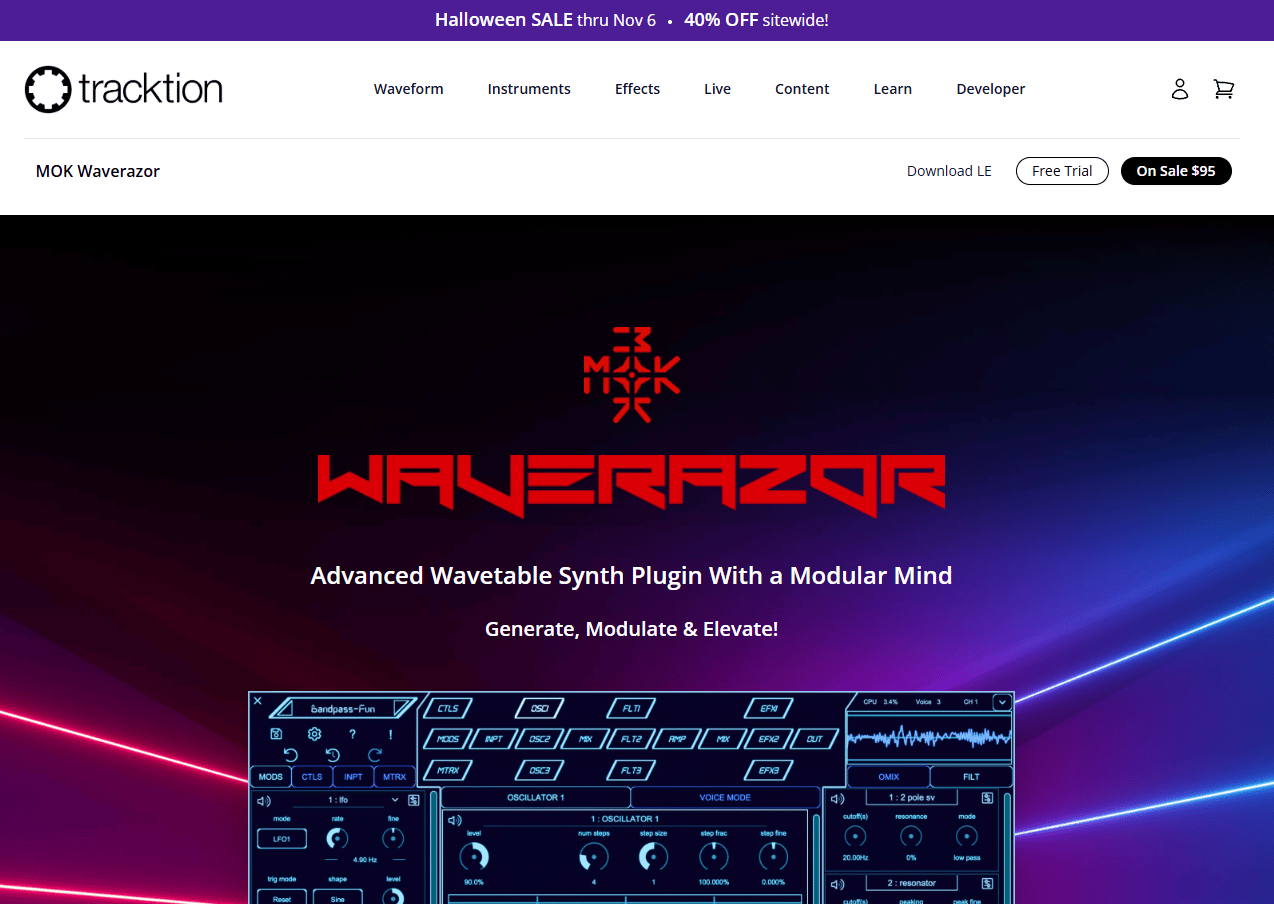
Waverazor by Tracktion is an advanced wavetable synthesizer plugin featuring wave-slicing oscillators and a modular synthesis design. It includes three wave-slicing oscillators, 160 waveforms, 30 filter types, three effects buses with 47 effect types each, and an extensive modulation matrix. It runs as an AU, VST3, and AAX plugin on Mac, PC, and Linux, with standalone availability on Mac and Windows.
Best for: Electronic music producers and sound designers creating distinctive synthesized audio assets for games or interactive media.
Key features
- Three wave-slicing oscillators supporting up to 16 waveforms each
- 160 waveforms for oscillator slices and modulation waves
- 30 filter types with three effects buses and 47 effect types each
- Modular design with extensive modulation matrix capabilities
- AU, VST3, and AAX compatibility plus standalone Mac and Windows app
Why choose Waverazor: Waverazor is for creating sounds, not running them inside a product. Teams should understand that it belongs at the asset-creation stage of the audio pipeline, not at runtime. If sound design is the bottleneck, Waverazor provides serious synthesis depth at a one-time price.
Waverazor pricing: One-time purchase at $95. A 30-day unlimited trial is available before buying.
14. Unity
Unity is a real-time 2D and 3D development platform with built-in audio capabilities. Its audio system includes Audio Source and Audio Listener components, an Audio Mixer with group routing and effects, spatial blend controls for 3D sound positioning, and plugin support for adding third-party audio middleware. Unity deploys to web, desktop, mobile, AR/VR, and game consoles.
Best for: Teams already building in Unity that need native audio before adding separate middleware complexity.
Key features
- Audio Sources and Audio Listeners with 3D spatial positioning
- Audio Mixer with group routing, snapshot support, and effects chains
- Spatial blend controls for distance attenuation and 3D sound
- Plugin architecture supporting Wwise, FMOD, and custom audio integrations
- Deployment across PC, console, mobile, web, and AR/VR platforms
Why choose Unity: Native Unity audio is the right starting point for most Unity projects. It handles straightforward interactive audio without adding a middleware dependency to your build pipeline. Teams that need deeper adaptive music systems, advanced profiling, or independent audio authoring for non-engineers will likely need to add middleware down the line.
Unity pricing: Unity Personal is free. Unity Pro is $210.00 per month per seat (monthly) or $2,310.00 per year per seat (annual, prepaid). Enterprise and Industry use custom pricing.
G2 rating: 4.5/5 (verified on G2).
Considerations when choosing audio engine software
Platform compatibility
Your target platform list should drive the first cut on audio engine options more than any feature comparison. Tools that perform well on PC may have limited or unverified support on specific consoles, mobile operating systems, or proprietary hardware. Confirm platform coverage against your actual release targets before entering any technical evaluation.
Authoring workflow and team ownership
The key question is who can make audio changes without filing an engineering ticket. If every mix adjustment requires a developer, your release cadence will reflect that cost. Full middleware platforms give audio designers independent authoring control. Lightweight APIs keep more in code but remove a dependency layer. Match the tool to your team's actual composition.
Integration with the build pipeline
Audio middleware introduces a dependency into your CI pipeline, source control workflow, and asset packaging process. Evaluate how the tool fits Unity, Unreal, or your custom engine, and what the QA and deployment implications are across each platform target. Teams running frequent release cycles need audio changes to be low-friction from authoring to build.
Performance and latency
CPU budget, memory footprint, voice count limits, streaming behavior, and latency all affect the runtime experience. These are not features to evaluate in a demo environment. Test under realistic conditions: The number of simultaneous voices your worst-case scene requires, on the lowest-spec target device on your platform list.
Licensing and long-term cost
Per-title fees, revenue thresholds, seat pricing, platform license fees, and support tier costs add up across a multi-year project lifecycle. Music rights are an additional factor for tools that include commercial track libraries. Map total cost across expected project count and team size before signing any license agreement.
Conclusion
The right audio engine depends on where your team sits on two axes: Authoring workflow ownership and runtime complexity.
For teams building complex, multi-platform games with dedicated audio designers, Wwise and FMOD are the full middleware options worth evaluating. FMOD's per-title pricing makes the cost more predictable at the outset. Wwise offers deeper authoring for large teams.
For engineering-led builds where audio scope is bounded, OpenAL and SoLoud are the lower-overhead options. SoLoud is free and embeds cleanly into C++ projects. OpenAL gives cross-platform 3D audio without middleware overhead.
For adaptive or procedural audio, Reactional Music is worth piloting if music responsiveness to game state is a core product requirement. SoundSeed addresses procedural sound but requires current status verification before evaluation.
For spatial audio requirements in VR, AR, or headphone-first products, 3Dception and AstoundSound address different aspects of the same problem. Test both against your actual target hardware.
Teams already in Unity should start with native audio and add middleware only when the authoring limitations become a release constraint.
The practical next step: Shortlist two or three tools and test against one real scene from your project, not a sample demo. Measure integration time, iteration speed, and performance on target hardware before committing.
Start your journey with Guideflow today!
FAQs
Audio engine software plays, mixes, processes, and spatializes sound inside interactive products, games, simulations, and media applications at runtime. It handles event triggering, adaptive audio, 3D positioning, and playback control tied to application state. This is distinct from audio editing software, which creates or processes audio files before they reach the engine.
Audio editing software creates, edits, and masters audio files. Audio engine software runs those files inside a live, interactive experience. A sound designer uses editing software to create a footstep sample, then configures the audio engine to trigger, spatialize, and blend that sample in response to player movement.
Wwise and FMOD are the most established picks for teams with complex game audio pipelines and dedicated sound designers. OpenAL, SoLoud, and Unity's native audio system suit teams with smaller scope, more engineering ownership, or existing Unity infrastructure. The right choice follows from platform targets, team composition, and authoring workflow requirements.
Unity's native audio system handles straightforward interactive audio without adding middleware to your pipeline. Teams that need independent audio authoring tools for sound designers, advanced adaptive music systems, or deeper profiling capabilities will benefit from integrating Wwise or FMOD. The trigger is usually when audio iteration speed becomes a bottleneck or when the audio team needs to work outside of code.
The practical evaluation checklist covers platform compatibility against your actual target list, who owns audio changes in your team and whether they can make them without engineering support, how the tool integrates into your build pipeline, performance on target devices under realistic voice counts, and total licensing cost across your expected project lifecycle including per-title fees and support tiers.
OpenAL Soft, the actively maintained open-source implementation, remains useful for teams building custom engines, embedded applications, or projects where cross-platform 3D audio is needed without middleware overhead. Teams should verify that the specific implementation they use is actively maintained and supports their platform targets. For projects requiring a visual authoring environment or adaptive music systems, middleware platforms are a better fit.
Adaptive audio changes in response to gameplay state, user behavior, narrative context, or environmental parameters rather than playing in a fixed sequence. Music layers shift based on combat intensity, ambient sound blends based on location, and UI cues fire on specific event triggers. Tools like FMOD and Reactional Music provide different approaches to building these systems, with FMOD focusing on designer-authored event logic and Reactional Music on real-time note-by-note generation tied to gameplay callbacks.
Build one real scene from your project, not a provided sample. Measure integration time against your actual game engine, iteration speed for a sound designer making a mix change, CPU and memory usage under a worst-case voice count, latency on your lowest-spec target device, and the time it takes to push a change from authoring to a playable build. Sample demos answer different questions than your production workflow will ask.