How to view pricing plans in Make
Here is how to view pricing plans in make
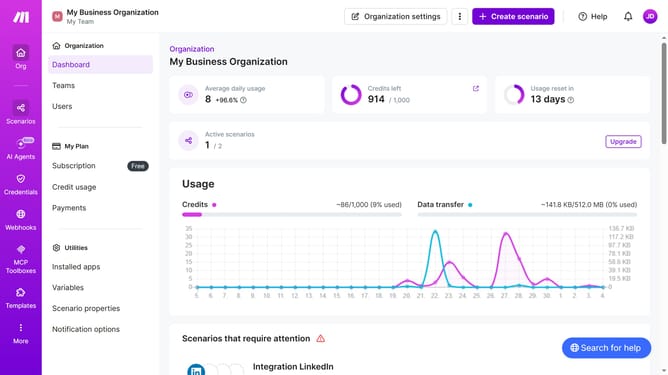
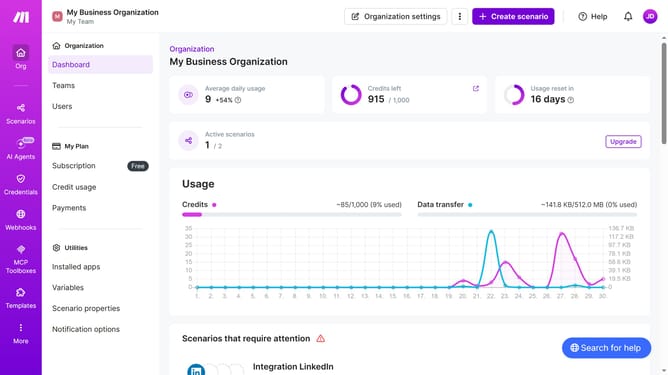
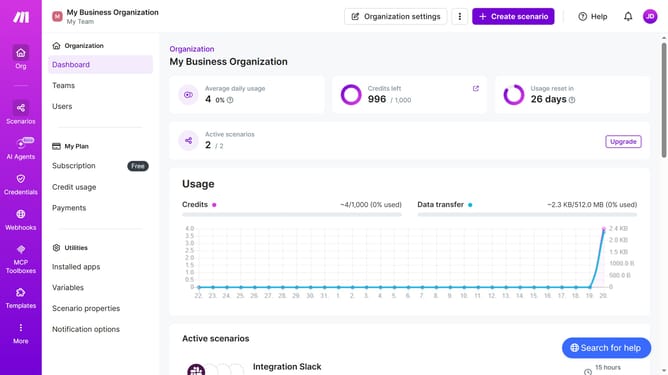
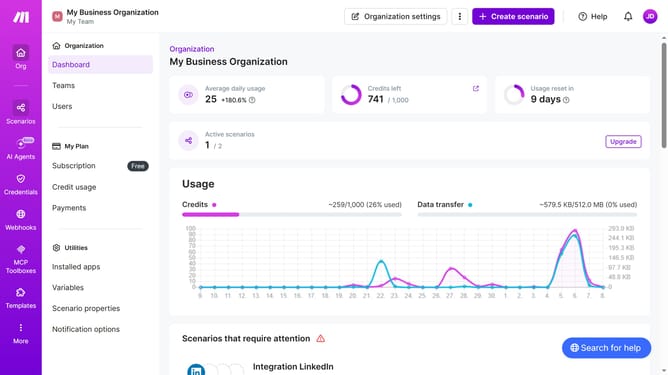
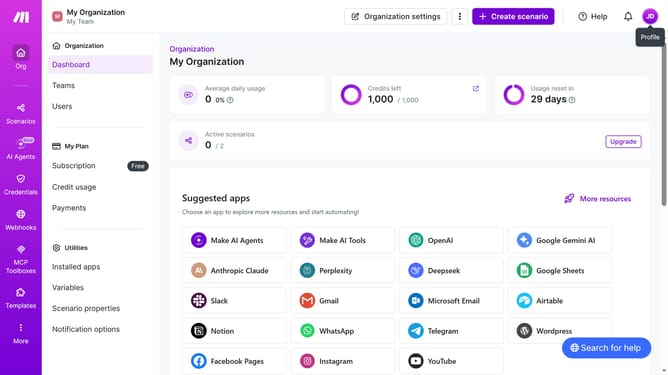
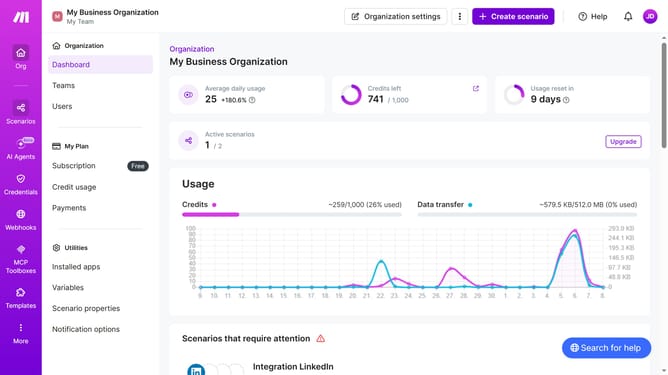
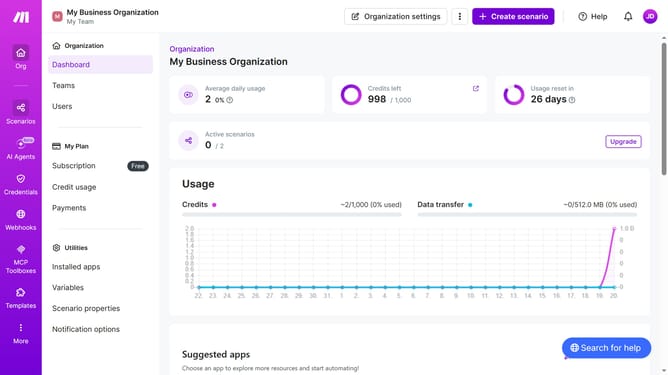
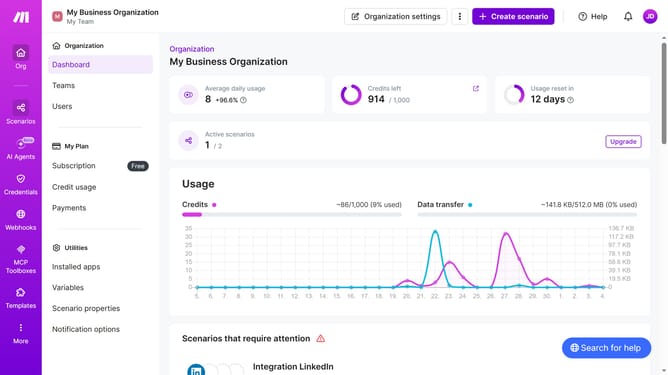
- First click on the "Subscription" tab in the left sidebar
- Then scroll the page down to view available plans
- Then click on the dropdown menu with the current value "10,000 credits/mo"
- Finally select your preferred credits from the dropdown menu
Why should you view pricing plans in Make
Make is your go-to platform for streamlining workflow automation, enhancing efficiency and productivity effortlessly.
Exploring the pricing plans in Make is a straightforward feature ensuring you find the right fit for your specific needs, whether it's for small-scale operations or extensive business processes.
Being able to easily examine the variety of pricing structures helps you make informed decisions, ensuring that you invest wisely while maximizing the return from your automation strategies.
Ultimately, this feature simplifies the process of choosing the best plan, aligning your financial commitment with your operational requirements, thus optimizing your overall experience with Make.
Last update