How to set your personal timezone in Make
Here is how to set your personal timezone in make
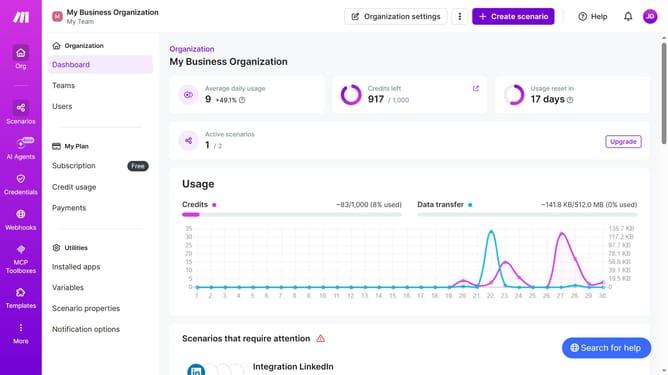
- First click on the user avatar in the top right of the header
- Then click on "Time zone options" in the left sidebar.
- Next click on the "Edit" button
- Then click on the "Timezone" dropdown menu
- Finally select a tmezone from the timezone options
- Then click on the "Save" button.
- Then click on the "Edit" button next to "Scenarios".
Why should you set your personal timezone in Make
Make is a versatile platform designed to effortlessly automate your business processes.
Setting your personal timezone in Make is an intuitive feature that enhances your workflow by ensuring all automated tasks align perfectly with your local time.
This means you can maintain seamless coordination with global teams, clients, and schedules, minimizing any risk of misunderstanding or missed deadlines due to time discrepancies.
By syncing your automations with your local time, you create an environment of precision and reliability, making your operations more efficient and effective.
Last update