How to set time for a monthly running schedule for Calendly scenario in Make
Here is how to set time for a monthly running schedule for calendly scenario in make
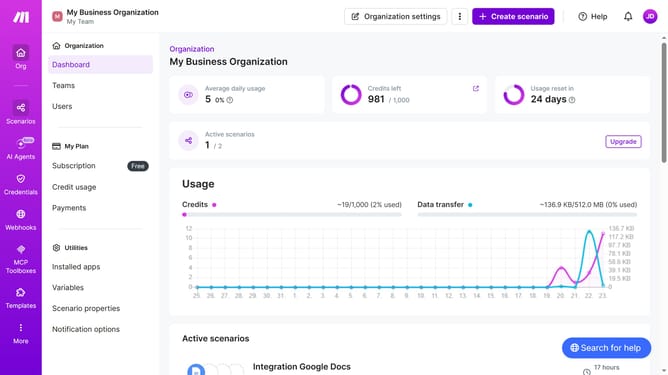
- First click on "Scenarios" item in the left sidebar
- Then click on the "Options" button in the top menu bar
- Next, click on the "Options" button to open a dropdown menu
- Then select "Scheduling" from the dropdown menu
- After that, click on the time field and adjust the time
- Finally click on the "Save" button
Why should you set time for a monthly running schedule for Calendly scenario in Make
Make is a powerful automation platform designed to streamline workflows and save you time.
Setting a time for a monthly running schedule for a Calendly scenario in Make enhances efficiency by automating recurring tasks with precision. This feature helps you maintain a consistent schedule by automatically initiating scenarios at the desired intervals.
Using this capability, not only do you eliminate repetitive manual scheduling, but you also ensure reliability and consistency. This approach empowers users, reduces decision fatigue, and leaves more room for meaningful interactions and productivity.
Last update