How to duplicate a Zapier scenario in Make
Here is how to duplicate a zapier scenario in make
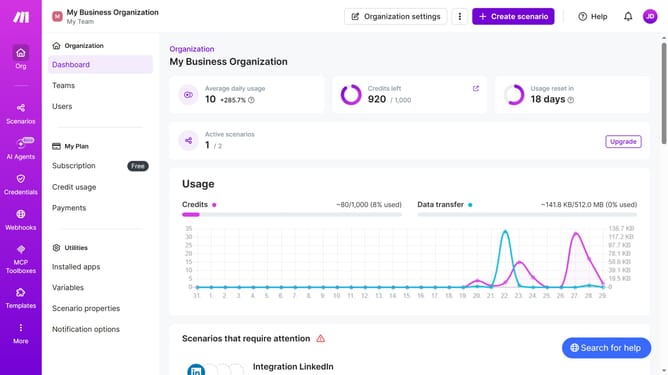
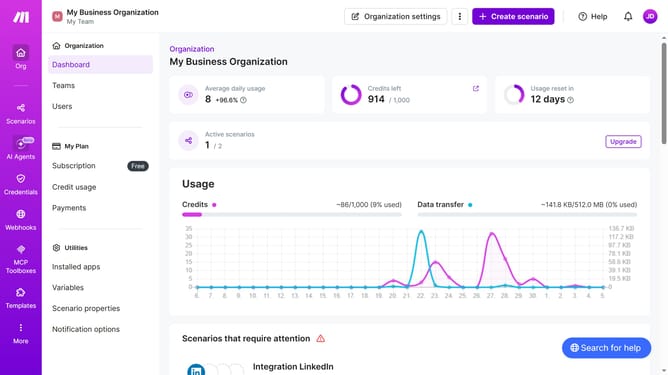
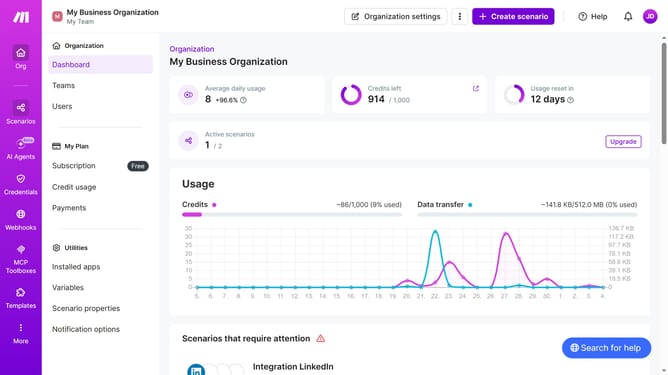
- First click on "Scenarios" link in the left sidebar
- Then click on the three dots icon next to the Zapier scenario name
- Next select "Clone" option from the dropdown menu
- Then click on the "Create a webhook" button
- After that click on the "Save" button
- Finally click on the "Save" button again
Why should you duplicate a Zapier scenario in Make
Make is an innovative automation platform designed to streamline and enhance your workflows.
Duplicating a Zapier scenario in Make is easier than you might think, saving you significant setup time. This feature ensures that you can seamlessly transition your existing automations without starting from scratch.
By replicating your Zapier scenarios, you centralize your workflow management and increase operational efficiency. Embracing this feature allows for a smooth integration experience, enhancing productivity across your projects.
Last update