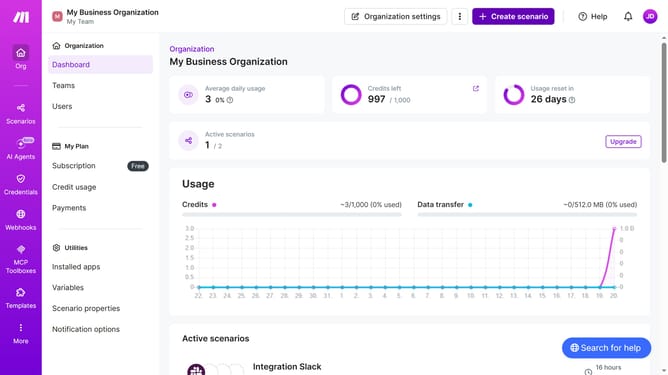
How to set time for a weekly running schedule for Zapier scenario in Make
Here is how to set time for a weekly running schedule for zapier scenario in make
- First click on "Scenarios" item in the left sidebar
- Then click on "Zapier" scenario in the main section
- Then click on "Options" dropdown
- Then select "Scheduling" item from the dropdown menu
- Next click on "Time" text input to set the time
- Finally click on the "Save" button
Why should you set time for a weekly running schedule for Zapier scenario in Make
Make is a versatile platform designed to automate workflows seamlessly.
Setting a specific time for a weekly running schedule in a Zapier scenario within Make is simple and efficient.
This feature enhances productivity by ensuring that your automations occur exactly when you need them, without manual intervention.
Benefiting businesses and individuals alike, it offers flexibility and enhances time management, allowing you to focus on what truly matters.
Last update