How to delete a Google Docs scenario in Make
Here is how to delete a google docs scenario in make
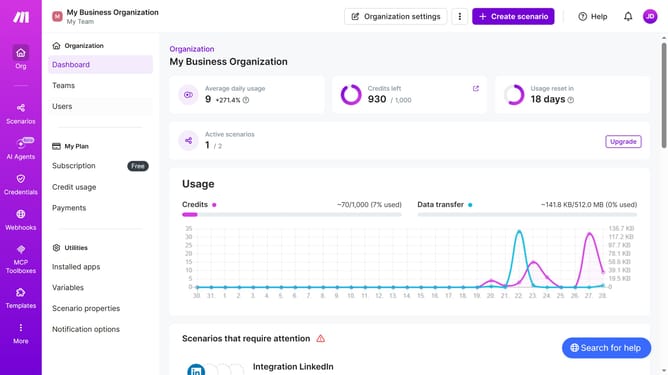
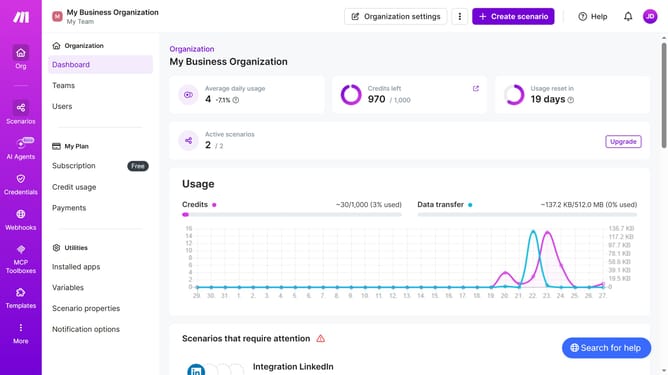
- First, click on "Scenarios" in the left sidebar
- Then click on the three dots icon for the Google Docs you want to delete
- Next, select the "Clone" option from the menu
- Finally click on the "Delete" button to confirm the action
Why should you delete a Google Docs scenario in Make
Make is an intuitive automation platform designed to streamline your digital workflows effortlessly.
The feature to delete a Google Docs scenario within Make is an essential tool for maintaining the organization and efficiency of your automated tasks. It enables you to easily remove any outdated or unnecessary processes, ensuring that your automation remains as clean and efficient as possible.
Using this feature boosts your productivity by decluttering your workflow and allows you to focus on the scenarios that bring the most value to your tasks. Embracing these simplified processes ensures a smoother and more efficient digital experience.
Last update