How to set time for a weekday running schedule for Gmail scenario in Make
Here is how to set time for a weekday running schedule for gmail scenario in make
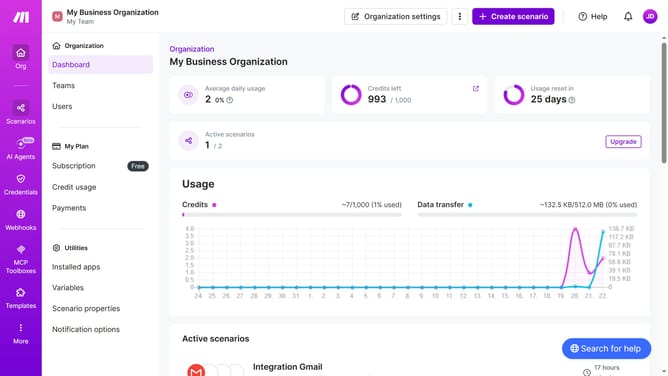
- First click on the "Scenarios" option in the sidebar
- Then click on the Gmail scenario in the list
- Next click on the "Options" button in the header
- Then select "Scheduling" from the dropdown menu
- After that, click on the text input field for "Time 1" and set the time
- Finally click on the "Save" button to confirm the scheduling settings
Why should you set time for a weekday running schedule for Gmail scenario in Make
Make is a powerful automation platform designed to streamline your workflows effortlessly.
Setting a weekday running schedule for your Gmail scenario in Make maximizes productivity by automating tasks when they're most needed. This feature empowers you to specify precise times for your automation, ensuring emails are managed efficiently and at optimal moments throughout the workweek.
By utilizing Make's scheduling capabilities, you enhance efficiency and maintain consistency in your communication, reducing manual effort and saving valuable time.
Last update