How to add your company tax ID in Make
Here is how to add your company tax id in make
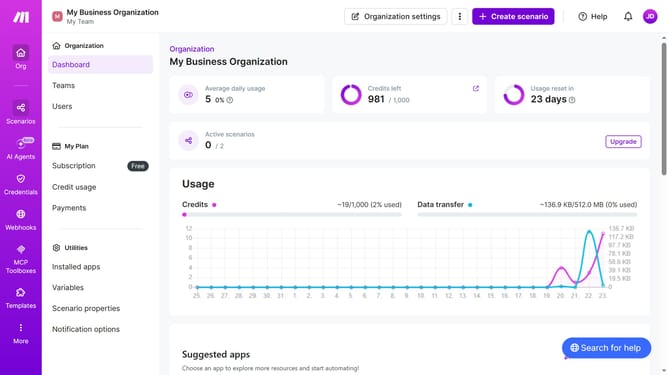
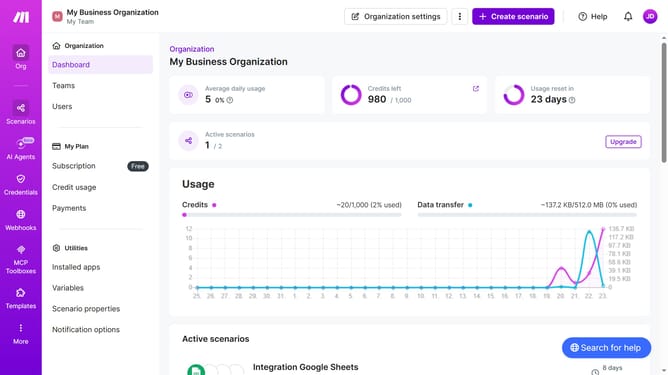
- First click on the three dots icon in the header bar
- Then click on "Change billing details" option
- Then click on the "Company Tax ID" input field in the modal and enter the needed information
- Finally click on the "Save" button in the modal
Why should you add your company tax ID in Make
Make is a versatile platform designed to streamline and automate complex business processes.
By adding your company tax ID in Make, you ensure smooth and compliant transactions across various services. This feature simplifies tax documentation, making it more efficient to manage your business's fiscal responsibilities.
Using your company tax ID within Make not only aids in accurate reporting but also enhances trust with customers and partners by demonstrating transparency.
Last update