How to add app Youtube in Make
Here is how to add app youtube in make
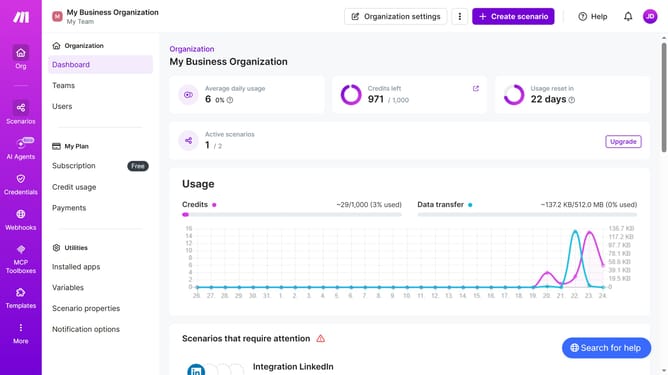
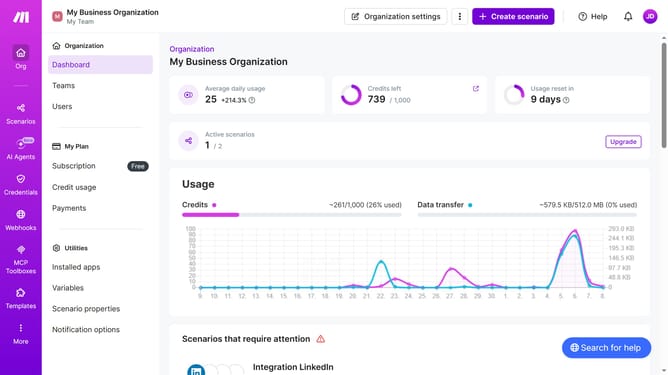
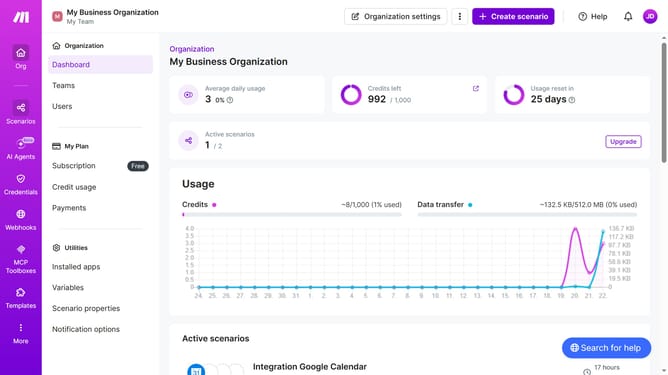
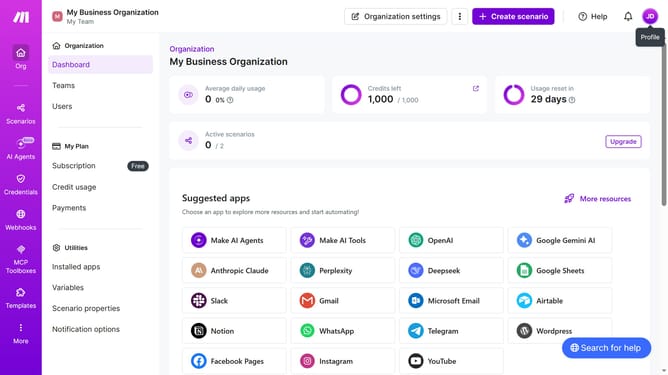
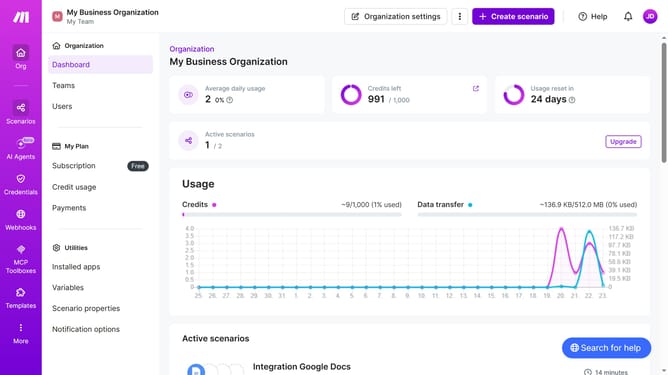
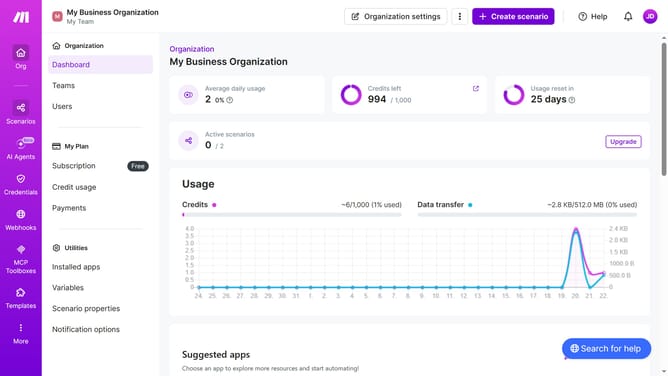
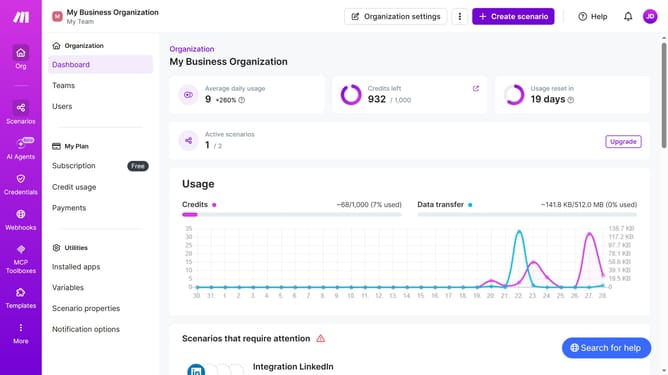
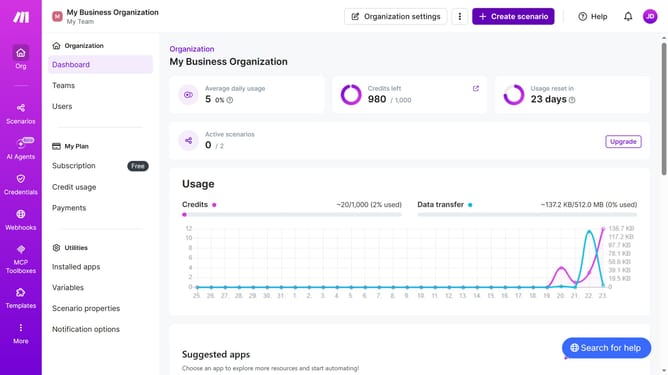
- First click on "+ Create scenario" button
- Then click on text input with current value "Search apps or modules"
- Then click on "YouTube" item
- Next click on a trigger in the channel item
- Click on "Create a connection" button
- Then click on the dropdown with the Terms of Service agreement
- Next click on "Yes" item
- Next, click on "Sign in with Google" button and sign in on your Google account
- Finally, click on "Save" button
- Then click on "Save" button
- Next click on a radio button from the "Choose where to start" pop up
- Next click on "Save" button
- Finally, click on the "Save" button again to save the scenario
Why should you add app Youtube in Make
Make is a powerful automation platform that connects various apps to streamline your workflow.
Adding YouTube to Make allows users to seamlessly integrate video content into automated processes, enhancing productivity and engagement.
This feature opens up opportunities to automatically manage video uploads, organize channel activities, or retrieve data insights, significantly saving time and effort. Whether for business or personal use, integrating YouTube with Make optimizes tasks by creating a more efficient and connected digital experience.
Last update