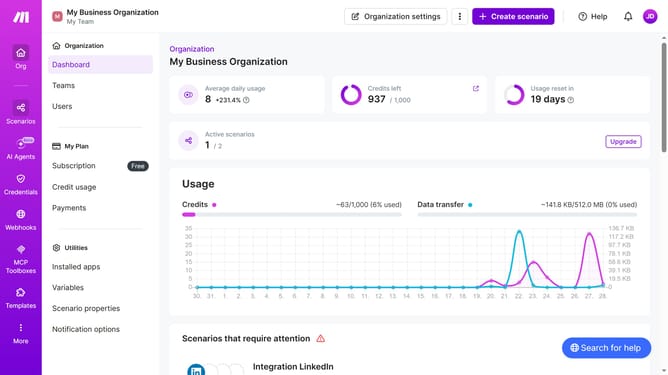
How to add app Google Sheets in Make
Here is how to add app google sheets in make
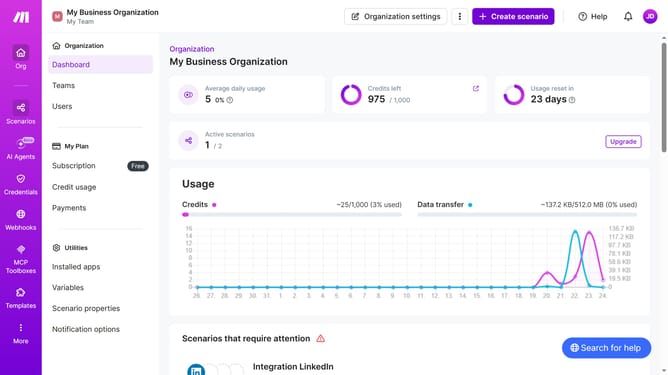
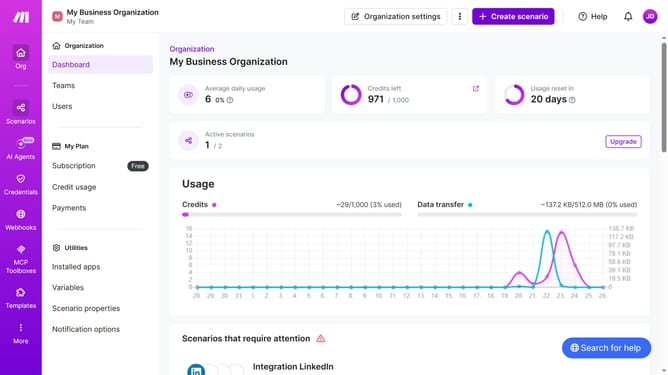
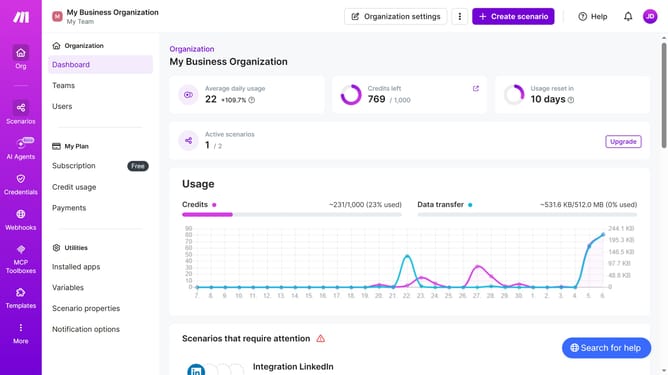
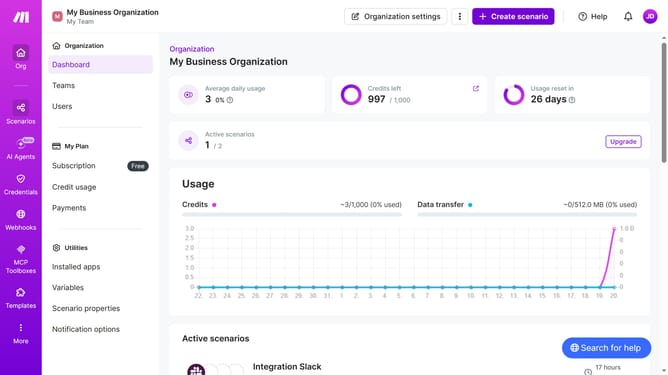
- First, click on the "+ Create scenario" button in the header
- Then, click on the "Google Sheets" app in the main panel
- Next, select a trigger from the list
- After that, click on the "Create a webhook" button
- Then, click on the "Save" button to save the webhook configuration
- Next, click on the "Save" button again to apply the changes
- Finally, click on the "Save" button in the bottom toolbar to save the scenario
Why should you add app Google Sheets in Make
Make is a dynamic tool designed to automate workflows and simplify complex processes.
Integrating Google Sheets within Make opens the door to streamlined data management and efficient automation.
Adding this feature allows for seamless syncing, updates, and sharing of information across platforms.
Utilizing this integration saves time even as it enhances productivity by ensuring data accuracy and reducing manual tasks.
Last update