How to delete a Slack scenario in Make
Here is how to delete a slack scenario in make
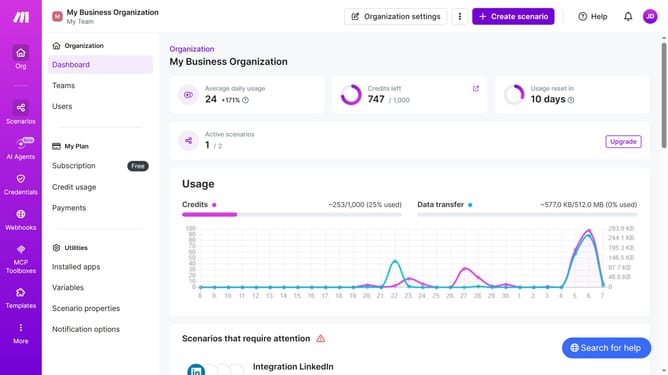
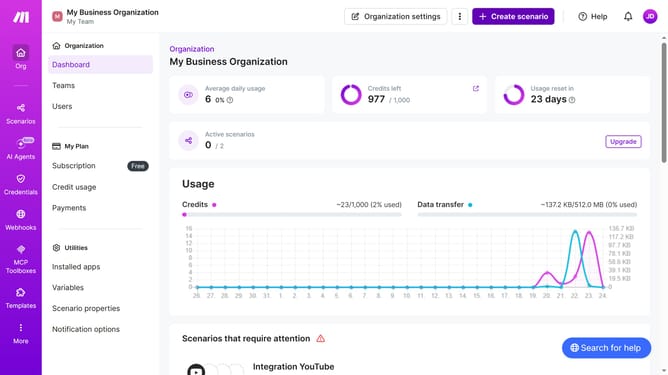
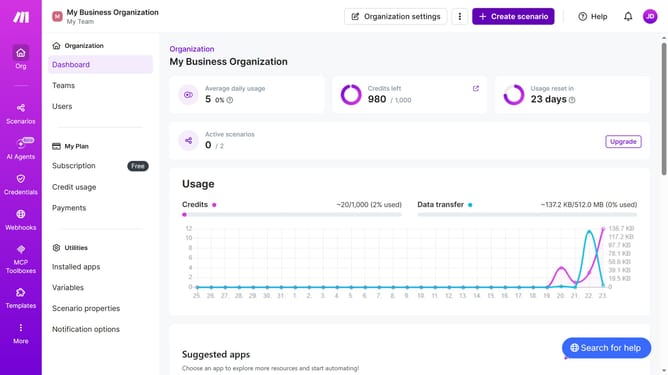
- First click on "Scenarios" button in the left sidebar
- Then click on the "more options" icon for the scenario you want to manage
- Next, select the "Delete" option from the dropdown menu
- Finally, click the "Delete" button to confirm the deletion
Why should you delete a Slack scenario in Make
Make is a dynamic automation platform that streamlines processes across diverse applications effortlessly.
Deleting a Slack scenario in Make enhances efficiency and keeps your workspace clutter-free. This feature allows users to easily manage and organize their automation workflows, ensuring that only relevant and necessary scenarios remain active.
This streamlined function not only saves time but also optimizes system performance, providing a clean and focused environment for enhancing productivity.
Last update