How to add app LinkedIn in Make
Here is how to add app linkedin in make
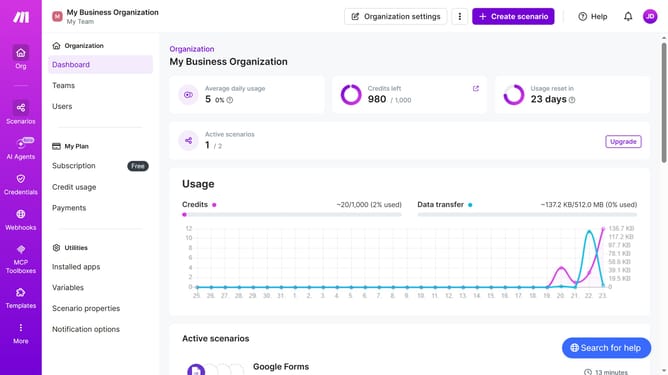
- First click on the "Create scenario" button in the header
- Then click on the search bar that says "Search apps or modules" and type LinkedIn
- Then click on the "LinkedIn" app
- Next, click on the "Create a User Text Post" option
- Then click on the "Create a connection" button
- After that, click on the "Connection type" dropdown
- Then select "LinkedIn" from the dropdown menu
- Next, click on the "Save" button in the "Create a connection" pop-up
- Then click on the "Content " text area and type in the required information
- After that, click on the "Save" button in the "LinkedIn" connection settings
- Finally, click on the "Save" button in the bottom toolbar
Why should you add app LinkedIn in Make
Make is an intuitive automation platform designed to streamline your workflow effortlessly.
Adding LinkedIn to Make enhances your productivity by seamlessly integrating professional networking capabilities into your automated processes.
Harnessing LinkedIn within Make allows you to automate tasks like updating job postings or managing connections, saving time and effort.
This integration empowers you to maintain a dynamic presence on LinkedIn, driving engagement and expanding your professional network efficiently.
Last update