How to add app Google Forms in Make
Here is how to add app google forms in make
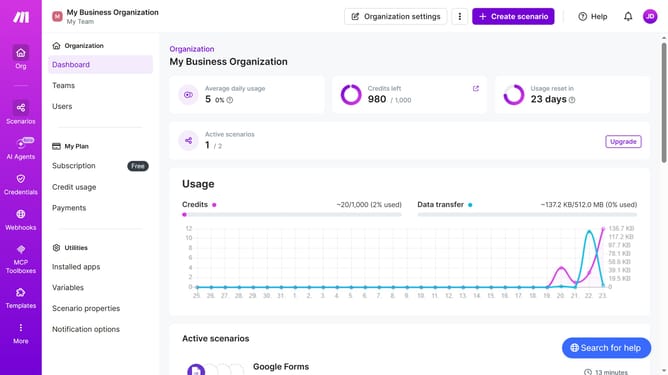
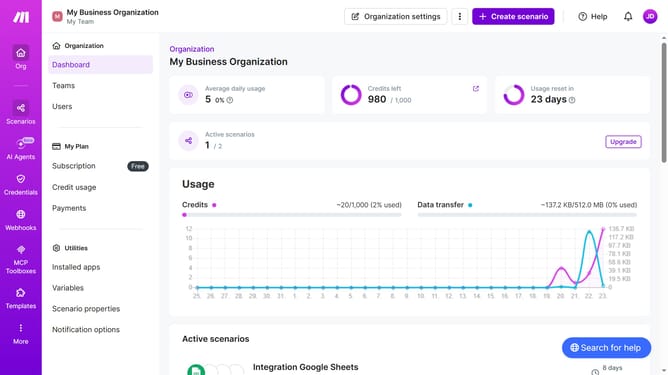
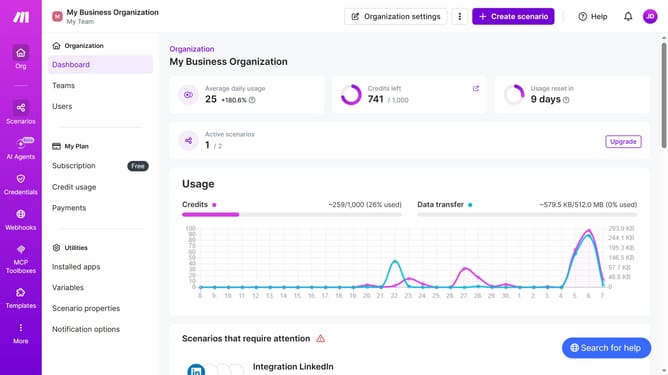
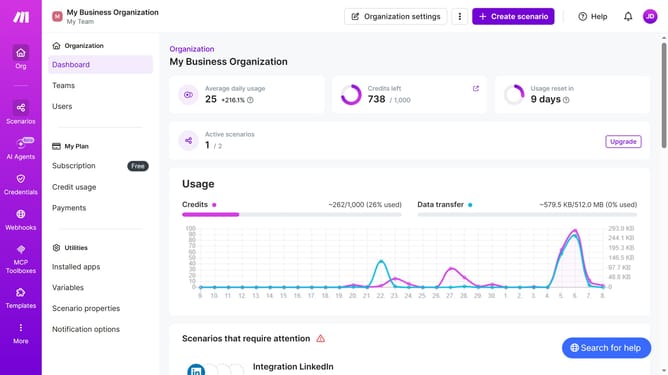
- First click on "+ Create scenario" button in the top menu
- Then click on the search input field and enter Google Forms
- Next, click on the "Google Forms" item
- Then click on the "Create a Form" text
- Next, type into the "Title" input field
- Then click on the "Save" button
- Finally click on the "Save" icon in the bottom menu
Why should you add app Google Forms in Make
Make is a versatile automation platform designed to streamline workflows and automate tasks with ease.
Integrating Google Forms into Make allows users to automate the collection and processing of data effortlessly. By adding Google Forms in Make, users can enhance productivity and save significant time.
This feature facilitates seamless data management and helps in creating efficient, responsive workflows, ultimately leading to a smoother and more productive operational experience.
Last update