How to add a scenario description for Google Sheets in Make
Here is how to add a scenario description for google sheets in make
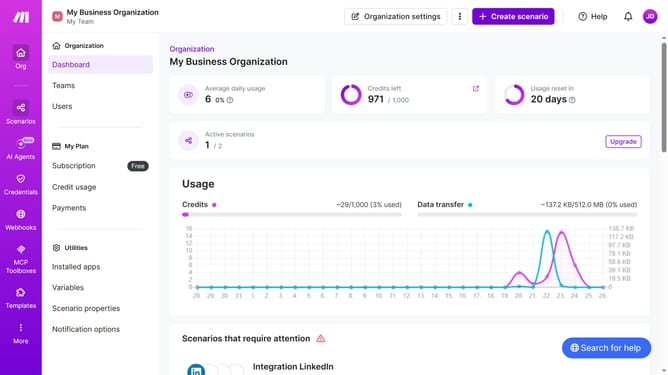
- First, click on "Scenarios" in the left sidebar
- Then, click on Google Sheets scenario from the list of scenarios
- Next, click on the "Options" dropdown button
- Then, select "Edit description" from the dropdown menu
- Next, click on the description text input field and enter the scenario description
- Finally, click on the "Save" button to apply the changes
Why should you add a scenario description for Google Sheets in Make
Make is a powerful tool designed to automate workflows and connect applications seamlessly.
One remarkable feature of Make is the ability to add scenario descriptions for Google Sheets. This feature enhances clarity and organization, allowing users to understand and manage their automation scripts more effectively.
By adding scenario descriptions, users can quickly identify the purpose and structure of a task. It promotes efficient collaboration and reduces errors, ensuring smooth integration and reliable performance across different tasks.
Last update