How to add app Google Docs in Make
Here is how to add app google docs in make
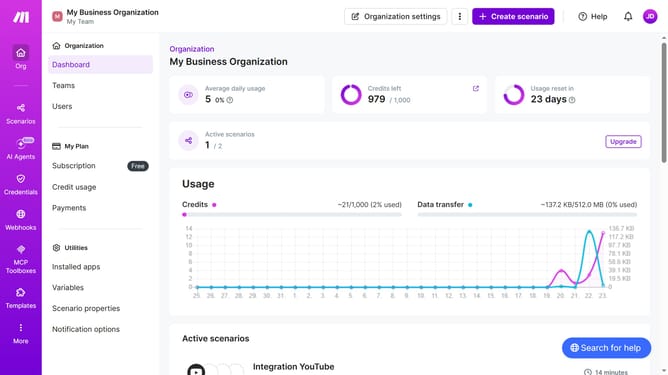
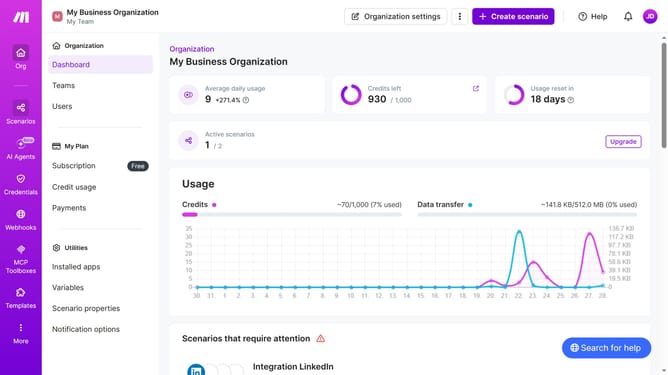
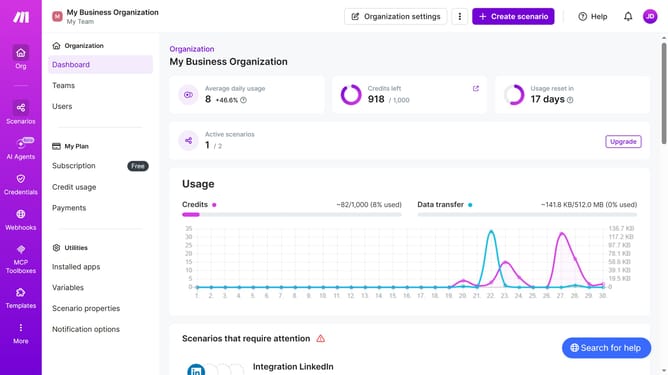
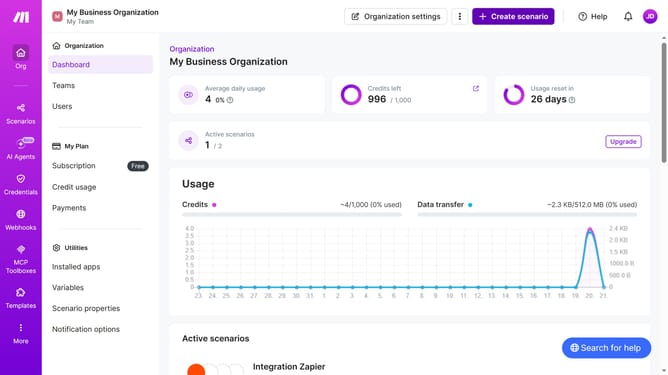
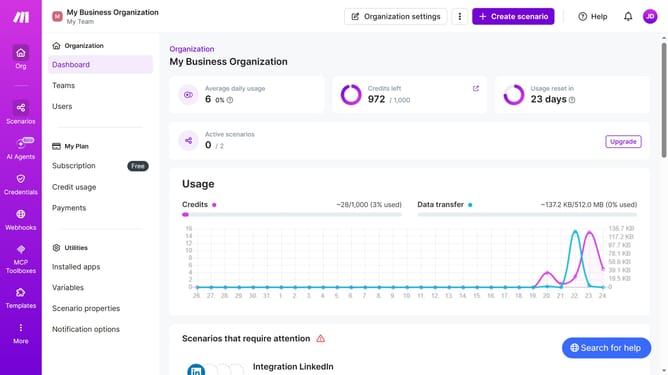
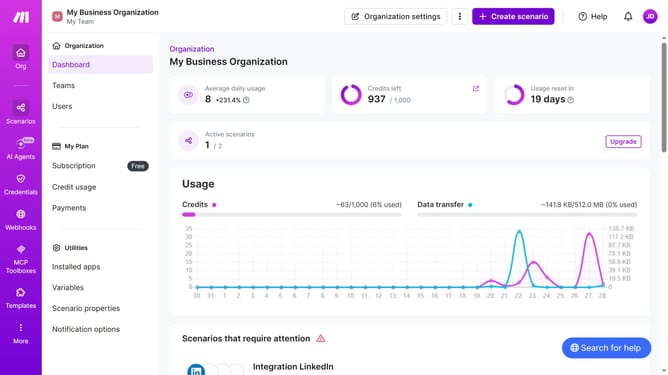
- First click on "+ Create scenario" button in the header
- Then type "google docs" into the search bar
- Next click on "Google Docs" item
- Then click on "Watch Documents" item under Document section
- Next click on "Save" button
- Then select and option on where to start and click on a radio button
- Next click on the "Save" button
- Finally click on the icon to save the scenario
Why should you add app Google Docs in Make
Make is an intuitive platform designed to streamline task automation processes effortlessly.
By adding the Google Docs app in Make, you can seamlessly integrate your document creation and management tasks with various other applications and workflows. This integration allows you to automate repetitive tasks like document generation, updates, and sharing, effectively saving time and boosting productivity.
Utilizing Google Docs within Make ensures that your workflow remains synchronized, organized, and efficient, enabling you to focus on more critical business tasks rather than manual data entry.
Last update