How to delete a Gmail scenario in Make
Here is how to delete a gmail scenario in make
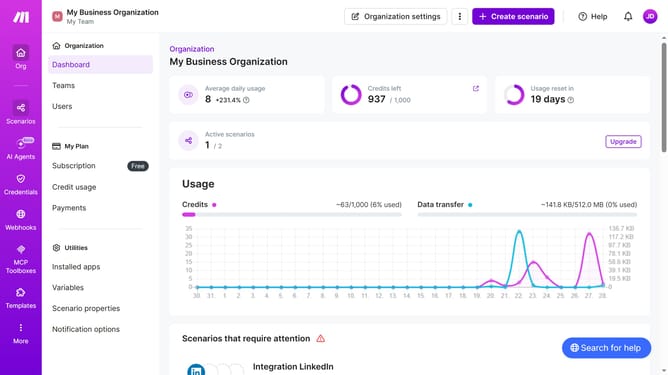
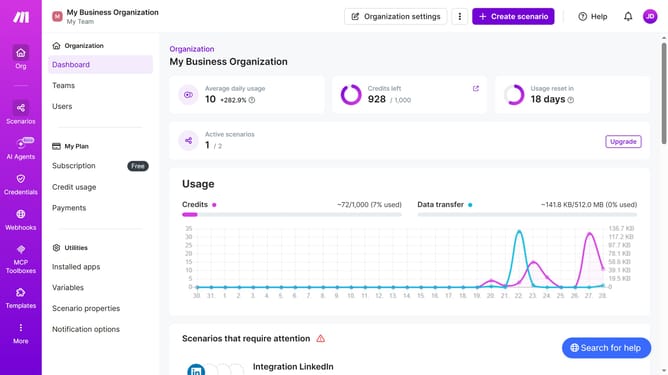
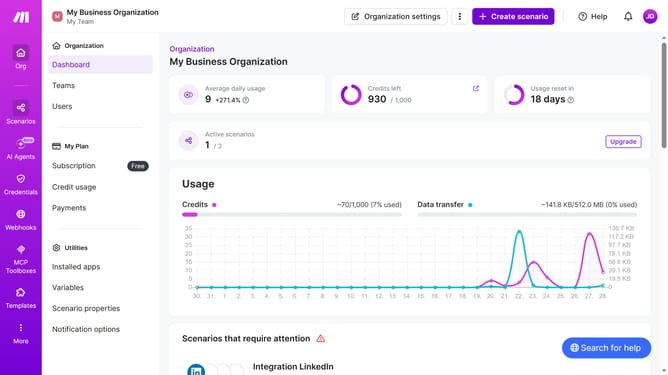
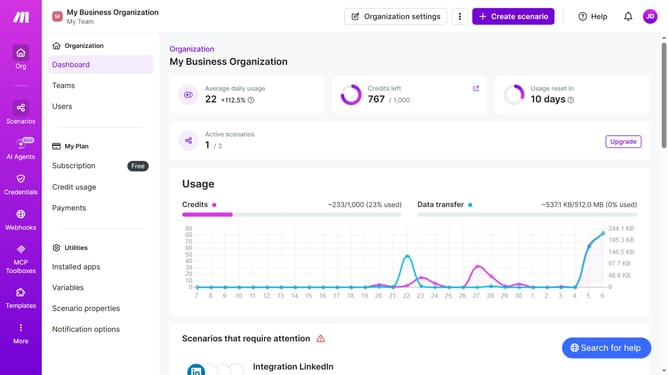
- First click on "Scenarios" in the left sidebar
- Then click on the three dots icon next to the Gmail scenario that you wanted to delete
- Next, select "Delete" from the dropdown menu
- Finally, click on the "Delete" button to confirm the deletion
Why should you delete a Gmail scenario in Make
Make is a versatile platform that empowers users to automate tasks seamlessly without coding complexities.
Within Make, deleting a Gmail scenario is a straightforward feature designed to keep your workspace uncluttered and efficient. By removing unnecessary scenarios, you can streamline your processes and focus on the automations that truly matter.
This feature is particularly beneficial for maintaining a clean and organized digital environment, ensuring that your Gmail automations are always optimal and free from redundancy.
Ultimately, this fosters a more productive and less chaotic automation experience, allowing for enhanced focus on important tasks.
Last update