How to add time for a weekday running schedule for Mailchimp scenario in Make
Here is how to add time for a weekday running schedule for mailchimp scenario in make
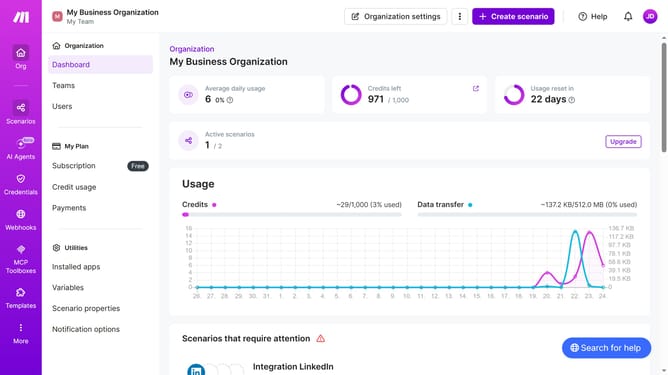
- First click on "Scenarios" in the left sidebar
- Then click on the Mailchimp scenario
- Next click on "Options" button in the top menu
- Then select "Scheduling" from the dropdown menu
- After that click on "+ Add more times" button
- Next click on the input field for Time 2 and input your time
- Finally click on the "Save" button
Why should you add time for a weekday running schedule for Mailchimp scenario in Make
Make is an intuitive platform designed for effortlessly automating workflows across different apps.
Incorporating a running schedule for Mailchimp scenarios is streamlined with Make, especially when you add times for weekdays. This feature ensures that your marketing campaigns are not only automated but also precisely targeted during the most opportune moments.
Utilizing Make's scheduling capabilities enhances operational efficiency and ensures communication is timely, improving engagement without the need for constant manual intervention.
Last update