How to add Discord in Make
Here is how to add discord in make
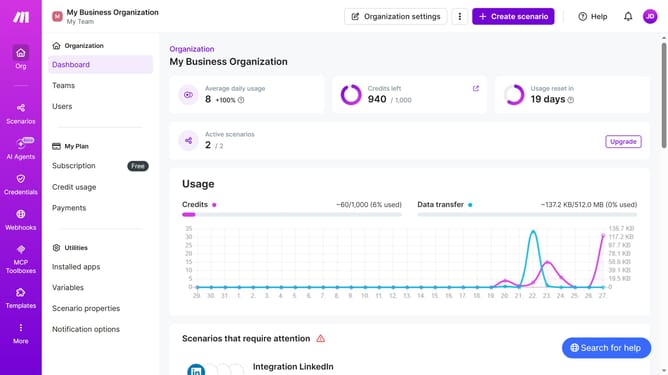
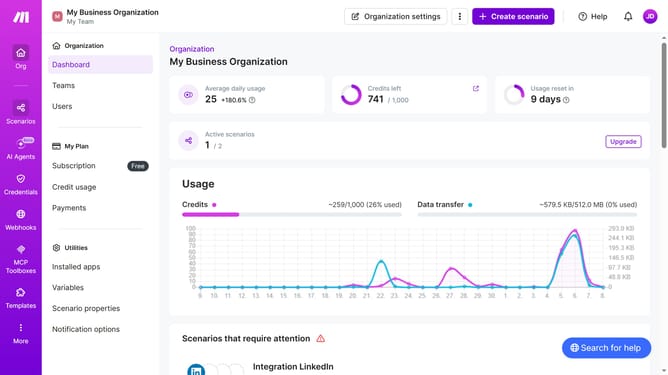
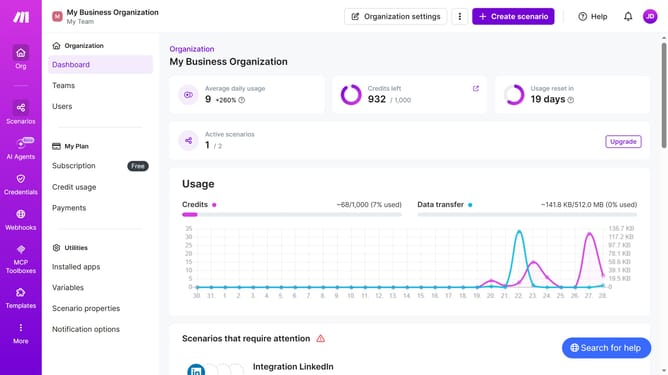
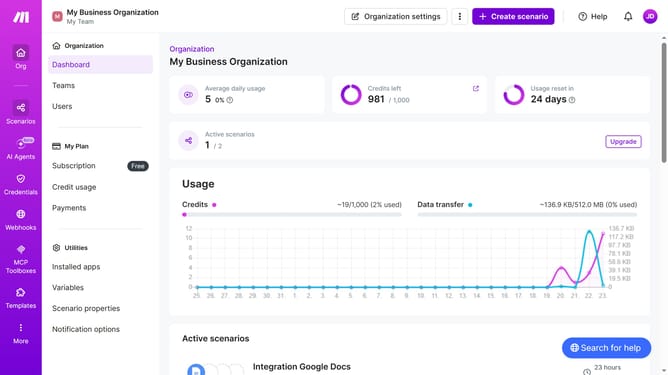
- First click on "+ Create scenario" button in the header
- Then click on the "Search apps or modules" input field in the top menu and type Discord
- Then click on the "Discord" app in the top menu
- Then click on the "Watch Channel Messages" option in the top menu
- Then click on the "Create a connection" button on the bottom menu
- Then click on the "Save" button on the bottom menu
- Then click on the "Channel ID*" input field
- Then select "general" from the dropdown list in the Channel ID field
- Then click on the "Save" button in the Discord configuration panel
- Then click on the "All" radio button
- Then click on the "Save" button in the Discord configuration panel
- Finally click on the "Run once" button in the bottom menu.
Why should you add Discord in Make
Make is a versatile automation platform that seamlessly connects various apps and services to streamline workflows.
Adding Discord to Make enriches your automation capabilities by enabling effortless communication and collaboration. It allows you to create automated workflows involving Discord, enhancing productivity through streamlined notifications or updates.
Using Discord in Make benefits users by saving time on repetitive tasks and ensuring consistent, real-time engagement with community or team members. The integration boosts operational efficiency while maintaining a cohesive workflow.
This feature is ideal for businesses and communities looking for a dynamic way to stay connected and enhance engagement through automation.
Last update