How to manage daily running schedule for a Google Docs scenario in Make
Here is how to manage daily running schedule for a google docs scenario in make
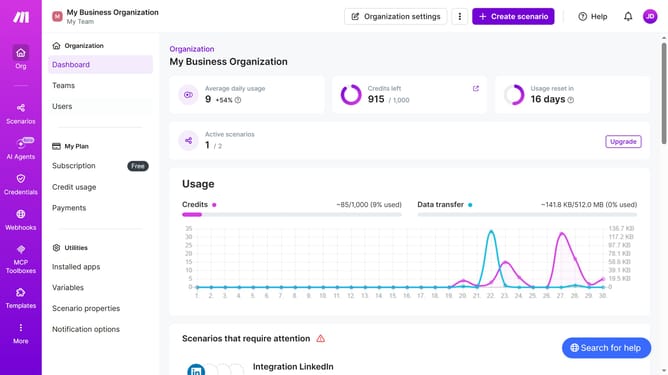
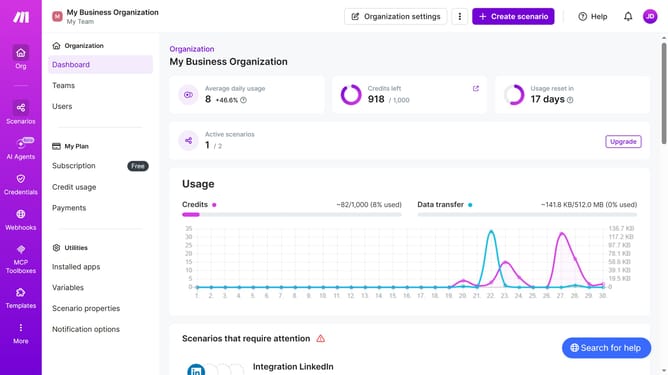
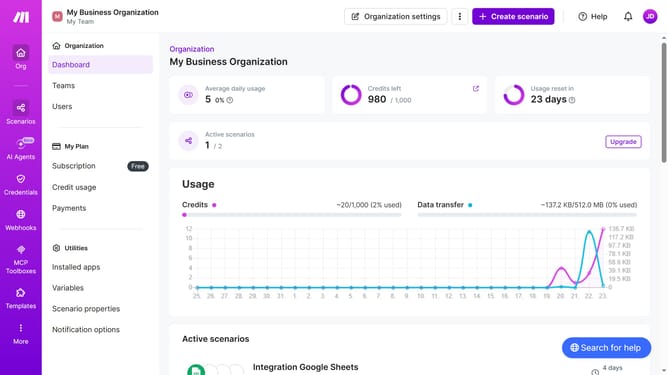
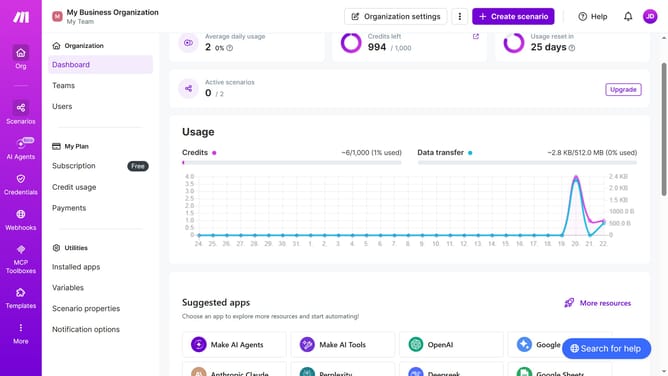
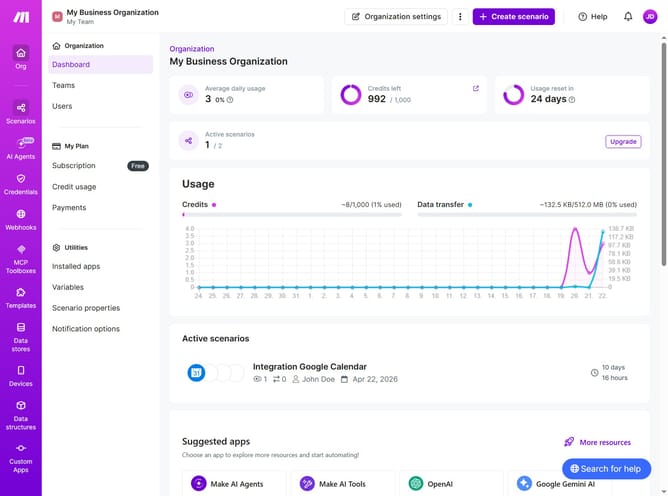
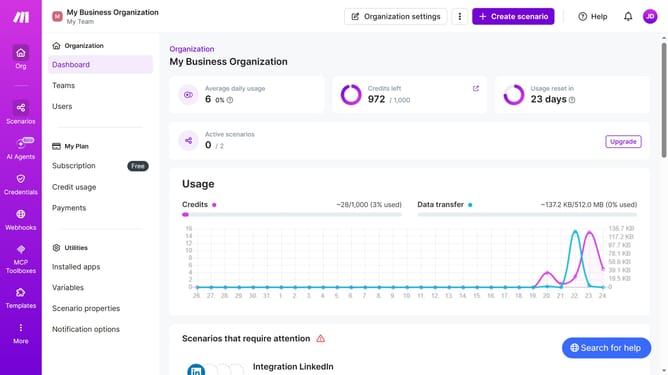
- First, click on the "Scenarios" option in the left sidebar
- Then click on the Google Docs scenario from the list that you want to manage
- Next, click on the "Options" button
- Then, select "Scheduling" from the dropdown menu
- Click on the "Run scenario" dropdown to open the scheduling options
- Select "Daily" from the list of scheduling options
- Finally, click on the "Save" button
Why should you manage daily running schedule for a Google Docs scenario in Make
Make is an intuitive online platform that automates workflows, enhancing productivity with seamless integrations.
Managing your daily running schedule for a Google Docs scenario with Make is a breeze. This feature allows for effortless organization and precise timing.
Incorporating automation ensures that tasks run smoothly without manual intervention, reducing errors and streamlining workflows.
By utilizing this feature, you save valuable time, increasing efficiency and allowing focus on more critical tasks.
Last update