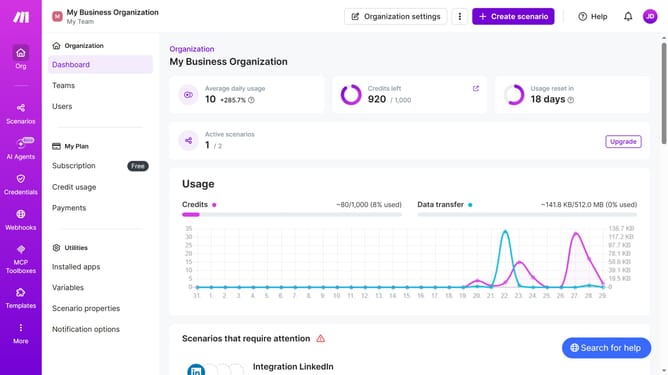
How to delete a LinkedIn scenario in Make
Here is how to delete a linkedin scenario in make
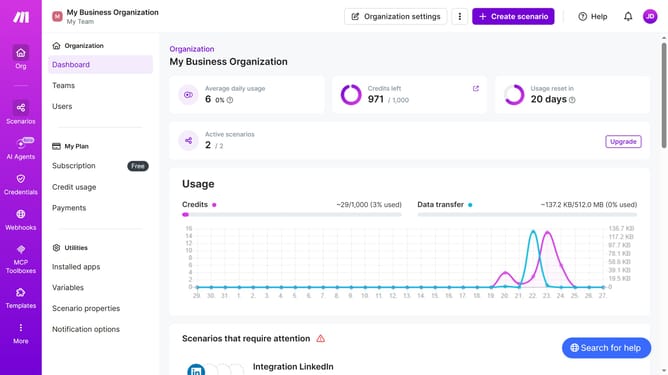
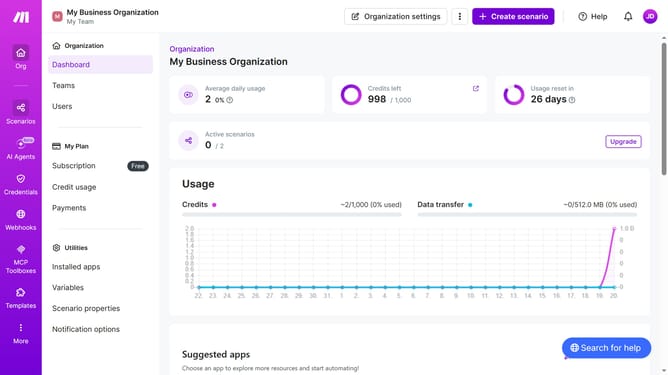
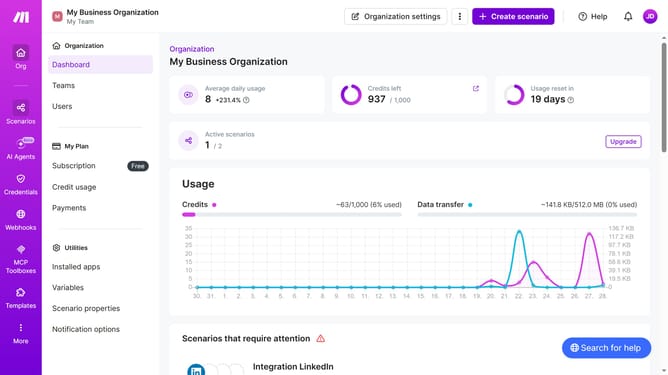
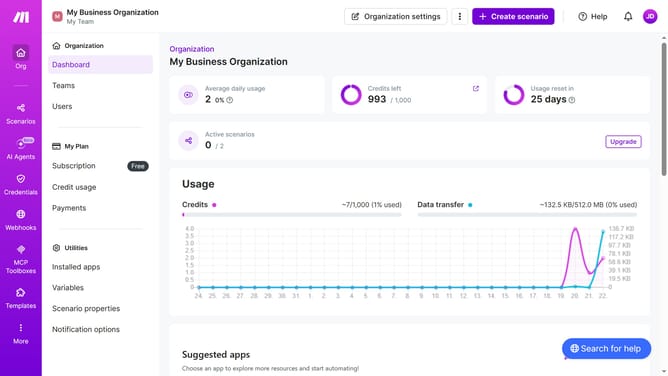
- First click on "Scenarios" in the left sidebar
- Then click on the "three dots" icon in the upper right corner of the scenario item
- Next, click on the "Delete" option from the dropdown menu
- Finally, click on the "Delete" button to confirm
Why should you delete a LinkedIn scenario in Make
Make streamlines your workflow by automating tasks across multiple platforms effortlessly.
Deleting a LinkedIn scenario in Make offers a straightforward way to manage and update your automation processes with ease.
By removing outdated or irrelevant scenarios, you can maintain a clean and organized workspace, ensuring your automations are efficient and effective.
This feature allows you to focus on what matters most, optimizing performance and boosting productivity.
Last update