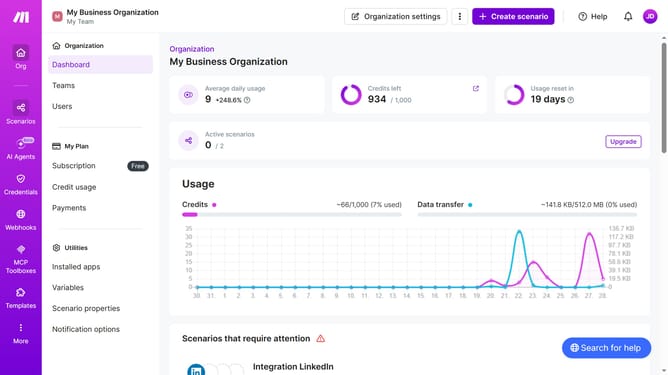
How to manage running time of Slack scenario in Make
Here is how to manage running time of slack scenario in make
- First click on "Scenarios" in the left sidebar
- Click on the "Integration Slack" scenario in the main panel
- Then click on the "Edit" button in the top right corner
- Click on the "Every 15 minutes" option
- Then select "At regular intervals" in the "Run scenario" dropdown menu
- Select "Daily" from the dropdown menu
- Click on the time input field and enter your preferred time
- Then click on the "Save" button
- Click on the "Activate scenario" button
- Finally, click on the save icon
Why should you manage running time of Slack scenario in Make
Make is an intuitive automation platform designed to streamline complex workflows by connecting apps and services seamlessly.
Managing the running time of Slack scenarios in Make is a strategic feature that allows users to optimize their workflow precision.
By controlling execution time, users ensure efficient utilization of resources and maintain consistency in operations.
Utilizing this feature ensures that your Slack automation works harmoniously within planned timelines, enhancing productivity and team coordination.
Last update