How to manage interval time of running schedule of a Slack scenario in Make
Here is how to manage interval time of running schedule of a slack scenario in make
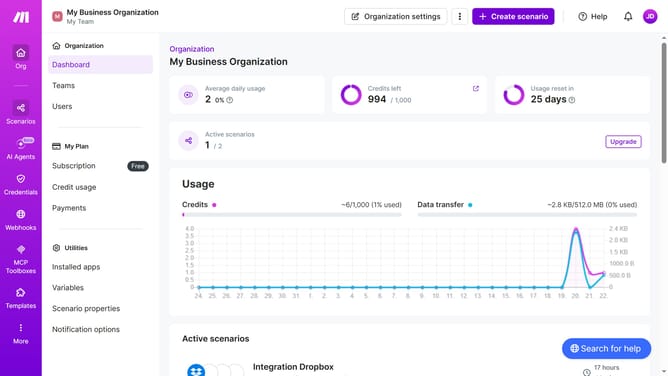
- First click on "Scenarios" item in the left sidebar
- Then click on the Slack scenario from the list
- Next click on the "Options" button in the top right menu
- Select "Scheduling" from the dropdown menu
- Then click on the input field with value in the "Minutes" section and enter your preferred value
- Finally click on the "Save" button
Why should you manage interval time of running schedule of a Slack scenario in Make
Make is a powerful tool designed to seamlessly automate your workflow by connecting various apps.
Managing the interval time of the running schedule of a Slack scenario in Make allows you to optimize notifications and streamline communications effectively. This feature ensures that your Slack notifications are timely and relevant, maintaining an uninterrupted flow of information throughout your team.
Using this feature boosts productivity by preventing information overload and ensuring your team's focus is directed where it's most needed. By customizing Slack notification timings, you enhance your team's efficiency and minimize disruptions.
Last update