How to set time for a monthly running schedule for Discord scenario in Make
Here is how to set time for a monthly running schedule for discord scenario in make
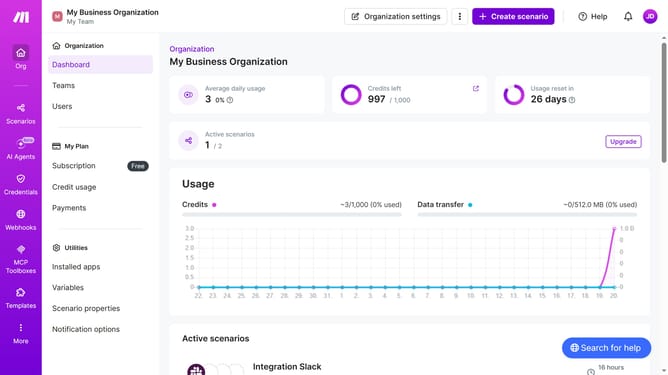
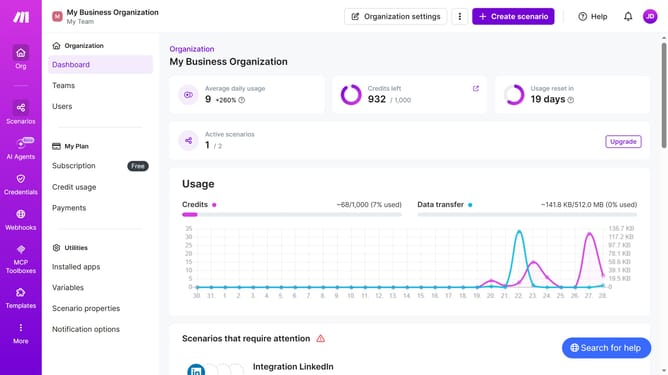
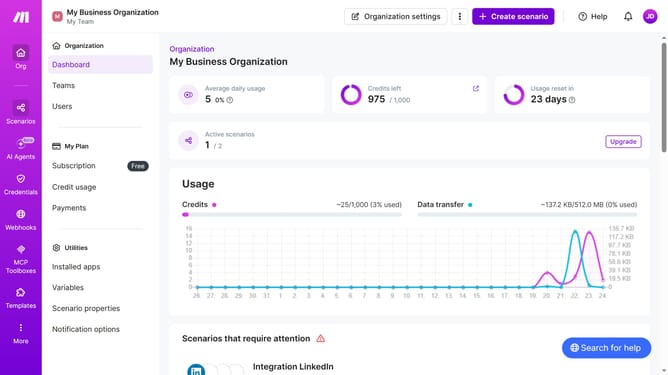
- First click on the "Scenarios" option in the left sidebar
- Then click on the Discord scenario link in the main content
- Next, click on the "Options" button in the top right corner of the scenario details
- Then click on the "Scheduling" option from the dropdown menu
- Then click on the time input field and enter your preferred time
- Finally click on the "Save" button
Why should you set time for a monthly running schedule for Discord scenario in Make
Make is an intuitive platform designed to automate workflows and boost productivity effortlessly.
Setting a time for a monthly running schedule for Discord scenarios in Make enhances organization and ensures a consistent communication flow. Through this feature, users can seamlessly integrate and time tasks, freeing up resources for other priorities.
This scheduling capability ensures that important tasks are not missed, making it indispensable for maintaining regular connections in your Discord community. Its reliability offers peace of mind and efficiency.
Last update