How to manage daily running schedule for a Youtube scenario in Make
Here is how to manage daily running schedule for a youtube scenario in make
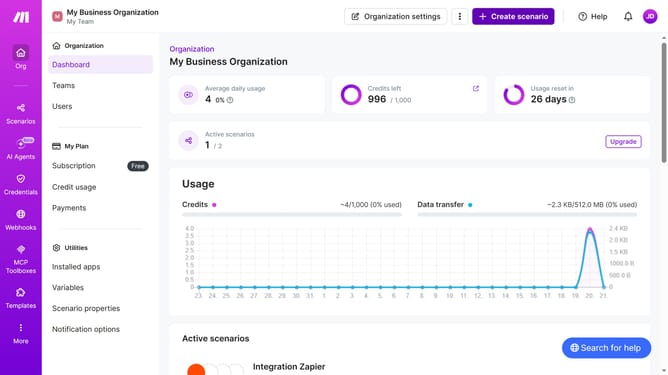
- First, click on "Scenarios" in the left sidebar
- Then, click on the YouTube scenario
- Next, click on the "Options" button in the top action bar
- Select "Scheduling" from the dropdown menu
- Click on the "Run scenario" dropdown in the "Schedule settings" modal
- Then select "Daily" from the dropdown
- Finally, click on the "Save" button
Why should you manage daily running schedule for a Youtube scenario in Make
Make is a versatile automation platform designed to streamline your workflow and boost productivity.
When managing your daily running schedule for a YouTube scenario in Make, you can efficiently automate tasks, ensuring consistency and focus. This feature allows you to integrate various apps and services, helping you save time by handling repetitive tasks seamlessly.
Utilizing this feature ensures better scheduling, allowing you to spend more time creating content and engaging with your audience. Embrace automation for a more organized and productive YouTube management experience.
Last update