How to set time for a monthly running schedule for OneDrive scenario in Make
Here is how to set time for a monthly running schedule for onedrive scenario in make
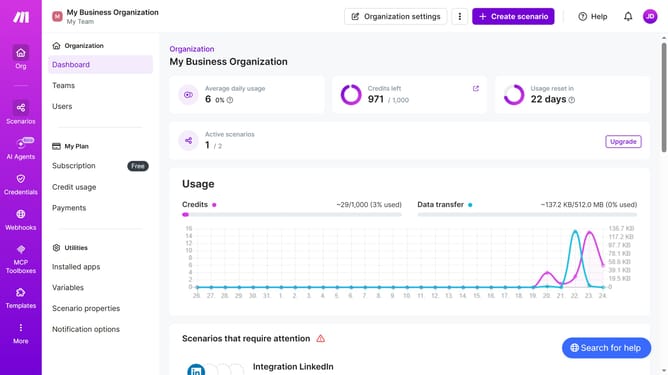
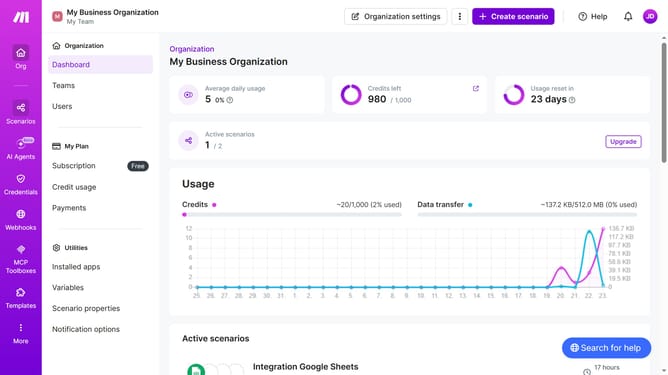
- First click on "Scenarios" item in the left sidebar
- Then click on "OneDrive" item in the main content area
- Then click on "Options" button in the header
- Then select "Scheduling" item from the dropdown menu
- Then click on the time input field and enter your preferred time
- Finally click on the "Save" button
Why should you set time for a monthly running schedule for OneDrive scenario in Make
Make is an intuitive platform designed to simplify and automate workflows seamlessly across various applications.
Setting a monthly running schedule for a OneDrive scenario in Make helps streamline operations effortlessly, ensuring pivotal tasks are executed consistently without manual intervention.
This feature is especially beneficial as it empowers users to maintain organized file management and regular updates, thus enhancing productivity and minimizing potential oversights.
Incorporating time settings for monthly schedules not only ensures higher efficiency but also promotes a more streamlined and automated digital workspace.
Last update