How to update your city in Make
Here is how to update your city in make
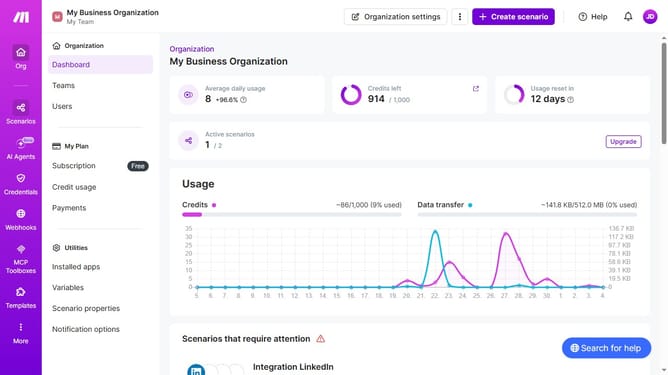
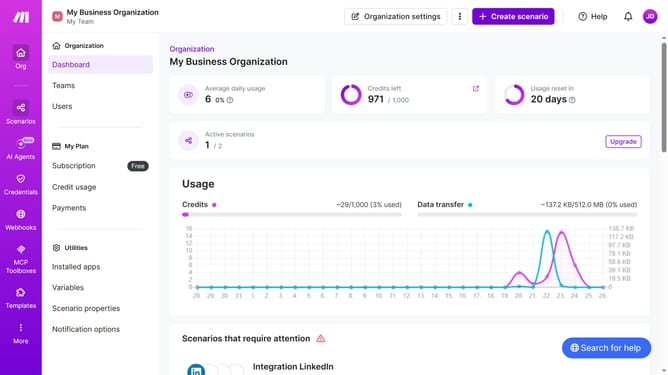
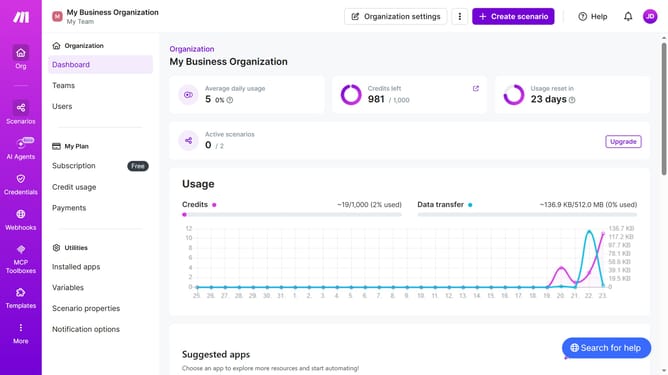
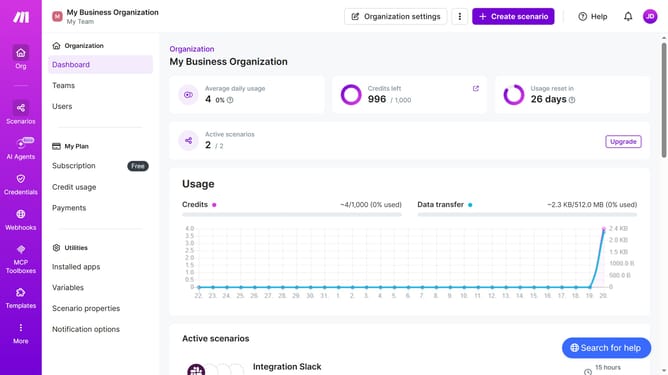
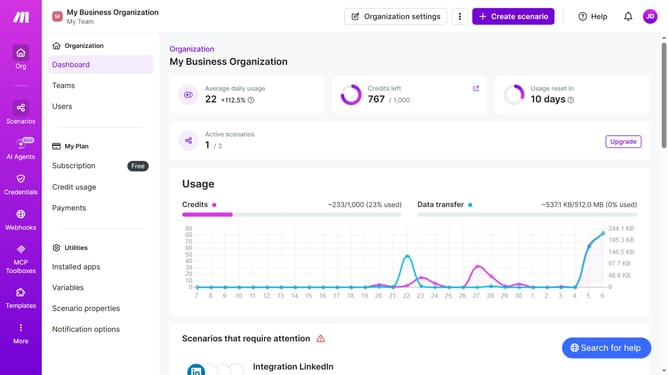
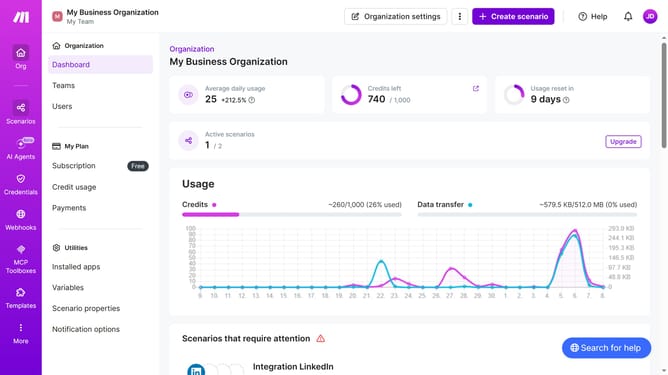
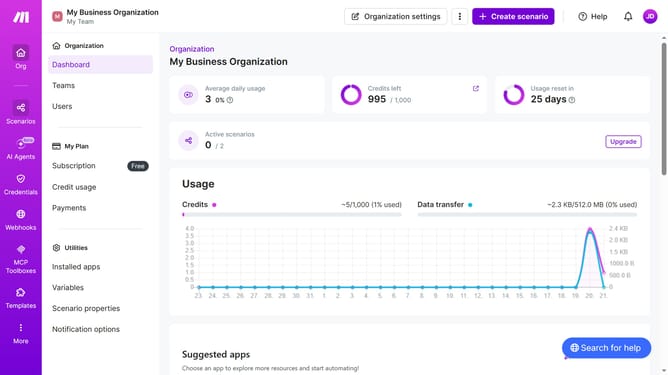
- First click on the three dots icon in the header next to "Organization settings"
- Then click on "Change billing details" option in the dropdown menu
- Then click on the City input field and enter your city
- Finally click on the "Save" button
Why should you update your city in Make
Make is a powerful platform designed to streamline and automate your workflows effectively.
Updating your city in Make is a straightforward feature that helps keep your location-based data accurate and relevant.
By ensuring that your city information is up-to-date, you optimize your interactions with localized workflows, enhancing efficiency and productivity.
This feature empowers users to customize their experience based on their current location, ensuring seamless integration with local operations and tasks.
Last update