How to deactivate a scenario in Make
Here is how to deactivate a scenario in make
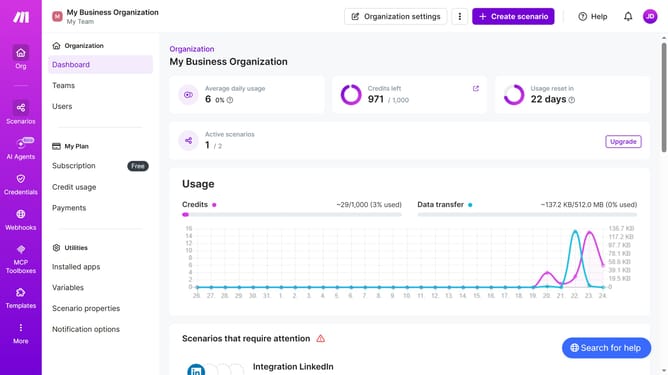
- First click on "Scenarios" button in the left sidebar
- Then click on the name of the scenario that you want to manage from the main content area
- Finally click on the "Active" toggle off to disable it
Why should you deactivate a scenario in Make
Make is a versatile automation platform designed to streamline complex workflows with ease.
One of its essential features is the ability to deactivate a scenario, offering users control and flexibility in their automation processes.
Deactivating scenarios in Make helps pause workflows efficiently, allowing you to manage resources effectively and avoid unwanted automation during changes or updates.
This feature not only maximizes the user experience but also enhances operational efficiency by ensuring that workflows run only when needed, preventing both disruptions and wasted resources.
Last update