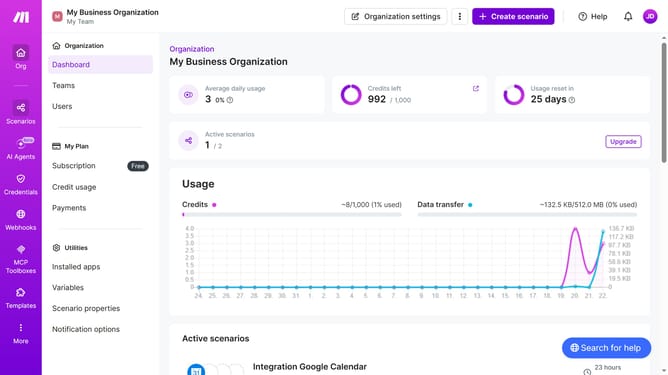
How to set regular interval time of running schedule of a Mailchimp scenario in Make
Here is how to set regular interval time of running schedule of a mailchimp scenario in make
- First click on the "Scenarios" button in the left sidebar
- Then click on the Mailchimp scenario
- Next click on the "Options" button
- After that select "Scheduling" from the dropdown menu
- Then click on the "Minutes" input field and enter your preferred number of minutes interval
- Finally click on the "Save" button
Why should you set regular interval time of running schedule of a Mailchimp scenario in Make
Make is a powerful automation platform designed to streamline workflow processes and boost efficiency.
Setting a regular interval time for running a Mailchimp scenario in Make allows for consistent and automatic updates. This feature ensures your email campaigns are dispatched timely, freeing you from manual oversight.
Utilizing this scheduling function allows for better time management and more strategic planning. It's an effective way to maintain consistent communication with your audience without the need to micromanage every detail.
Last update