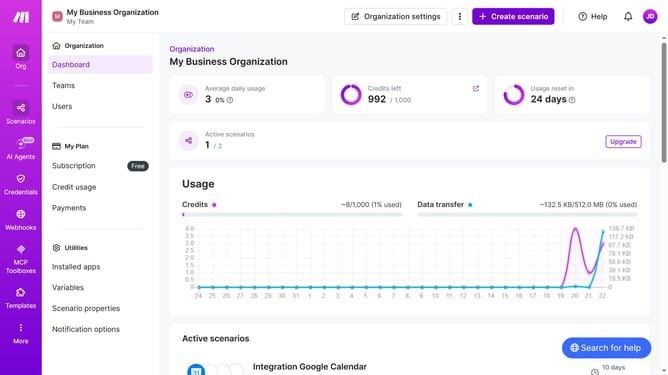
How to set a monthly running schedule of a Zapier scenario in Make
Here is how to set a monthly running schedule of a zapier scenario in make
- First click on "Scenarios" item in the left sidebar
- Then click on the "Zapier" scenario
- Then click on the "Options" dropdown
- Then select "Scheduling" from the options menu
- Then click on the "Run scenario" dropdown
- Then select "Monthly" from the dropdown
- Finally click on the "Save" button
Why should you set a monthly running schedule of a Zapier scenario in Make
Make is an intuitive integration platform that simplifies complex workflows by effortlessly connecting your apps.
With the feature to set a monthly running schedule of a Zapier scenario in Make, users can streamline repetitive tasks while ensuring that key processes occur on a regular cycle.
This capability not only minimizes manual intervention but also optimizes efficiency, allowing users to focus on growth-centric activities.
By automating monthly scenarios, you enhance operational consistency and boost productivity, ensuring seamless business operations.
Last update