How to delete a LinkedIn scenario in Make
Here is how to delete a linkedin scenario in make
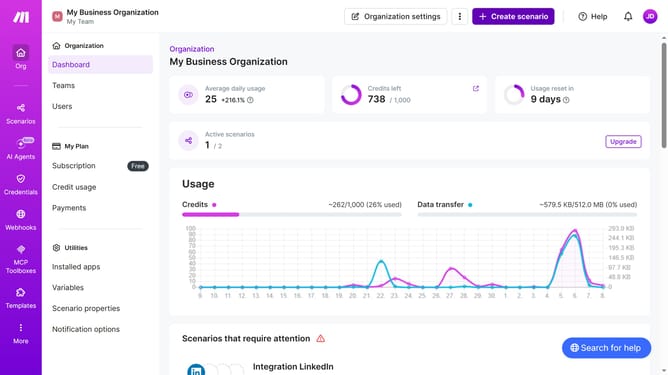
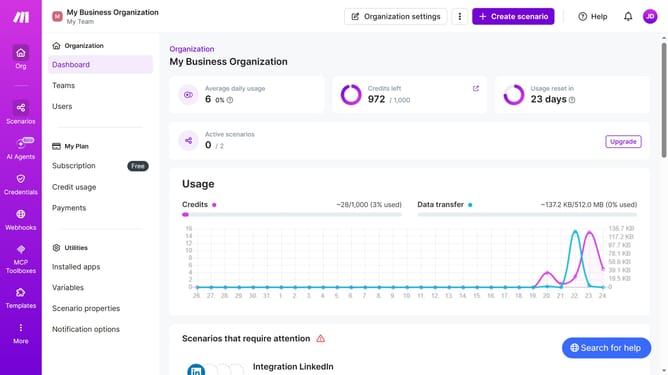
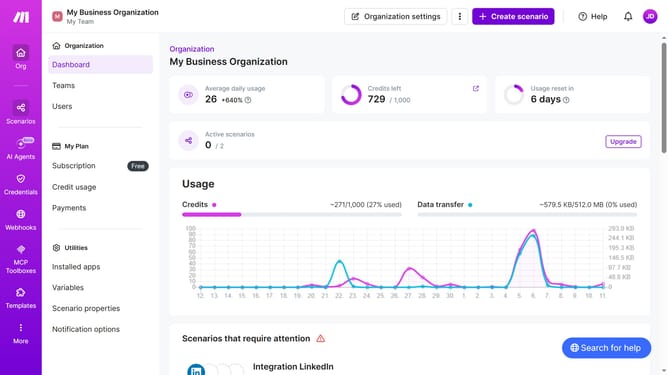
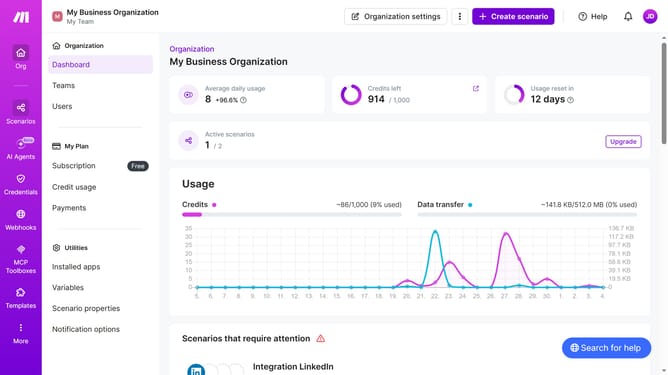
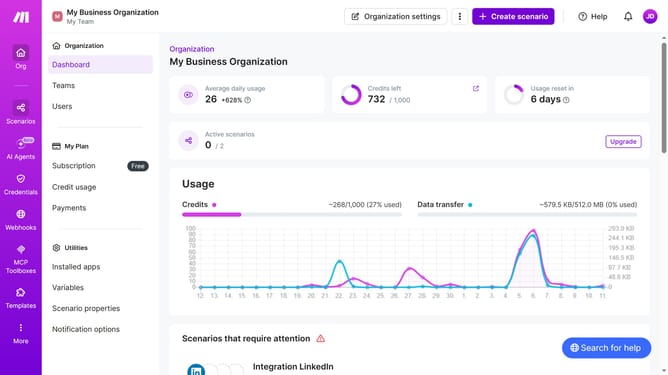
- First, click on the "Scenarios" link in the left sidebar
- Then, click on the three dots icon next to the scenario you want to manage
- Next, select the "Delete" option from the dropdown menu
- Finally, confirm the deletion by clicking the "Delete" button
Why should you delete a LinkedIn scenario in Make
Make is a powerful platform designed to automate your workflows with ease.
Efficiently deleting a LinkedIn scenario in Make ensures your automations remain organized and clutter-free. This feature is designed to streamline your processes without unnecessary distractions.
By managing and deleting scenarios as needed, you maintain focus on what truly matters, enhancing productivity. Embrace simplicity and precision for a more effective and dynamic workflow experience.
Last update