How to duplicate a ChatGPT scenario in Make
Here is how to duplicate a chatgpt scenario in make
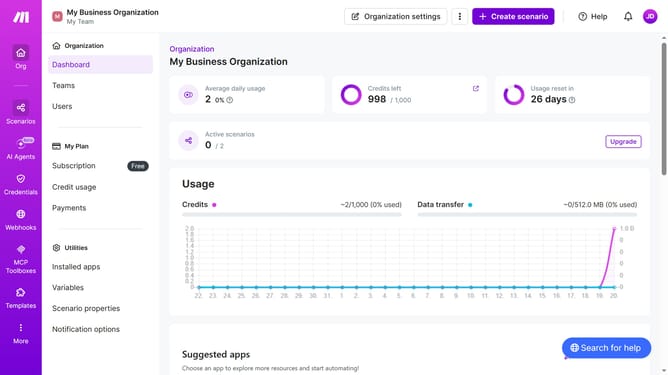
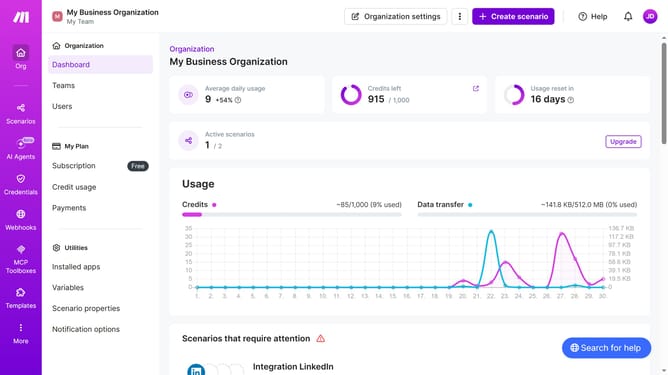
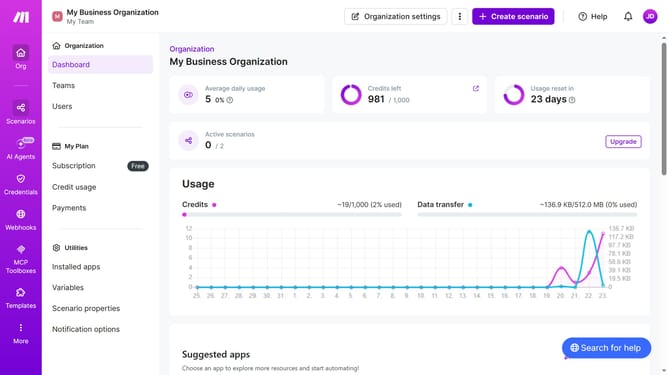
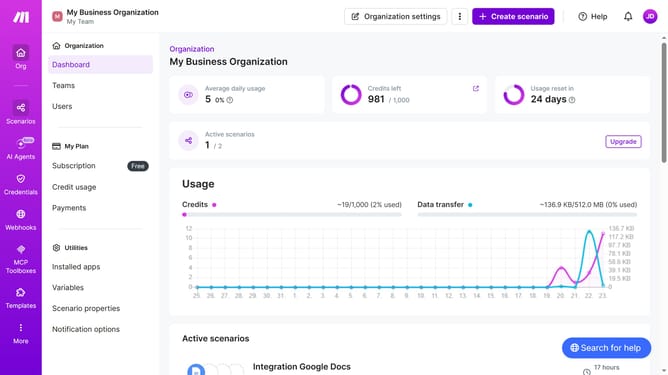
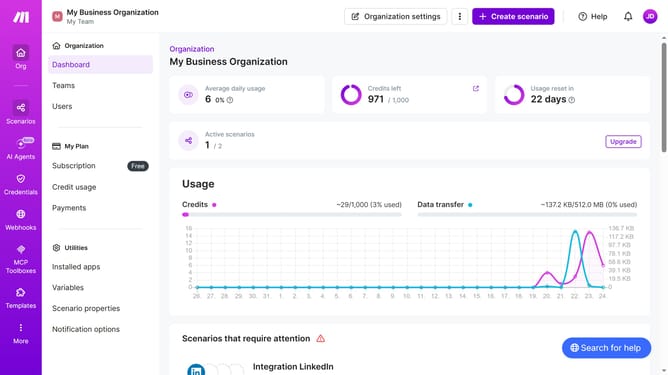
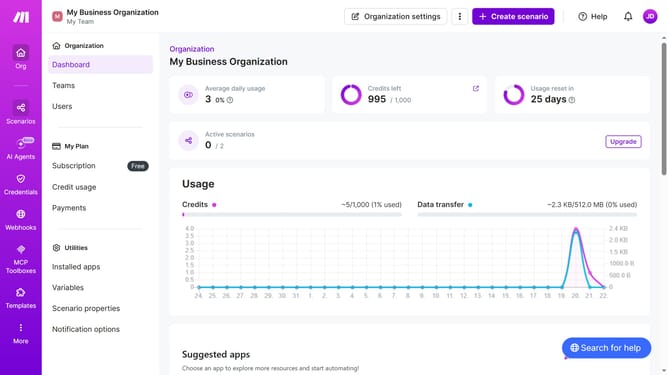
- First, click on "Scenarios" in the left sidebar
- Then, click on the "more options" icon next to the ChatGPT scenario
- Next, select the "Clone" option
- Finally, click on the "Save" button
Why should you duplicate a ChatGPT scenario in Make
Make is a powerful automation platform designed to streamline your workflows effortlessly.
Duplicating a ChatGPT scenario in Make allows you to efficiently reuse and build upon your existing ChatGPT setups without starting from scratch.
This feature enhances productivity by saving time, ensuring consistency, and reducing errors, making your workflow management more efficient.
Using this feature in Make can significantly boost creativity and innovation by enabling seamless iteration and experimentation with your scenarios.
Last update