How to set regular interval running schedule of a Google Calendar scenario in Make
Here is how to set regular interval running schedule of a google calendar scenario in make
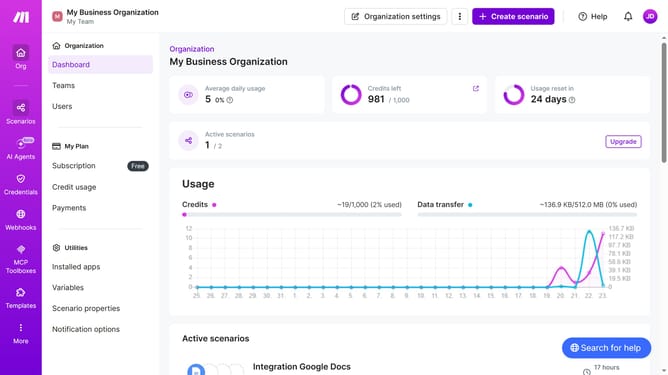
- First, click on "Scenarios" in the left sidebar
- Then, click on the Google Calendar scenario item
- Next, click on the "Options " button in the top right corner
- Then, select "Scheduling" from the dropdown menu
- After that, click on the "Run scenario" dropdown
- Next, select "At regular intervals" from the list of options
- Finally, click on the "Save" button
Why should you set regular interval running schedule of a Google Calendar scenario in Make
Make is an automation platform that connects apps and services to optimize workflows and enhance productivity.
Within Make, setting a regular interval running schedule for a Google Calendar scenario provides a seamless way to automate events and reminders.
This feature ensures your calendar consistently reflects your planned activities, minimizing the risk of oversight and maximizing efficiency.
Automating recurring tasks not only saves time but also increases reliability by systematically handling them without manual intervention.
Last update