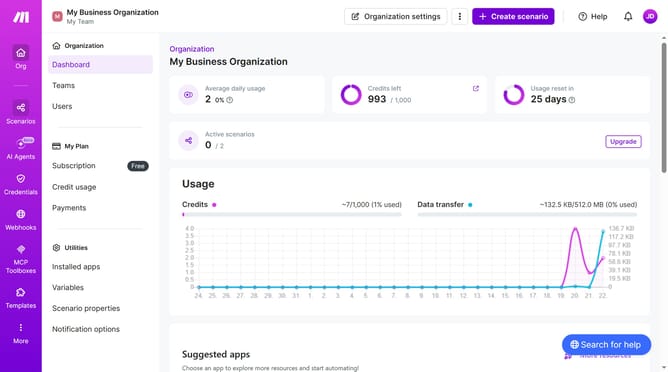
How to set the minutes for a regular interval running schedule for a Open Ai scenario in Make
Here is how to set the minutes for a regular interval running schedule for a open ai scenario in make
- First, from the left sidebar, click on "Scenarios" link
- Then, click on the OpenAI (ChatGPT, Sora, DALL-E, Whisper) scenario
- Next, click on the "Options" button in the top right section
- Then, from the dropdown menu, select "Scheduling" option
- Next, click and enter a value in the "Minutes" input field
- Finally, click on the "Save" button
Why should you set the minutes for a regular interval running schedule for a Open Ai scenario in Make
Make is a versatile automation platform that connects apps and services to streamline workflows effortlessly.
Setting the minutes for a regular interval running schedule for an OpenAI scenario in Make optimizes task management with precision. This feature allows users to control how frequently their scenarios execute, ensuring that tasks like data updates and content generation run on time without manual intervention.
By customizing the intervals, users can maintain a seamless operation flow, enhance productivity, and save valuable time, ultimately boosting efficiency in any automated setup.
Last update