How to delete a Google Calendar scenario in Make
Here is how to delete a google calendar scenario in make
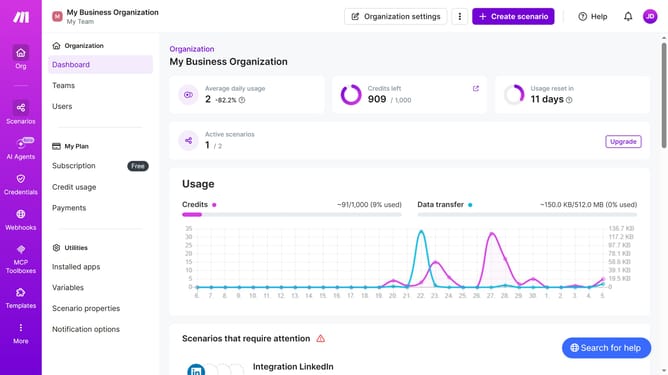
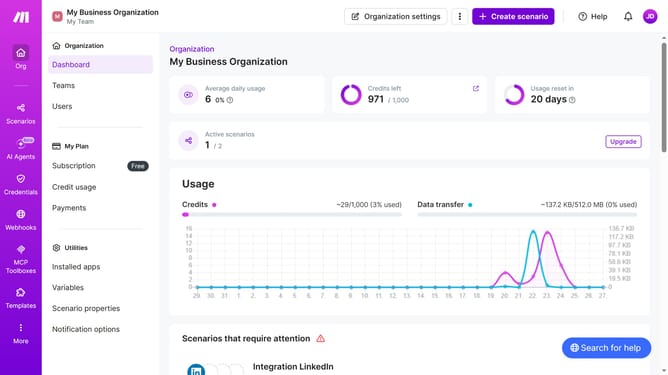
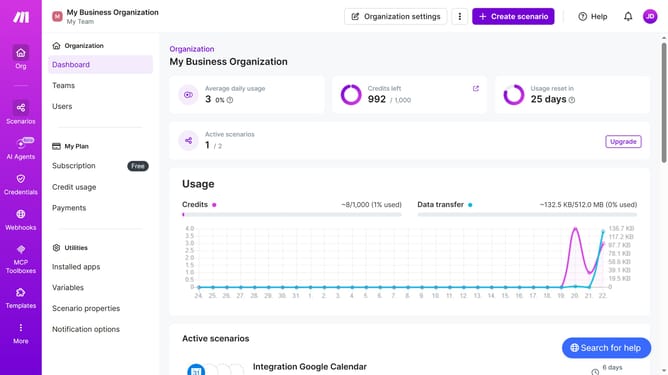
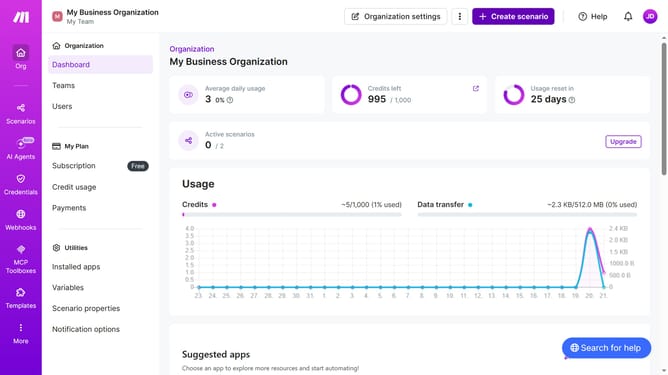
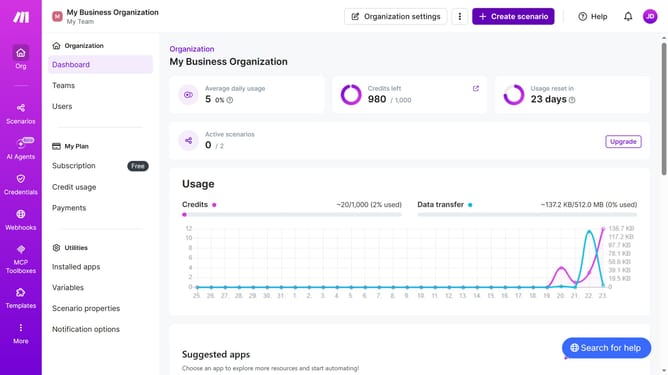
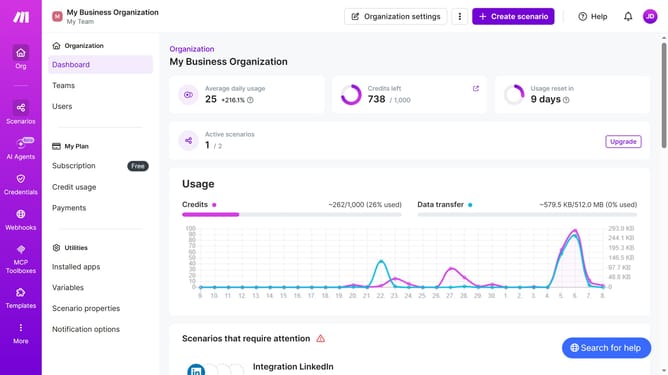
- First click on "Scenarios" item in the left sidebar
- Then click on the three dots icon next to the Google Calendar scenario that you want to delete
- Next, select the "Delete" option from the context menu
- Finally, click the "Delete" button to confirm the deletion
Why should you delete a Google Calendar scenario in Make
Make is an intuitive automation platform designed to streamline workflows effortlessly.
Deleting a Google Calendar scenario is a key feature within Make, offering the ability to maintain a tidy and relevant calendar environment.
This feature provides users with enhanced control over their schedule, ensuring outdated or unneeded scenarios are efficiently removed, which promotes better organization and focus.
By simplifying the cleaning of calendar data, Make ensures that users can achieve heightened productivity and clarity in their daily agenda.
Last update