How to set time for a daily running schedule for Open Ai scenario in Make
Here is how to set time for a daily running schedule for open ai scenario in make
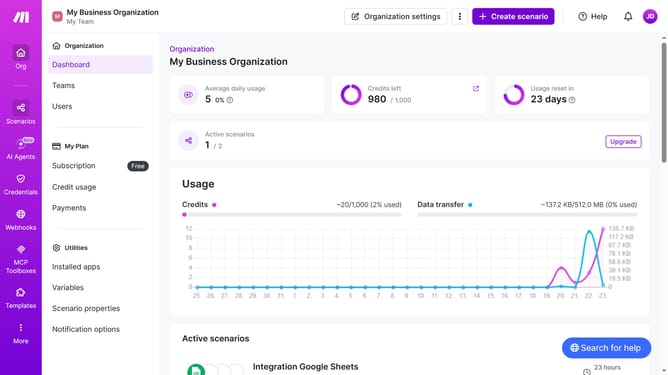
- First, click on the "Scenarios" item in the left sidebar menu
- Then, click on the OpenAI (ChatGPT, Sora, DALL-E, Whisper) scenario
- Next, click on the "Options" button in the header
- After that, click on the "Scheduling" option in the dropdown menu
- Then, click on the time input field and enter value to set the schedule time
- Finally, click on the "Save" button to confirm the changes
Why should you set time for a daily running schedule for Open Ai scenario in Make
Make is a powerful automation platform designed to streamline workflows by connecting apps, services, and devices together seamlessly.
Setting a time for a daily running schedule in an Open AI scenario in Make ensures that your automations run precisely when needed. This feature allows users to harness the full potential of AI by executing tasks on a perfectly timed basis without manual intervention.
Utilizing this scheduling capability enhances efficiency, consistency, and productivity, enabling users to focus on strategic tasks while letting technology handle routine operations.
Last update