How to duplicate a Google Forms scenario in Make
Here is how to duplicate a google forms scenario in make
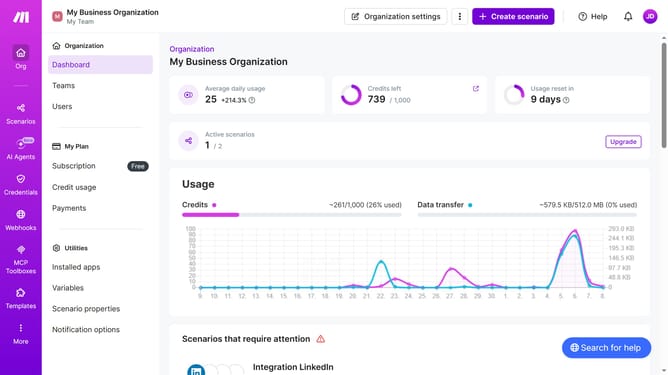
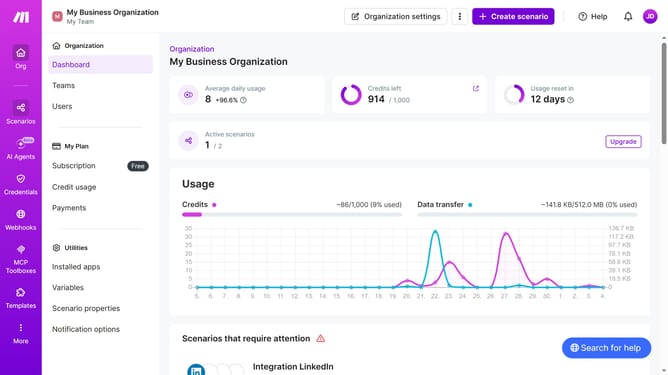
- First click on "Scenarios" in the left sidebar menu
- Then click on the more actions button for the Google Forms scenario
- Select "Clone" option from the dropdown menu
- Finally, click on the "Save" button
Why should you duplicate a Google Forms scenario in Make
Make is a versatile automation platform designed to streamline processes and connect multiple applications effortlessly.
Duplicating a Google Forms scenario in Make allows users to efficiently manage form data and workflows with ease.
By recreating scenarios in Make, you harness effective automation, reduce repetitive tasks, and ensure data accuracy.
This leads to enhanced productivity and a more organized workflow, empowering users to focus on what truly matters.
Last update