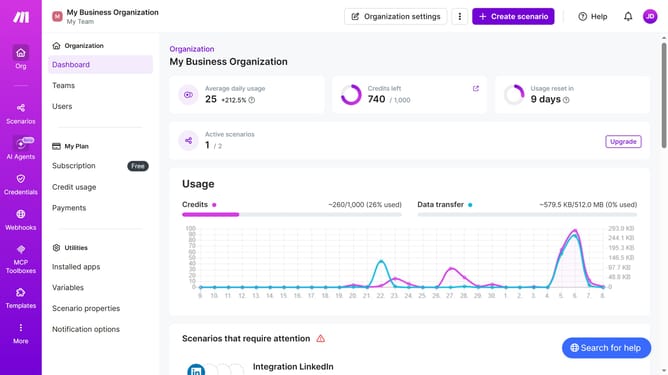
How to manage interval time of running schedule of a Open Ai scenario in Make
Here is how to manage interval time of running schedule of a open ai scenario in make
- First, click on "Scenarios" in the left sidebar
- Then, click on the OpenAI (ChatGPT, Sora, DALL-E, Whisper) scenario
- Next, click on the "Options" button in the top menu to reveal more options
- After that, select "Scheduling" from the dropdown menu
- Then, in the "Schedule settings" modal, click the "Minutes" field and enter value
- Next, click on the "Save" button
- Finally, click on the "Activate scenario" button in the confirmation dialog
Why should you manage interval time of running schedule of a Open Ai scenario in Make
Make is a versatile platform designed to automate workflows seamlessly across applications.
Managing the interval time of running schedules in an OpenAI scenario within Make allows users to optimize efficiency without manual intervention. By fine-tuning schedule intervals, users can ensure that their tasks run at the most effective times, balancing system load and resource allocation.
This feature supports strategic planning by allowing flexibility in automation, consequently improving productivity and reducing operational bottlenecks. It empowers users to maximize their workflow efficiency while minimizing unnecessary delays.
Last update