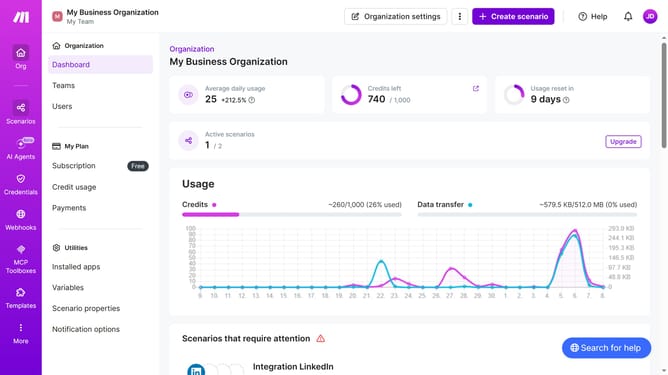
How to set time for a weekday running schedule for Zapier scenario in Make
Here is how to set time for a weekday running schedule for zapier scenario in make
- First click on "Scenarios" in the left sidebar
- Then click on the "Zapier" scenario
- Then click on "Options " button
- Then click on "Scheduling" option
- Then click on the time input field and edit time
- Finally click on "Save" button
Why should you set time for a weekday running schedule for Zapier scenario in Make
Make is a powerful automation platform designed to streamline and connect applications seamlessly.
Setting a weekday running schedule for a Zapier scenario in Make is straightforward and efficient. With this feature, you can ensure that your automations execute only during specific days and hours, perfect for workweek operations.
This capability allows you to maintain optimal productivity, avoid unnecessary runs, and improve workflow management, making your tasks aligned perfectly with your work schedule.
Last update