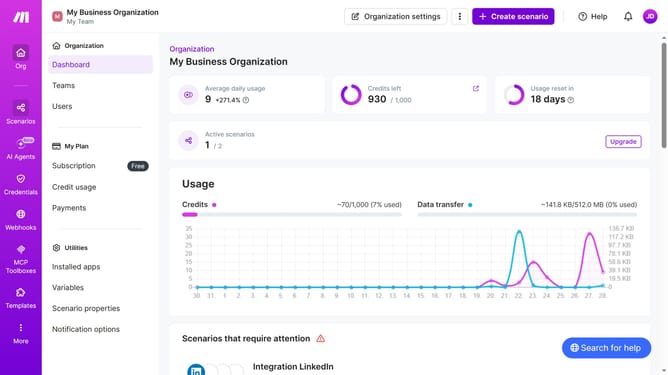
How to duplicate a Zapier scenario in Make
Here is how to duplicate a zapier scenario in make
- First click on "Scenarios" item in the left sidebar menu
- Then click on the three dots icon in the top right corner of the scenario that you want to duplicate
- After that, select "Clone" from the dropdown menu
- Next click on the "Create a webhook" button
- Then click on the purple "Save" button
- Finally click on the purple "Save" button to confirm
Why should you duplicate a Zapier scenario in Make
Make is a powerful automation tool designed to streamline your workflows seamlessly.
By duplicating a Zapier scenario in Make, you can effortlessly transition your existing automated tasks into a more versatile platform. This feature empowers you to build more advanced integrations with less effort.
Using Make, you can enjoy enhanced control and customization, making your automated processes more efficient. The ability to duplicate scenarios ensures consistency in performance while saving time on re-creating complex workflows from scratch.
Last update