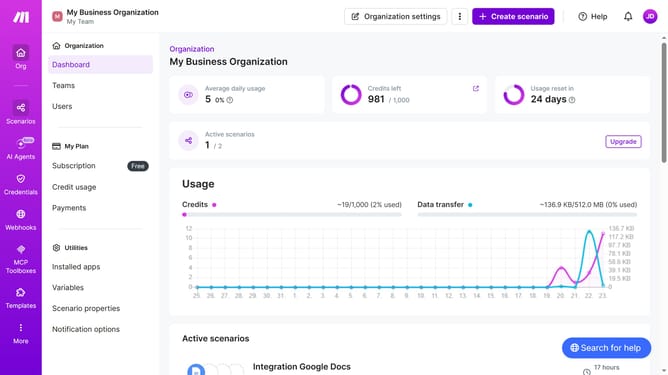
How to set a weekday running schedule for Zapier scenario in Make
Here is how to set a weekday running schedule for zapier scenario in make
- First click on "Scenarios" in the left sidebar
- Then click on the "Zapier" scenario
- Next click on the "Options" button in the header menu
- Then select "Scheduling" from the opened dropdown
- After that click on "Run scenario" in the "Schedule settings" window
- Then select "Weekdays (Mon - Fri)" from the dropdown
- Finally click on the "Save" button
Why should you set a weekday running schedule for Zapier scenario in Make
Make is the ultimate automation platform that connects your apps and moves information between them automatically.
Setting a weekday running schedule for a Zapier scenario in Make ensures that your automated tasks are perfectly aligned with your workweek.
This feature allows you to specify which days your workflows should run, optimizing productivity and preventing unnecessary runs during weekends.
Using this feature in Make ensures that your business processes are more efficient, saving time and reducing potential errors, without any manual intervention.
Last update