How to set regular interval time of running schedule of a Shopify scenario in Make
Here is how to set regular interval time of running schedule of a shopify scenario in make
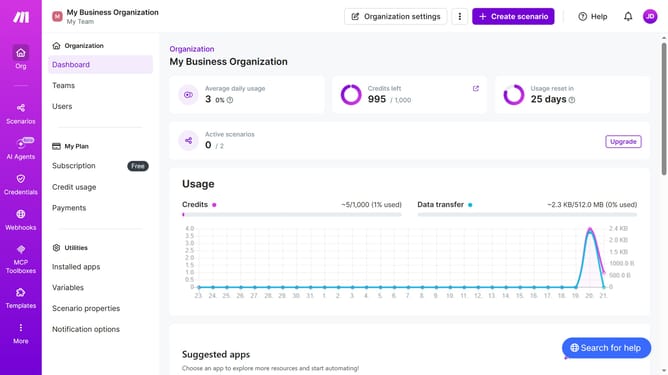
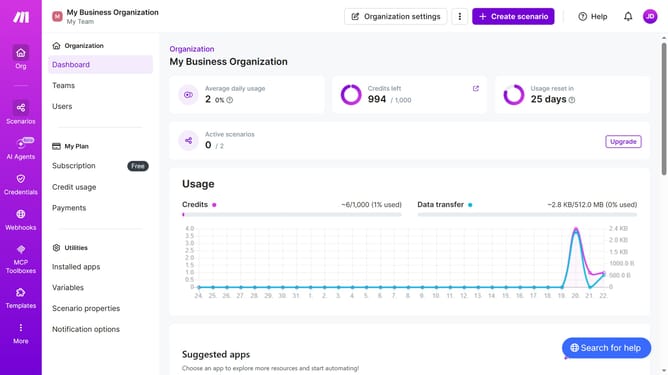
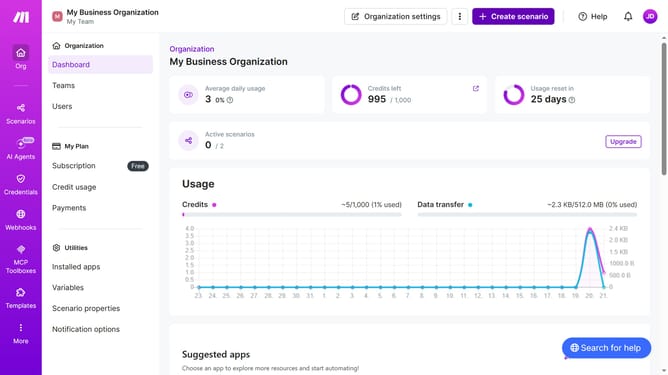
- First click on "Scenarios" item in the left sidebar
- Then click on the row with "Shopify" scenario
- Then click on the "Options" button in the header
- Then select "Scheduling" from the dropdown menu
- Then enter your preferred minute interval in the "Minutes" input field
- Finally click on the "Save" button
Why should you set regular interval time of running schedule of a Shopify scenario in Make
Make is a versatile automation platform designed to streamline and connect your favorite apps effortlessly.
Setting a regular interval time for running a Shopify scenario in Make empowers your business by optimizing operational efficiency. By automating this process, you ensure that updates and tasks occur consistently without manual intervention, greatly enhancing productivity.
This reliable scheduling feature means your Shopify scenarios run at precise intervals, avoiding bottlenecks and freeing up resources for strategic planning. Experience seamless operations and focus on growing your business using this powerful automation strategy.
Last update