How to delete a Mailchimp scenario in Make
Here is how to delete a mailchimp scenario in make
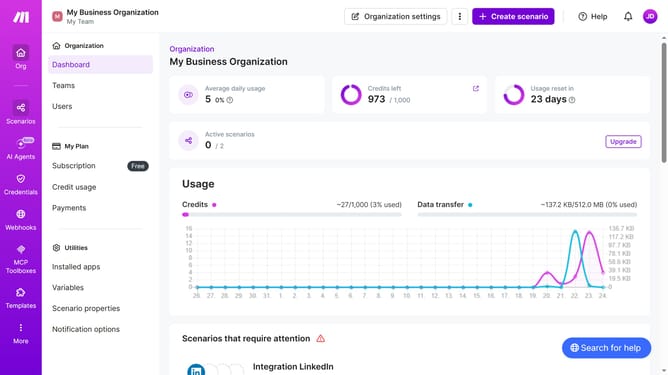
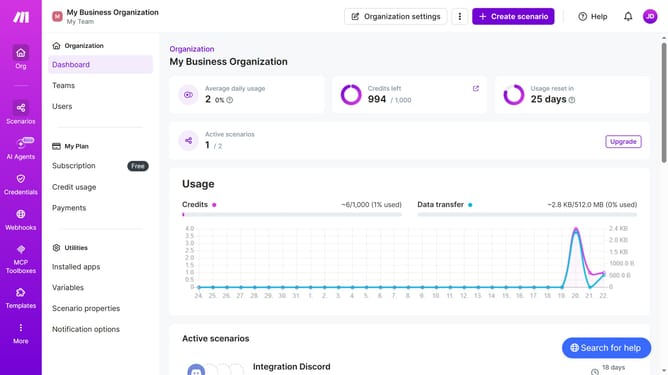
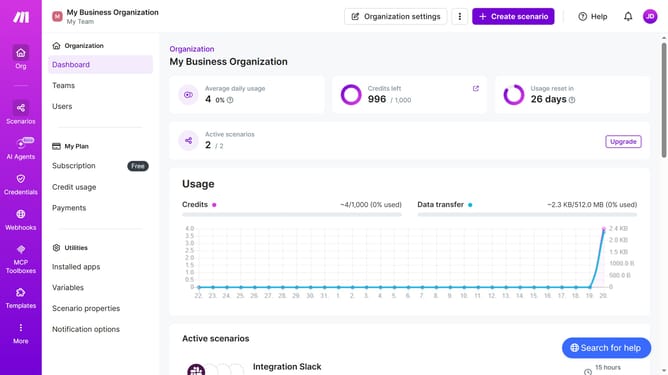
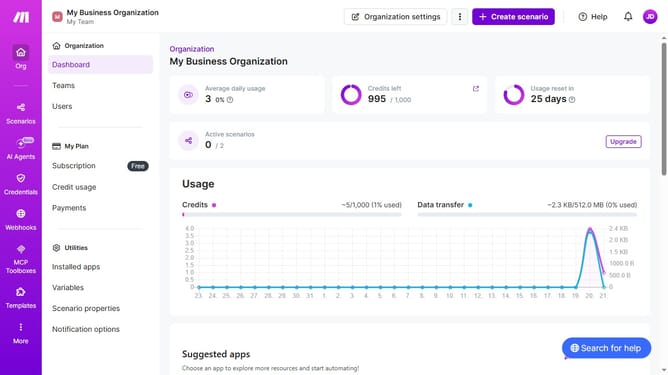
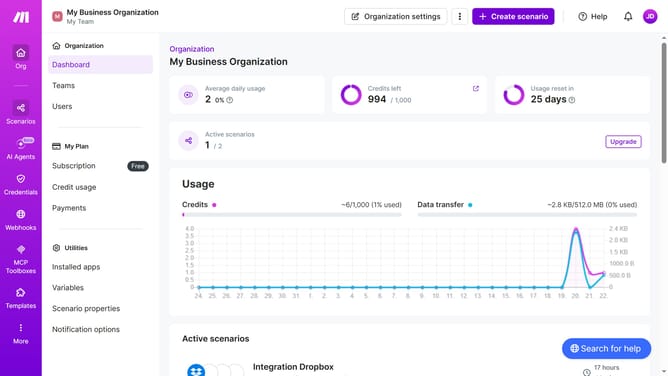
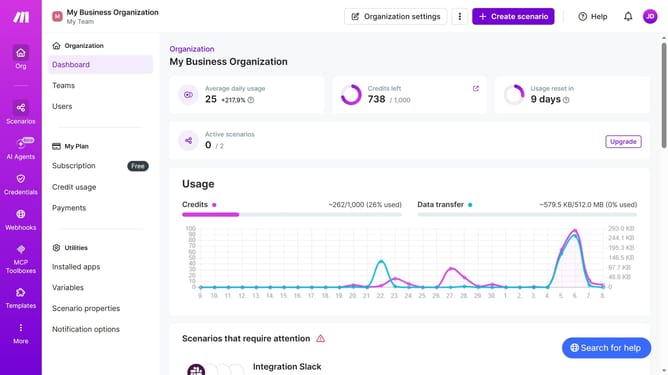
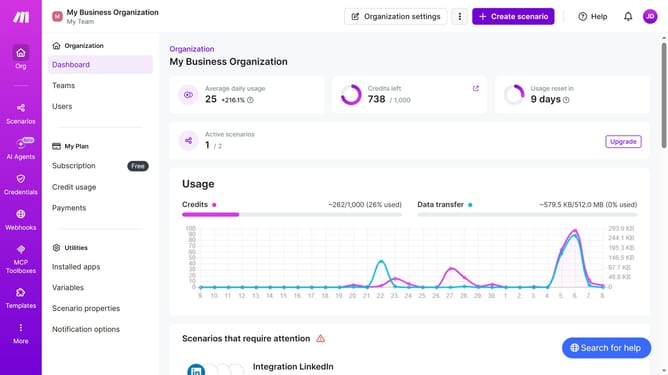
- First click on "Scenarios" in the left sidebar
- Then click on the "three dots" icon to open the options menu next to the Mailchimp scenario that you want to delete
- Next, select the "Delete" option
- Finally click on the "Delete" button to confirm the action
Why should you delete a Mailchimp scenario in Make
Make is a powerful automation platform designed to streamline workflows by connecting various apps and services.
When it comes to managing automation efficiently, deleting a Mailchimp scenario in Make can help in keeping your processes organized and clutter-free.
Removing outdated or unnecessary scenarios ensures that your system remains efficient, saving resources and avoiding potential errors.
This streamlined approach not only enhances productivity but also optimizes the overall performance of your automation tasks.
Last update