How to delete a Zapier scenario in Make
Here is how to delete a zapier scenario in make
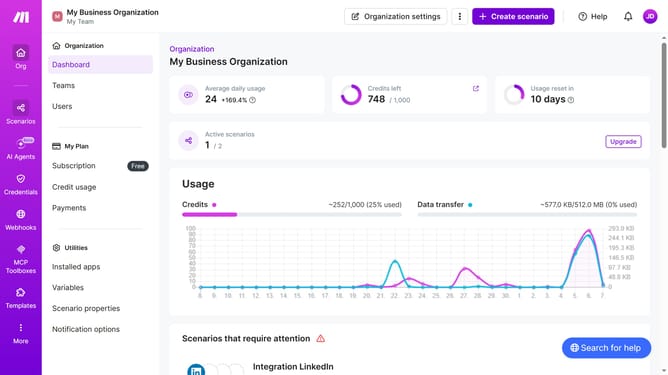
- First click on "Scenarios" in the left sidebar
- Then click on the three dots icon next to the scenario that you want to delete
- Next click on the "Delete" option in the dropdown menu
- Finally click on the "Delete" button to confirm
Why should you delete a Zapier scenario in Make
Make is a powerful automation platform designed to streamline workflows across numerous apps and services.
Deleting a Zapier scenario in Make is a straightforward process that enhances organization and efficiency. By removing outdated or redundant workflows, users can focus on the scenarios that truly drive productivity.
This feature not only helps maintain a clutter-free dashboard but also ensures optimal performance by reducing unnecessary tasks running in the background.
As a result, users enjoy a more seamless and effective automation experience.
Last update