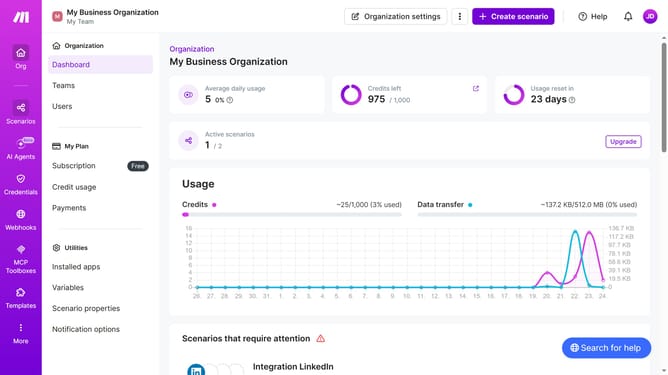
How to add time for a weekday running schedule for Google Calendar scenario in Make
Here is how to add time for a weekday running schedule for google calendar scenario in make
- First click on "Scenarios" item in the left sidebar
- Then click on the Google Calendar" item from the list of scenarios
- Click on the "Options" button in the header of the scenario details page
- Then select "Scheduling" from the dropdown menu
- Click on "+ Add more times" button to add a new time slot
- Then click on the "Time 2" input field and enter your preferred time
- Finally click on the "Save" button
Why should you add time for a weekday running schedule for Google Calendar scenario in Make
Make is a powerful tool designed to seamlessly integrate and automate tasks across different applications.
Adding time for a weekday running schedule in Google Calendar using Make allows you to automate the process effortlessly, ensuring consistency and reliability.
This capability helps you maintain a well-organized schedule, balancing your fitness goals with daily commitments. By incorporating automation, you save precious time and enhance productivity, maintaining focus on what matters most in your daily routine.
Last update