How to invite a user in Make
Here is how to invite a user in make
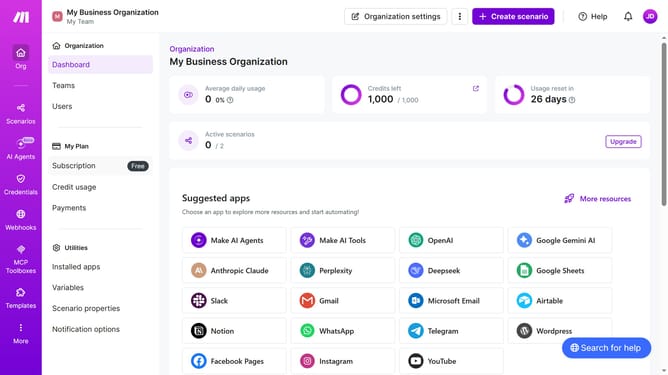
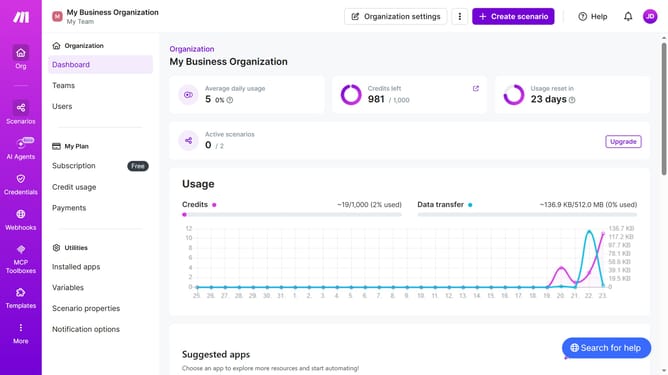
- First click on the three dots icon next to "Organization settings"
- Then click on "Invite user" option from the dropdown menu
- Next, click on the "Email" input field and enter the user's email address
- Then click on the "Name" input field and enter the user's name
- After that, click on the "Role" dropdown menu
- Then select from the role options
- Finally click on the "Save" button
Why should you invite a user in Make
Make is an innovative platform designed to streamline automation for businesses and individuals.
The feature of inviting a user in Make is pivotal for enhancing collaborative efforts within your team or organization. It allows for seamless integration of team members, ensuring everyone can contribute effectively to shared automation workflows.
Utilizing this feature can significantly boost productivity, improve communication, and simplify task management, making it easier to achieve set goals. The ease of inviting users ensures that expanding your collaborative efforts is just a few clicks away.
Last update