How to manage regular interval time of running schedule of a Google Calendar scenario in Make
Here is how to manage regular interval time of running schedule of a google calendar scenario in make
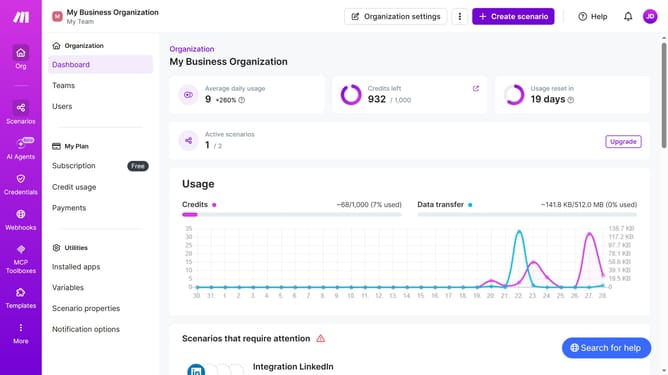
- First click on "Scenarios" item in the left sidebar menu
- Then click on the Google Calendar scenario from the list
- Then click on the "Options" dropdown button
- Then select the "Scheduling" option from the dropdown menu
- Then click on the "Minutes" text field to input the scheduling interval
- Finally click on the "Save" button
Why should you manage regular interval time of running schedule of a Google Calendar scenario in Make
Make empowers you to automate tasks seamlessly, streamlining workflows with ease.
One notable feature in Make is the capability to manage regular interval times for running a Google Calendar scenario. This ensures that your calendar events synchronize automatically, freeing up precious time for more critical tasks.
Utilizing this feature allows for efficient scheduling without manual intervention, reducing error frequency. You'll enjoy smoother operations, consistent updates, and improved productivity.
Last update