How to duplicate a OneDrive scenario in Make
Here is how to duplicate a onedrive scenario in make
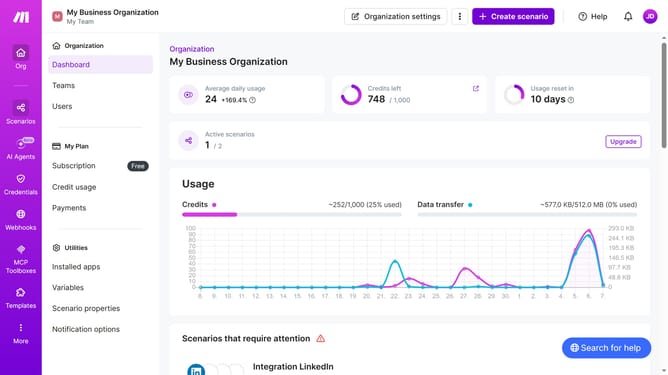
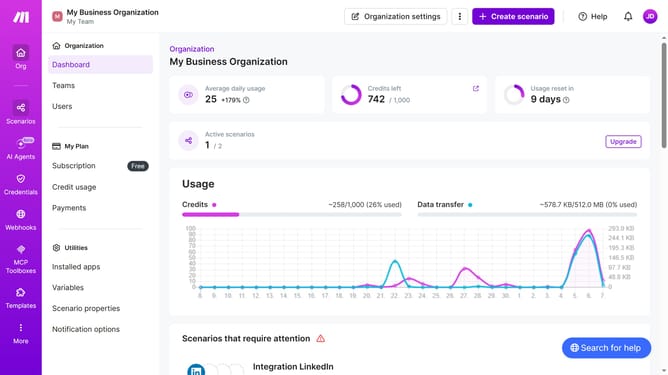
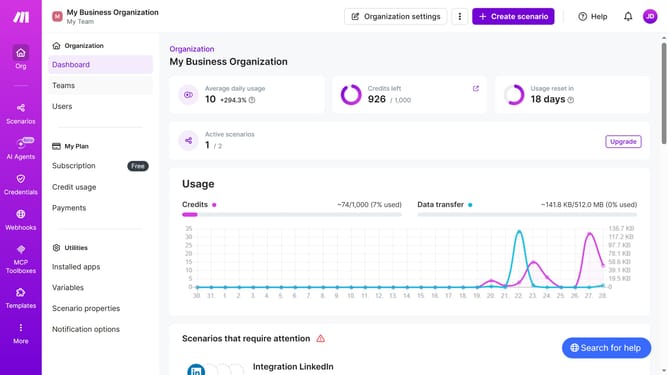
- First click on "Scenarios" item in the sidebar
- Then click on the three dots menu icon
- Next select "Clone" option
- Finally click on "Save" button
Why should you duplicate a OneDrive scenario in Make
Make is a powerful automation platform designed to streamline workflows and enhance productivity.
Duplicating a OneDrive scenario in Make allows you to efficiently replicate processes, saving time and ensuring consistency across your tasks.
This feature is particularly beneficial for managing repetitive actions, as it simplifies setup by reusing existing configurations.
By utilizing this feature, you can maintain seamless operations and focus on tasks that truly require your attention.
Last update