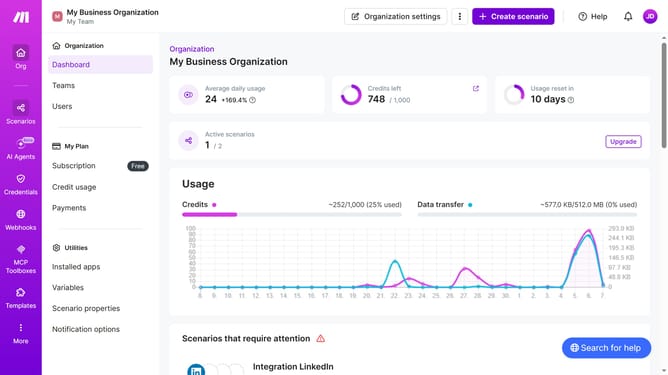
How to set the minutes for a regular interval running schedule for a Trello scenario in Make
Here is how to set the minutes for a regular interval running schedule for a trello scenario in make
- First, click on "Scenarios" in the left sidebar
- Then, click on the Trello scenario in the main section
- Next, click on the "Options" button in the top right corner
- After that, select "Scheduling" from the dropdown menu
- Then, enter in the minute value "Minutes" input field within the "Schedule settings" modal
- Finally, click on the "Save" button
Why should you set the minutes for a regular interval running schedule for a Trello scenario in Make
Make is a powerful automation platform designed to streamline and simplify workflows.
One of its standout features is the ability to set regular interval running schedules for scenarios, such as those in Trello, ensuring tasks are completed timely without manual intervention.
By setting the minutes for these intervals, you can better manage your projects and improve efficiency, ensuring that your automation aligns perfectly with your workflow needs.
This feature helps maintain consistency and enhances productivity by reducing the need for constant monitoring.
Last update